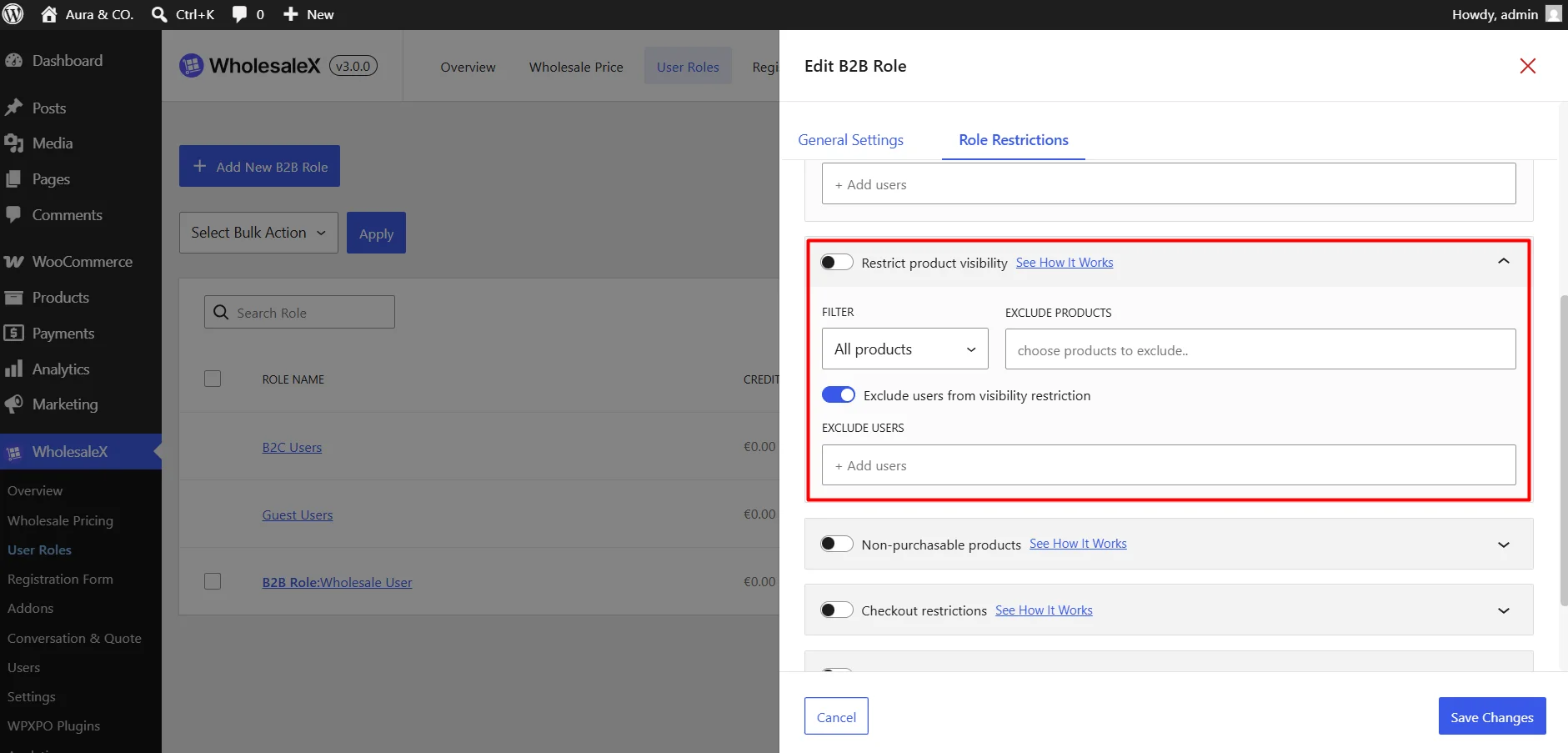
Use these settings to completely hide chosen products, categories, or entire brands from customers assigned to this role.
- Filter: Choose which products the restriction applies to. You can choose all products, a specific product, a category or a brand.
- Select Products: Choose the products/categories/brands you want to hide or show. You can exclude a specific product if the option for all products is selected.
- Exclude Users from Visibility Restriction: Allow selected users to bypass product visibility rules.