
Wholesale Bulk Order Form/Table for WooCommerce
Create a single-page ordering layout where wholesale customers can select multiple products and quantities from one place.
 4.9 out of 5 based on 450+ reviews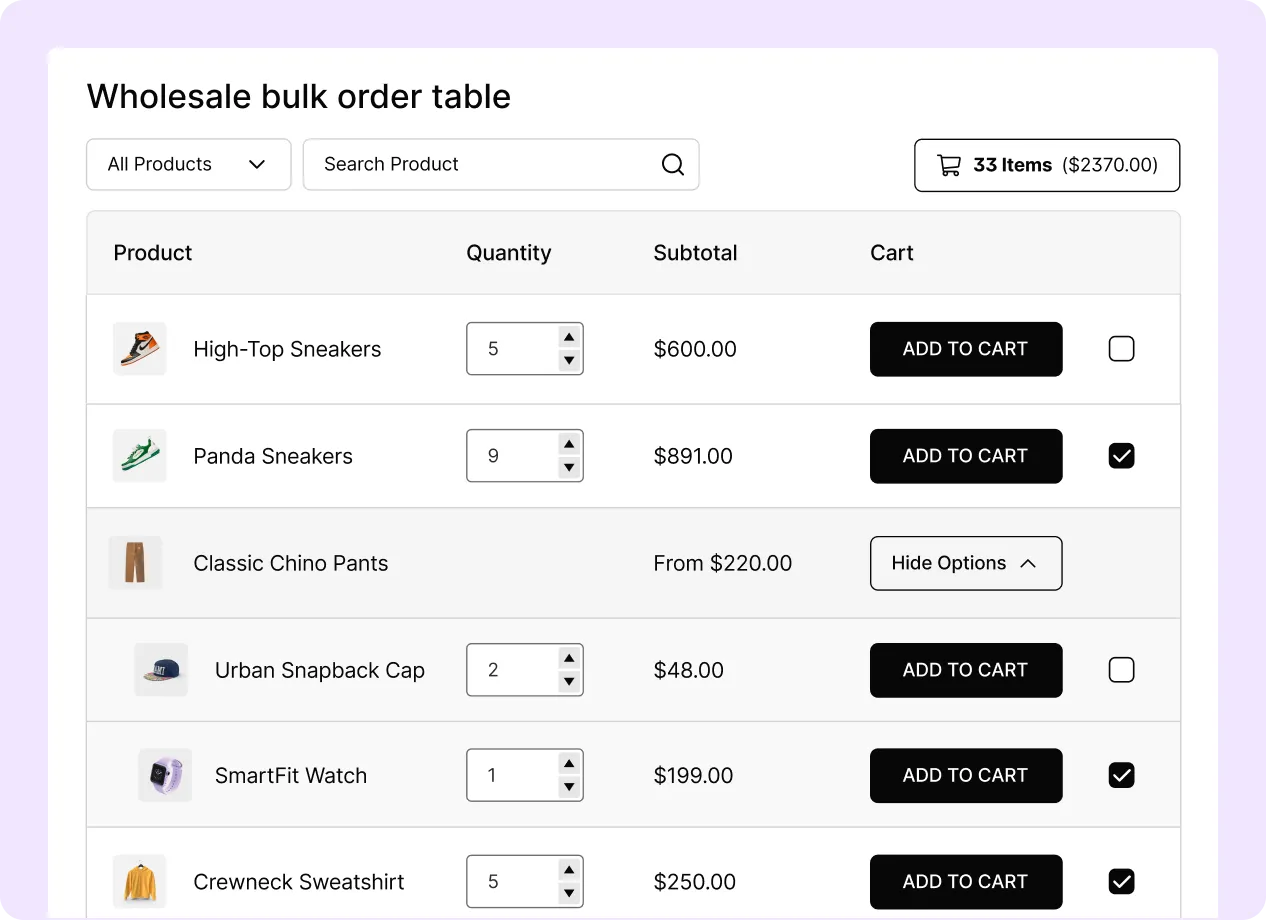
Everything for Faster Bulk Ordering
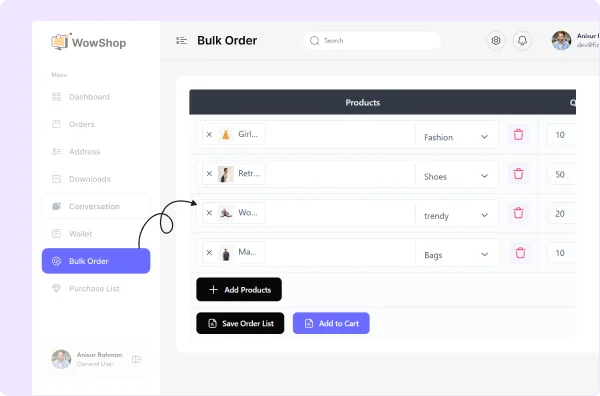
Display Bulk Order Form on My Account Page
Show the bulk order form inside the customer’s account dashboard for easier access after login.
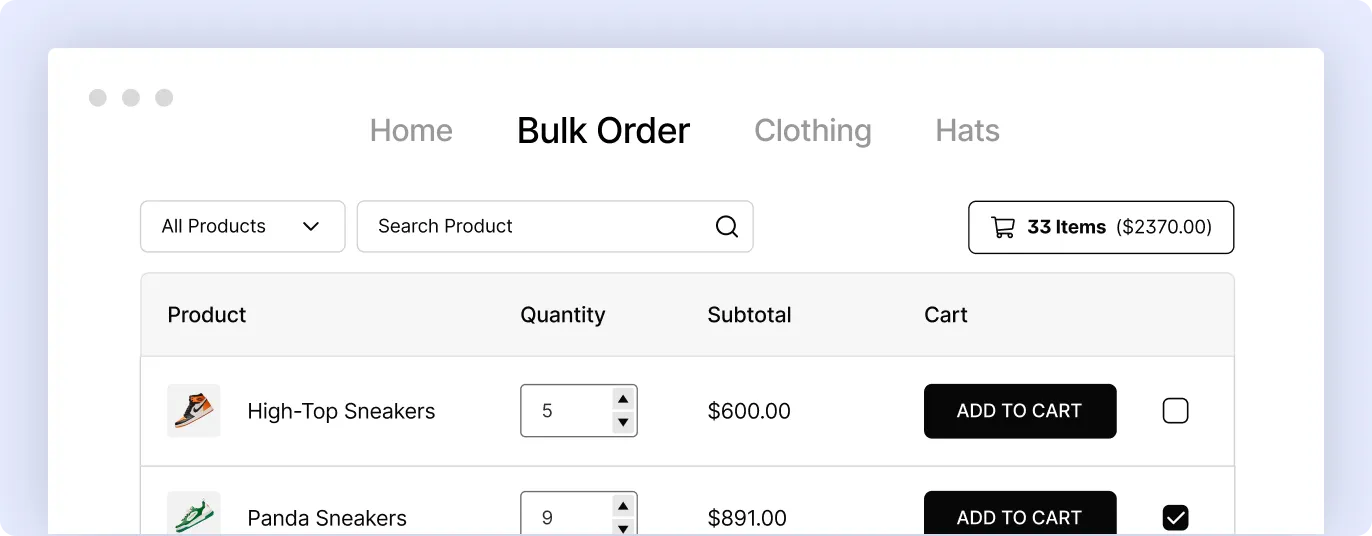
Create a Separate Bulk Order Page
Create a dedicated page where customers can browse products, select quantities, and place bulk orders.
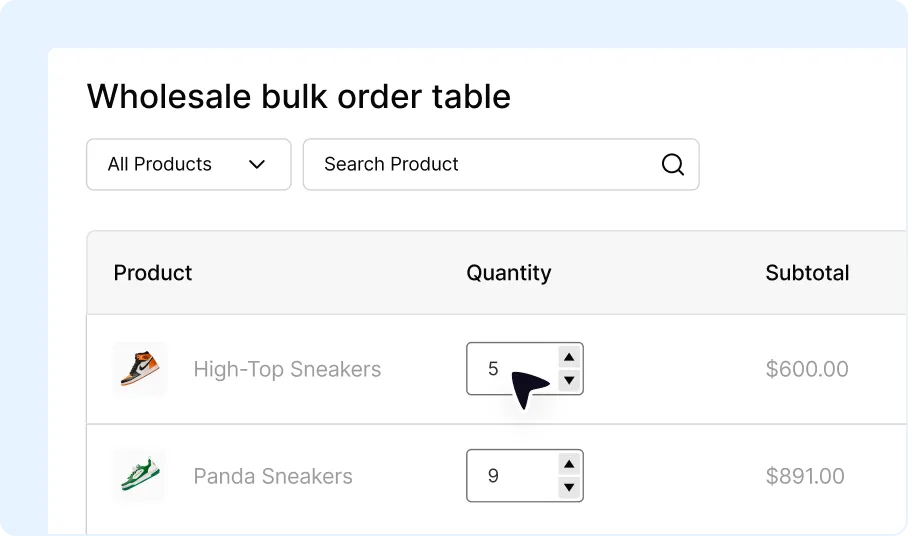
Quick Quantity Selection
Allow customers to enter product quantities directly from the bulk order list.
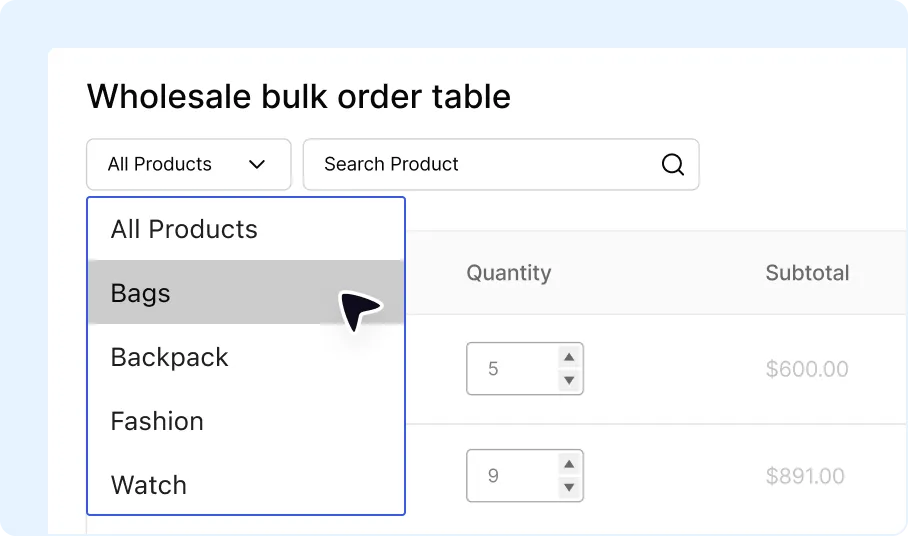
Filter by Category & Tags
Let customers narrow down the product list using category and tag filters.
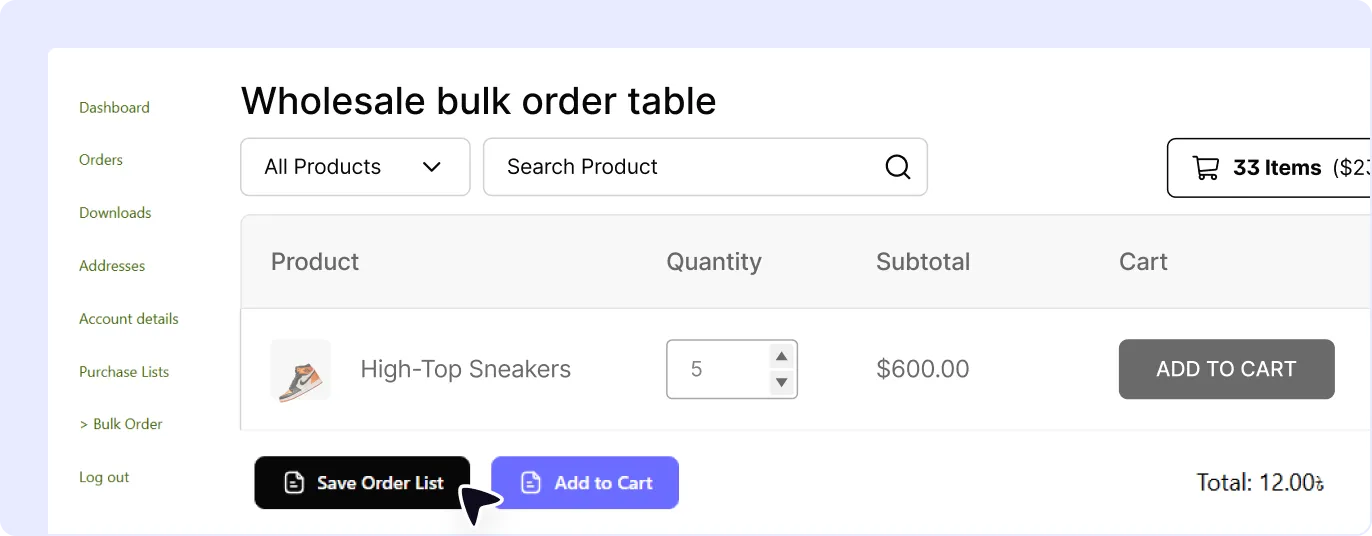
Order Now/Save as Purchase List
Let customers either place the order immediately or save selected items as a purchase list for later use.
Benefits of WooCommerce Bulk Order Forms
A bulk order form changes the standard shopping flow by allowing customers to add multiple products to the cart without opening each product page.
Speed Up the Ordering Process
Display products in a list format so customers can select items and quantities from one page.
Increase Wholesale Order Volume
Make it easier for customers to add multiple products to a single order.
Reduce Order Placement Time
Reduce the number of page visits required to find products, select quantities, and add items to the cart.
Improve the Customer Buying Experience
Provide an ordering interface designed for customers who purchase multiple products at once.
Build a WooCommerce Bulk Order Form in Minutes
A bulk order form can be set up by enabling the feature, choosing the layout, and configuring the display options.

Turn On Bulk Order Form
Enable the bulk order form feature from the WholesaleX settings.

Choose Between Order Form and Table
Select the layout type that matches how you want products to appear on the bulk order page.

Configure and Save
Set the product columns, visibility options, filtering options, and access rules before saving the form.
Frequently Asked Questions
Explore the most frequently asked questions about the Bulk Order Form feature and discover how it streamlines bulk purchasing for your wholesale customers.
Feel free to contact our support team if you have any questions, need assistance, or require guidance. We’re always happy to help and ensure you have the best possible experience.
Start Simplifying Wholesale Bulk Orders
Give wholesale customers a faster way to search products, select quantities, and add multiple items to their cart from one streamlined order form.