
Built-in Conversation System for WooCommerce
Add a messaging system that lets customers and store administrators manage inquiries, quote discussions, and order-related communication.


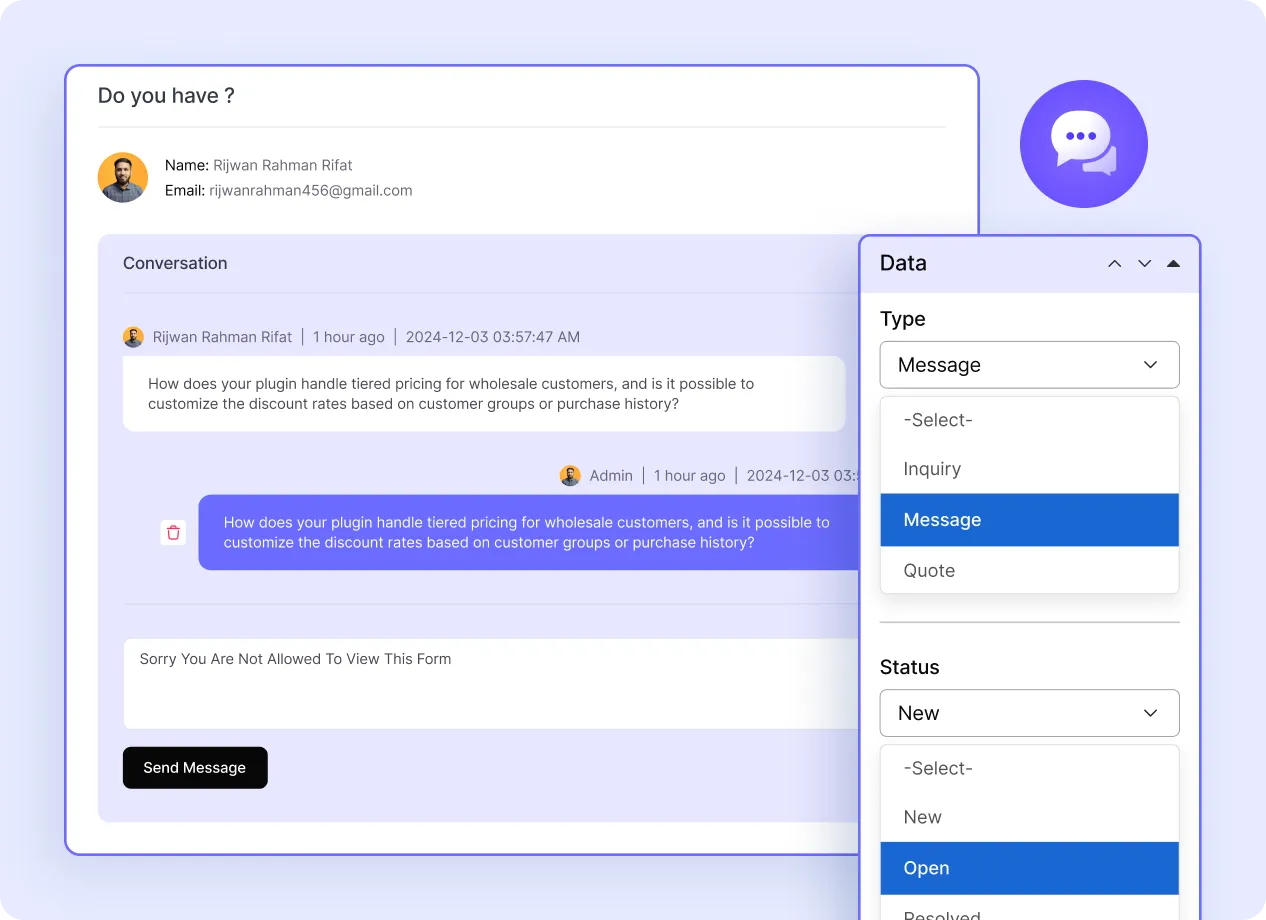
One Place for Every Customer Conversation
Start Conversations from the My Account Page
Let customers send messages to the store administrator from their My Account.
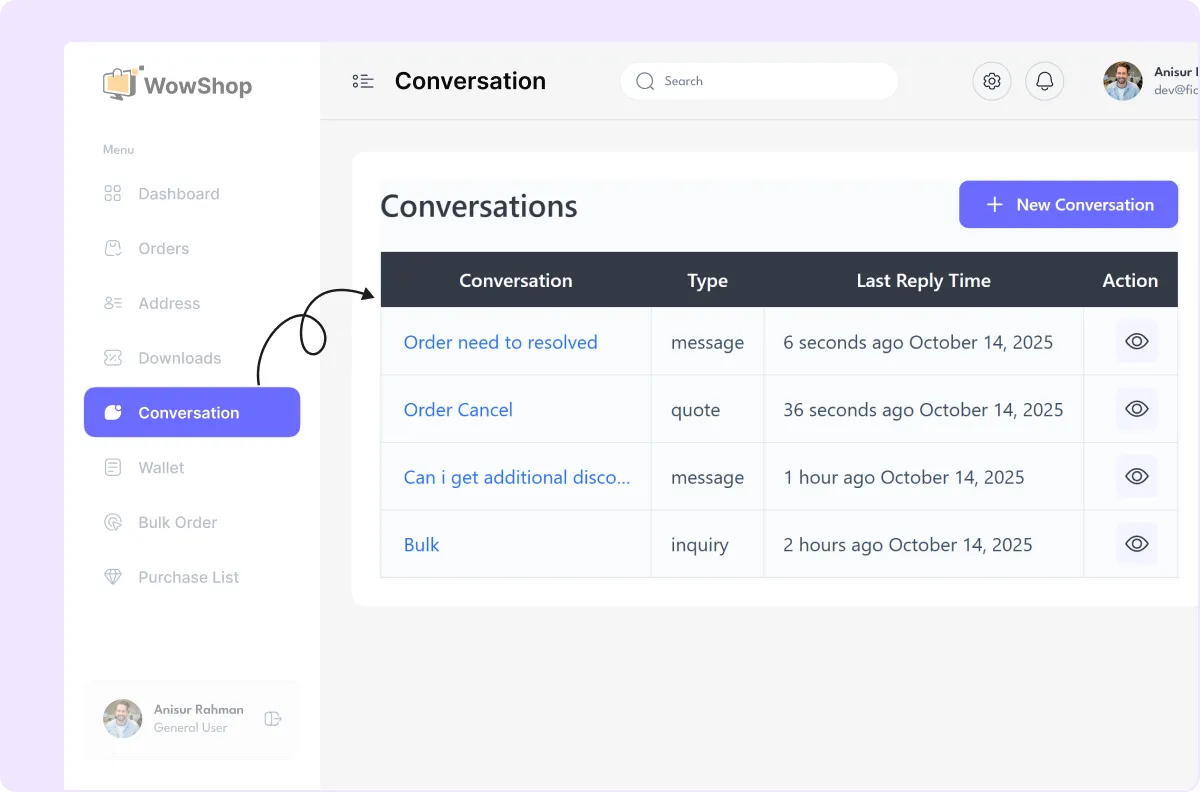
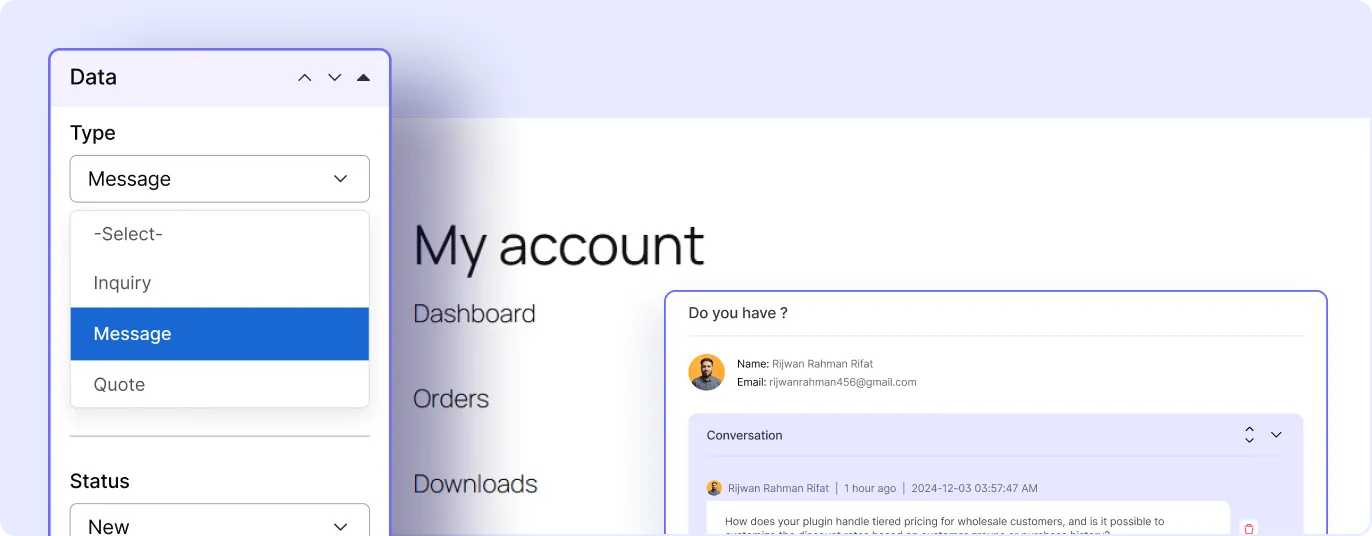
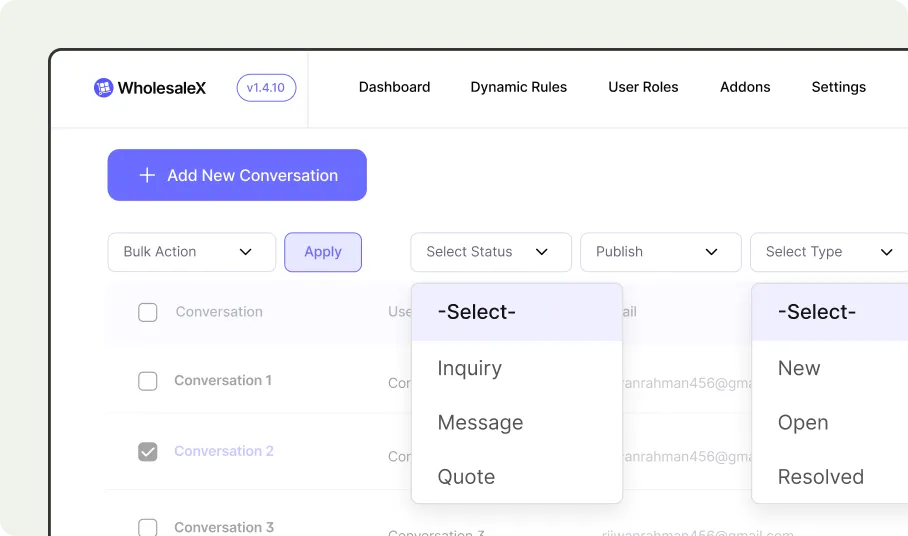
Separate Inquiries, Messages, and Quotes
Organize customer communication by message type, such as general inquiries, regular messages, and quote discussions.
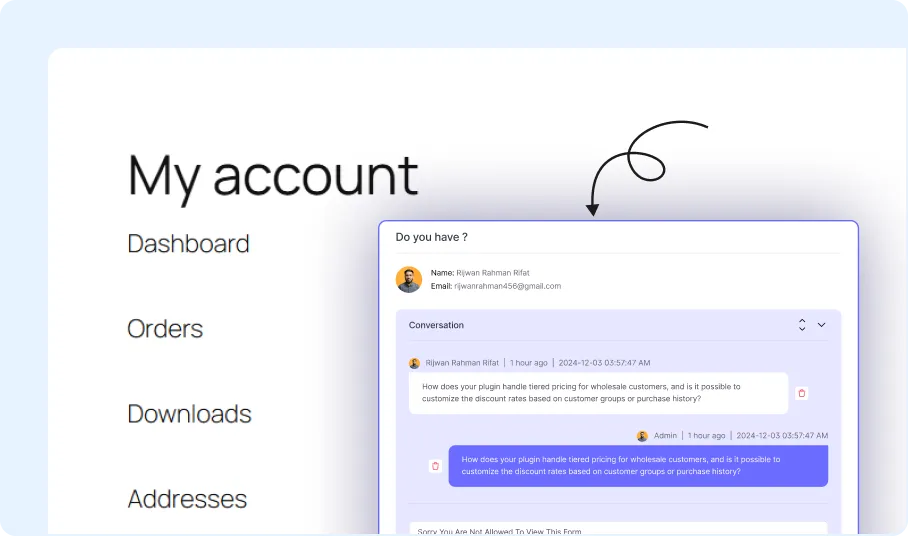
Reply to Customers with Real-Time Messages
Allow store administrators and customers to exchange messages from the conversation panel.
Track Conversation Status
Use status labels to manage open, new, or resolved customer conversations.
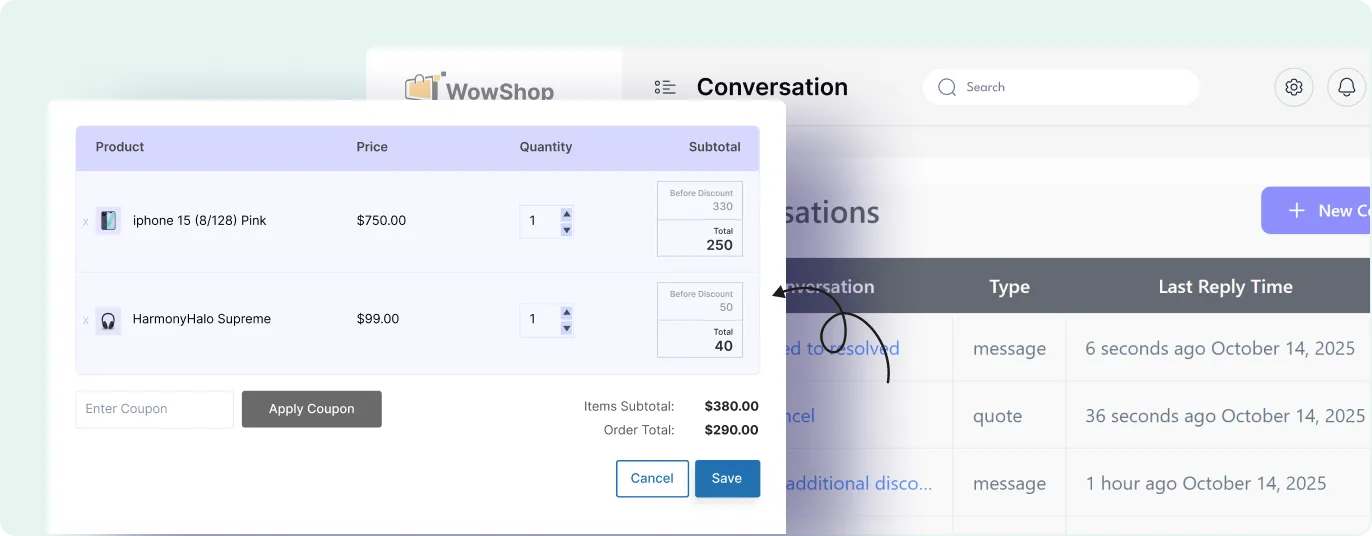
Send Custom Offers
Send custom pricing offers to customers directly within the conversation thread based on their requests.
The Value of Built-In Customer Messaging
A built-in messaging system helps store owners manage customer communication without moving quote, product, or order discussions to separate channels.
Product Inquiries
Let customers ask questions about products before placing an order.
Wholesale Quote Discussions
Keep quote-related messages and pricing discussions in one conversation thread.
Order-Related Questions
Handle customer questions about orders, fulfillment, tracking, or account-related order details.
Pre-Sales Communication
Answer customer questions before they complete registration, request a quote, or place an order.
Post-Sales Support
Provide a communication channel for customers after an order has been placed.
General Customer Messages
Collect general questions, requests, or business inquiries from customers.
Set Up WooCommerce Customer Conversations in Minutes
The conversation system can be configured in three steps: by enabling the addon, adjusting endpoint settings, and setting up email notifications.

Enable the Conversation Addon
Turn on the conversation feature from the WholesaleX addon settings.

Customize Endpoint URLs
Edit the account page endpoint, set the mail list and label text.

Add Emails and Publish
Set the email notification options and save the conversation settings.
Frequently Asked Questions
Explore these frequently asked questions about conversation that you might be curious about.
Feel free to contact our support team if you have any questions, need assistance, or require guidance. We’re always happy to help and ensure you have the best possible experience.
Start Managing Customer Conversations with WholesaleX
Keep customer inquiries, quote discussions, custom offers, and order-related messages organized inside your WooCommerce store.