
Dynamic Discount Rules for WooCommerce
Create discount rules that apply automatically based on products, cart values, quantities, user roles, or purchase conditions.


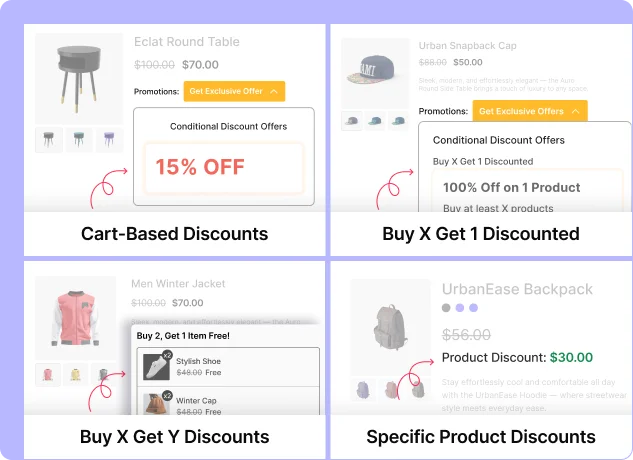
Types of Discount Rules
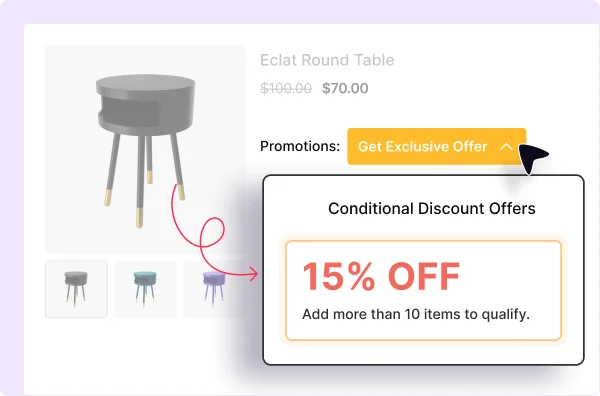
Cart-Based Discounts
Apply a discount when the cart matches defined conditions such as subtotal, quantity, or customer role.
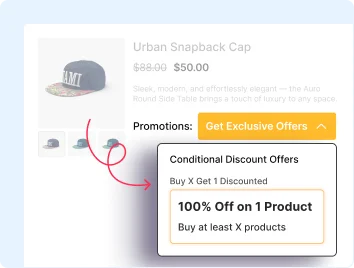
Buy X Get 1 Discounted
Reduce price for one item when customers meet the required quantity.
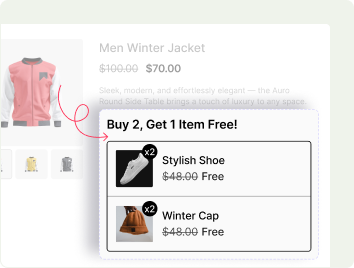
Buy X Get Y Discounts
Create rules where purchasing selected products unlocks discounts on other products.
Specific Product Discounts
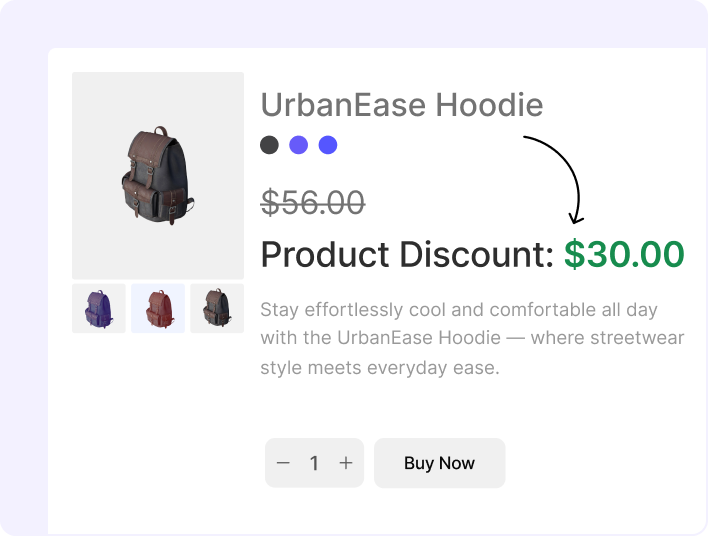
Apply discounts to selected products based on rule conditions.
Why Choose Dynamic Pricing & Discount Rules for WooCommerce?
Dynamic rules help store owners apply & manage pricing and discount conditions automatically, without having to update them manually for every offer.
Encourage Higher Cart Values
Set discount conditions based on cart subtotal, product quantity, or order value.
Boost Sales with BOGO Offers
Add free or discounted products to qualifying orders with BOGO rules.
Promote Products with Buy X Get Y Deals
Apply discounts to related or selected products when customers purchase qualifying products.
Targeted Discounts to Specific Products
Limit discount rules to selected products, categories, or customer groups.
Automate Discount Rules Across Your Store
Apply discounts automatically when the customer’s cart matches the configured rule conditions.
Convert Better with Promotional Badges
Show discount badges on eligible products to indicate that an offer is available.
Set Up Dynamic Discount Rules in Minutes
You can create dynamic discount rules in three simple steps: by selecting a rule type, defining the discount, and setting the conditions.

Select Discount Rule Type
Choose a cart discount, product discount, BXGO discounted, or Buy X Get Y discount rule.

Set Discount Amount & Conditions
Set the discount and define products, quantities, cart values, or customer roles.

Add Promotional Badge and Publish
Add a promotional badge if needed, review the rule settings, and publish the discount rule.
Frequently Asked Questions
Explore these frequently asked questions about dynamic discount rules to understand how it works and decide if they’re the right fit for your WooCommerce store.
Feel free to contact our support team if you have any questions, need assistance, or require guidance. We’re always happy to help and ensure you have the best possible experience.
Boost Wholesale Sales with Dynamic Pricing
Create dynamic pricing rules to apply product, cart, BOGO, and Buy X Get Y discounts based on selected conditions.