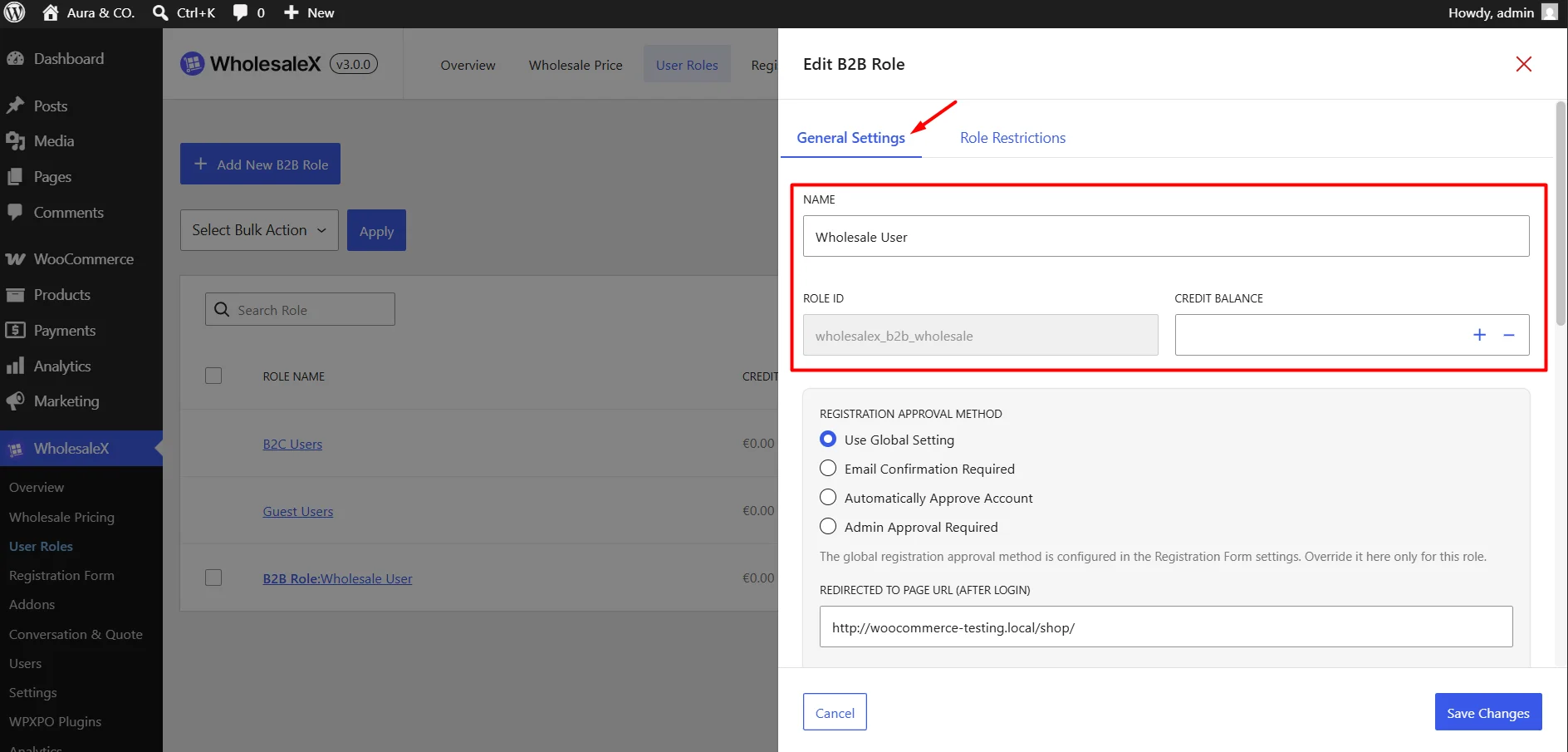
The Role Restrictions tab lets you control what customers in a B2B role can see, buy, and do on your store.
Use this section to manage product visibility, checkout limits, price display, and tax rules.
Use these settings to quickly disable/change standard store actions for this specific role.
- Disable Coupon: Prevent customers in this role from using coupons at checkout.
- Disable WholesaleX Wallet Addon: Turn off the wallet payment option for this role.
- Replace Cart with Quote: Send customers to a quote request flow instead of normal checkout.
- Restrict Subaccount Creation: Stop users in this role from creating subaccounts.
- Exclude Users: Add specific users here if you want them to ignore these restrictions.