
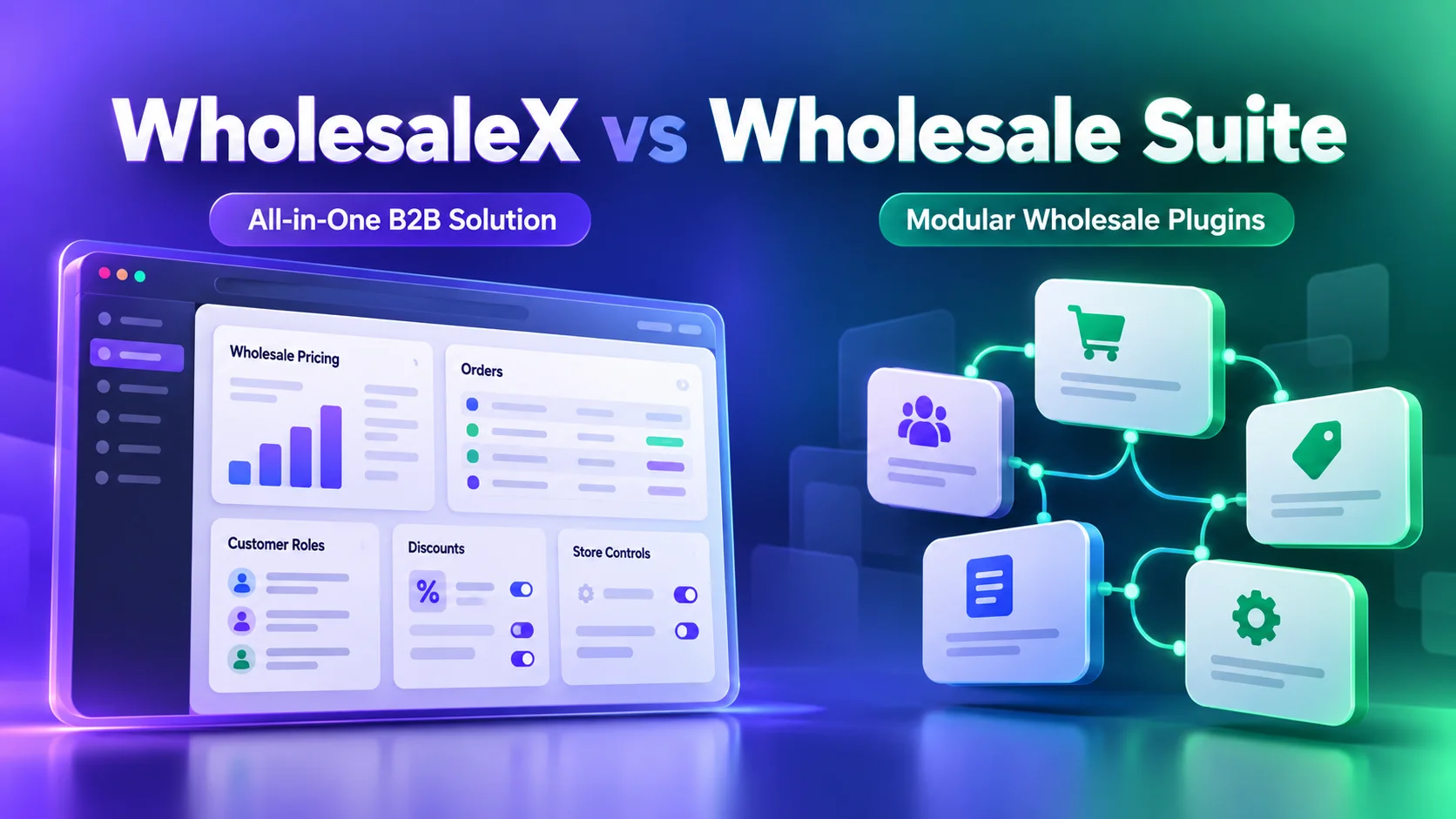
WholesaleX and Wholesale Suite are two WooCommerce wholesale solutions with different approaches to running a B2B store.
WholesaleX is an all-in-one B2B and wholesale plugin that brings pricing, customer roles, ordering and communication workflows into one solution.
Wholesale Suite offers a modular system of dedicated plugins, allowing store owners to add the wholesale functionality they need.
Our quick verdict: Choose WholesaleX if you need a complete B2B wholesale solution with less configuration spread across separate plugins.
Wholesale Suite is worth considering if you prefer independent modules or require specialized functionality such as NET payment terms and invoice management.
Let’s compare their features, workflows, pricing and limitations to help you decide.
WholesaleX vs Wholesale Suite at a Glance
| Comparison criteria | WholesaleX | Wholesale Suite |
|---|---|---|
| Architecture | All-in-one wholesale plugin with optional feature add-ons | Modular system of dedicated plugins |
| Wholesale pricing | Regular discounts, tiered pricing, quantity restrictions,and conditional offers | Role-based pricing, quantity discounts and advanced rules through Wholesale Prices Premium |
| Customer management | B2B roles, registration forms, approvals and role-based restrictions | Wholesale roles, with advanced registration and approvals through Lead Capture |
| Bulk ordering | Bulk Order Form and Table | Dedicated Wholesale Order Form |
| Request a Quote | Quote requests, custom offers and negotiations | Dedicated Wholesale Quotes plugin |
| Buyer communication | Conversations and quote management | Quote-related messaging through Wholesale Quotes |
| Payments | Wallet, partial wallet payments and role-based payment controls | Wholesale Payments for invoicing, payment plans and NET terms |
| Product visibility | Role-based product and price visibility restrictions | Product visibility controls through Wholesale Prices Premium |
| Free version | Available with basic wholesale capabilities | Free Wholesale Prices plugin |
| Paid licensing | Annual and lifetime plans | Individual plugin subscriptions and an annual All Access Bundle |
| Best suited for | Stores wanting integrated B2B management | Stores preferring modular functionality or dedicated invoicing and payment-term workflows |
How We Compared the Plugins
This comparison draws on hands-on use of the full WholesaleX product and Wholesale Suite’s free Wholesale Prices plugin. Paid Wholesale Suite features are evaluated using its official product documentation, not claimed as independently tested.
We focus on capabilities, everyday management, buyer workflows and pricing rather than simply counting features.
Wholesale Pricing and Customer Management
Both solutions let WooCommerce stores offer wholesale prices to business customers. The difference becomes more noticeable when pricing depends on customer groups, order quantities and purchasing conditions.
Wholesale Pricing and Quantity-Based Discounts
Both plugins support wholesale pricing and quantity-based discounts, but their configuration differs.
- WholesaleX: Manage regular and tiered pricing, customer-specific offers, quantity restrictions, scheduling and price previews through one Wholesale Price interface.
- Wholesale Suite: The free Wholesale Prices plugin supports fixed wholesale prices for Wholesale Customer roles. Wholesale Prices Premium adds tiered discounts, quantity rules and category-level pricing.
Key difference: WholesaleX combines pricing configuration, customer targeting and previews in one workflow, while Wholesale Suite separates basic and advanced pricing between its free and premium versions.
Wholesale Customer Roles and Registration
Both solutions support wholesale customer management, with different approaches to advanced registration.
- WholesaleX: Create B2B customer roles with payment methods, shipping options and purchase restrictions. Custom registration forms and account approvals are also available.
- Wholesale Suite: The free plugin provides a Wholesale Customer role. Wholesale Lead Capture adds customizable registration forms, login pages, account approvals and automatic role assignment.
Key difference: WholesaleX manages customer roles and registration within one system, while Wholesale Suite requires a separate plugin for advanced registration.
Product Visibility and Purchasing Restrictions
Both plugins let merchants control which customers can access wholesale products.
- WholesaleX: Restrict product visibility, price visibility, purchasing and checkout based on customer roles.
- Wholesale Suite: Wholesale Prices Premium supports role-based product visibility and purchasing restrictions.
Key difference: Both offer access controls, but WholesaleX integrates them with its broader customer and pricing management workflows.
Bulk Ordering, Quotes and Communication
Both plugins simplify bulk purchasing and wholesale negotiations, but differ in how they manage ordering and buyer communication.
Bulk Ordering and Repeat Purchases
Both solutions let wholesale buyers order multiple products without visiting individual product pages.
- WholesaleX: Offers Bulk Order Form and Bulk Order Table layouts for quick purchasing. The Bulk Order Form also supports saved Purchase Lists, allowing buyers to reorder frequently purchased products.
- Wholesale Suite: Provides a separate Wholesale Order Form plugin with customizable ordering pages, product search, filtering, configurable columns and variation display options.
Key difference: WholesaleX combines bulk ordering and repeat-purchase functionality within its B2B solution, while Wholesale Suite offers a dedicated plugin with extensive order-form customization.
Request a Quote and Buyer Communication
Both plugins support wholesale price negotiations and quote management.
- WholesaleX: Lets buyers request quotes from their cart, negotiate prices and receive custom offers. Its Conversations feature also supports direct buyer-seller communication beyond quotations.
- Wholesale Suite: Offers a dedicated Wholesale Quotes plugin with quote requests from product and shop pages, customer messaging, approvals and conversion into WooCommerce orders.
Key difference: WholesaleX integrates quotations with broader buyer-seller communication, while Wholesale Suite provides a dedicated quotation workflow with product-page requests and “secure shareable quote-viewing links.
Payments, Wallets and Credit Terms
Both plugins offer wholesale payment options, but they focus on different payment workflows.
- WholesaleX: Provides a digital wallet where buyers can deposit funds, make full or partial payments and receive refunds as wallet credit. Store owners can also credit balances and manage wallets for subaccounts.
- Wholesale Suite: Offers a dedicated Wholesale Payments plugin supporting NET 30/60/90 payment terms, deposits, payment plans and partial invoice payments through Stripe Invoices.
Key difference: WholesaleX focuses on wallet-based transactions and stored balances, while Wholesale Suite provides dedicated invoice-based payment terms and trade-credit workflows. WholesaleX’s credit-balance settings should not be confused with formal NET invoicing.
Setup and Day-to-Day Management
WholesaleX and Wholesale Suite take different approaches to configuring and managing wholesale operations.
- WholesaleX: Brings wholesale pricing, customer roles, registration, purchasing restrictions and communication into one plugin. Merchants can configure related settings within the same system, including previewing customer-specific pricing before publishing.
- Wholesale Suite: Uses separate plugins for pricing, registration, bulk ordering, quotations and payments. Merchants can install only the modules they need, but stores requiring multiple wholesale functions must configure and manage the relevant plugins.
Key difference: WholesaleX reduces setup fragmentation by keeping related B2B workflows within one system. Wholesale Suite offers greater flexibility for merchants who only need specific features without adopting a complete wholesale solution.
For more details, see our comparison of WholesaleX 3.0 management workflows with B2BKing and Wholesale Suite.
WholesaleX vs Wholesale Suite Pricing
Both solutions offer free entry points and paid options. However, their licensing structures are different.
WholesaleX Pricing
WholesaleX offers a free version for basic B2B pricing and customer management. More advanced wholesale functionality, including tiered pricing, bulk ordering, quotation workflows, wallet capabilities and advanced restrictions, requires Pro.
| WholesaleX plan | Base Price | License |
|---|---|---|
| Starter Yearly | $129/year | 1 website |
| Business Yearly | $199/year | 5 websites |
| Agency Yearly | $299/year | 20 websites |
| Starter Lifetime | $249 one-time | 1 website |
The page also lists higher regular prices and promotional offers, so check the current renewal terms and license inclusions before purchasing.
Wholesale Suite Pricing
Wholesale Suite provides several purchasing options.
The free Wholesale Prices plugin covers basic role-based pricing. Paid plugins are available for stores requiring more advanced functionality.
At the time of review:
| Wholesale Suite option | Advertised promotional price | License |
|---|---|---|
| Wholesale Prices Free | Free | Basic wholesale pricing |
| Wholesale Prices Premium | $99/year | 1 website |
| All Access Bundle | $299/year | Unlimited websites |
The All Access Bundle includes five plugins: Wholesale Prices Premium, Wholesale Payments, Wholesale Order Form, Wholesale Lead Capture and Wholesale Quotes.
Its official pricing page identifies $299 as an introductory annual offer and $598 as the regular annual price for renewals.
View Wholesale Suite bundle pricing.
Which Offers Better Value?
For one WooCommerce store requiring pricing, customer registration, bulk ordering, quotes and communication, WholesaleX offers a lower advertised entry price for the combined functionality.
However, comparing $129 for one WholesaleX website against Wholesale Suite’s $299 unlimited-site bundle is not a like-for-like license comparison.
Wholesale Suite’s unlimited licensing could be more attractive to agencies and merchants operating many stores. Its dedicated invoicing and payment terms also provide value that cannot be measured simply by counting included features.
The better choice depends on the capabilities you actually need, the number of websites and the cost of ongoing renewals.
Which Plugin Should You Choose?
Choose based on your wholesale operation rather than the total number of listed features.
Choose WholesaleX If You:
- Want an all-in-one B2B and wholesale solution for WooCommerce.
- Need advanced pricing, customer roles, registration and purchase restrictions managed through connected workflows.
- Want bulk ordering, quote negotiations, conversations and wallet functionality within the same plugin ecosystem.
- Prefer fewer separate plugin configurations for everyday wholesale operations.
- Need to support B2B-only or combined retail and wholesale business models.
WholesaleX is particularly suitable for small and growing wholesale businesses that need more than basic pricing but don’t want to assemble multiple dedicated plugins to manage their wholesale processes.
Choose Wholesale Suite If You:
- Only need straightforward wholesale pricing and want to begin with a focused free plugin.
- Prefer choosing individual wholesale tools as your requirements expand.
- Need dedicated NET payment terms, invoice billing and payment-plan workflows.
- Want the customization options offered by its dedicated Wholesale Order Form or Wholesale Quotes plugins.
- Manage many websites and can benefit from the All Access Bundle’s unlimited-site licensing.
Wholesale Suite is a credible choice for businesses with established workflows that need particular specialized capabilities rather than an integrated wholesale administration approach.
Switching from Wholesale Suite to WholesaleX
If you’re already using Wholesale Suite, WholesaleX provides a dedicated migration tool to help transfer supported wholesale data.
According to the WholesaleX migration documentation, supported data includes customer roles, product and variation pricing, quantity tiers, registration fields, users and selected business rules.
However, migration requires more than transferring settings.
Before switching:
- Back up your WooCommerce database and website.
- Check which Wholesale Suite plugins and data types the migration tool supports.
- Run a migration on a staging website where possible.
- Verify wholesale prices, roles, registration behavior, checkout restrictions and customer accounts.
- Recreate or configure any unsupported workflows before switching the live store.
The WholesaleX documentation notes that its migration tool can be used only once. This makes preparation and verification particularly important.
Also, migrating from another plugin is different from migrating older WholesaleX rules to the 3.0 configuration system. Each has its own instructions.
Final Verdict
Both WholesaleX and Wholesale Suite are capable WooCommerce wholesale solutions, but they serve different operational preferences.
WholesaleX is our recommendation for stores needing an all-in-one B2B and wholesale plugin that handles advanced wholesale requirements with less setup complexity. Its integrated approach is particularly useful when pricing, customer segmentation, restrictions, ordering and communication must work together.
Wholesale Suite is a strong alternative for businesses that prefer modular wholesale plugins, need specialized invoice-based payment terms, or can benefit from unlimited-site licensing.
If your priority is managing a complete WooCommerce wholesale operation without assembling separate solutions for every requirement, explore WholesaleX and compare its available plans against your store’s needs.
