
Request a Quote for WooCommerce Wholesale Business
Let customers request custom pricing instead of placing a regular order.


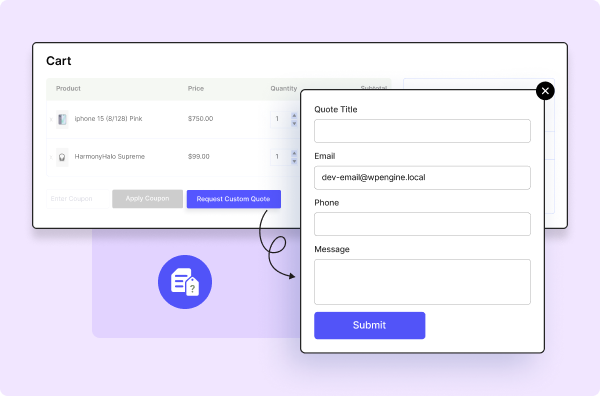
Simplify Wholesale Price Negotiations with Request a Quote
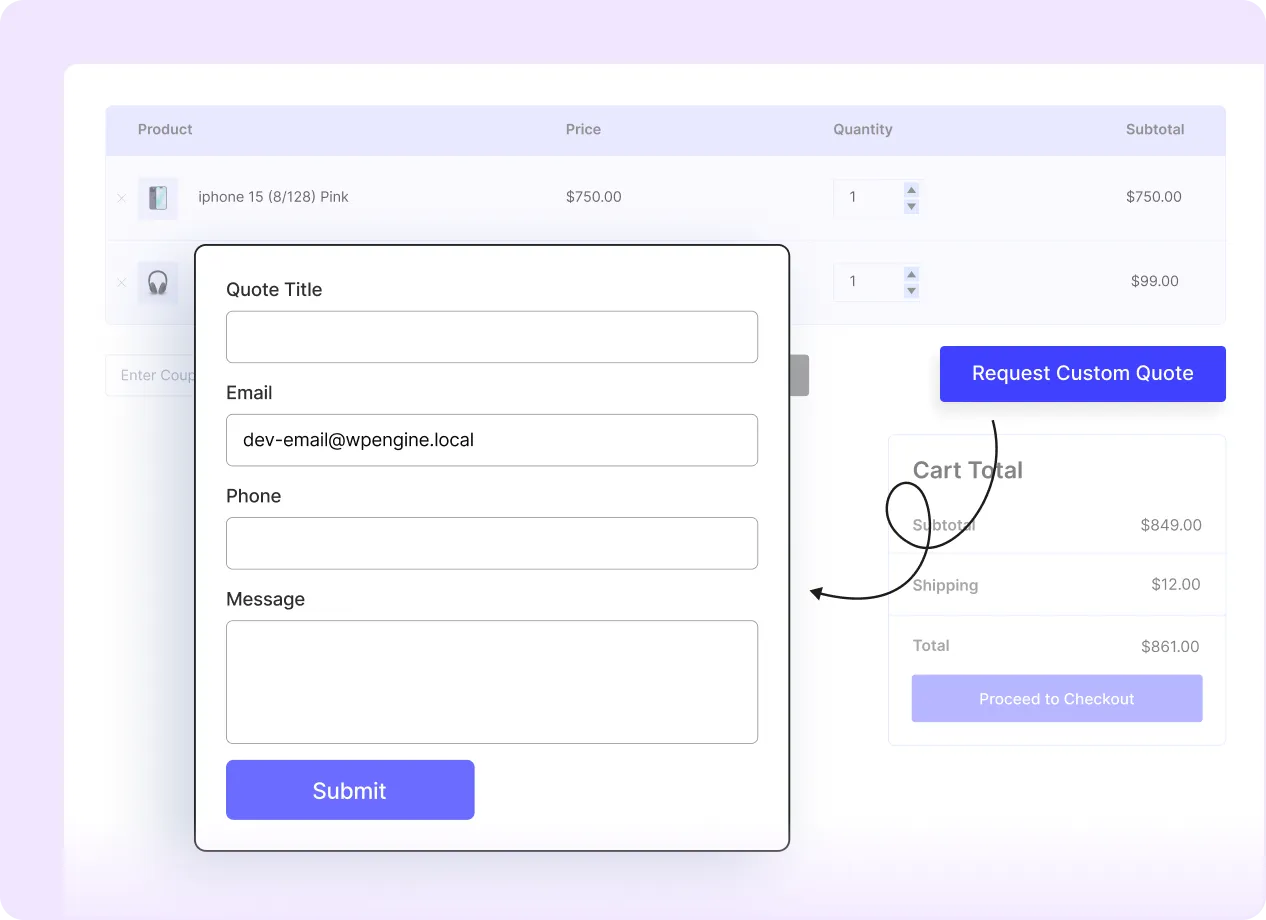
Display the Request a Quote Button on the Cart Page
Add a quote request option so customers can submit cart items for pricing review.
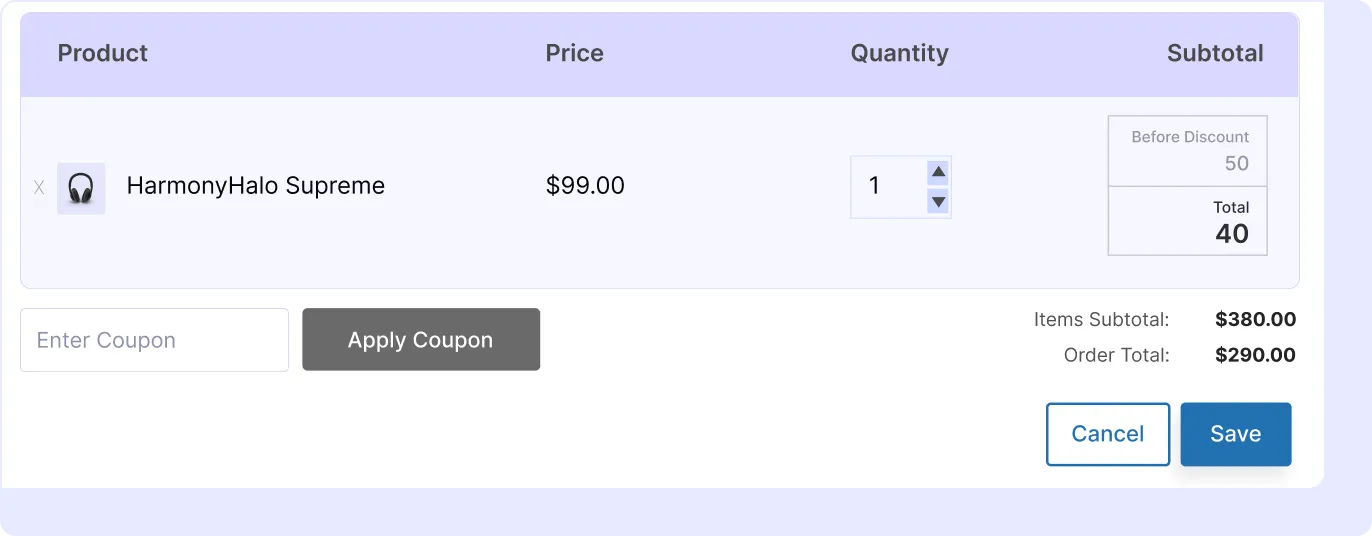
Create Custom Offers Based on Quote Requests
Review submitted quote requests and send custom pricing offers from the store dashboard.
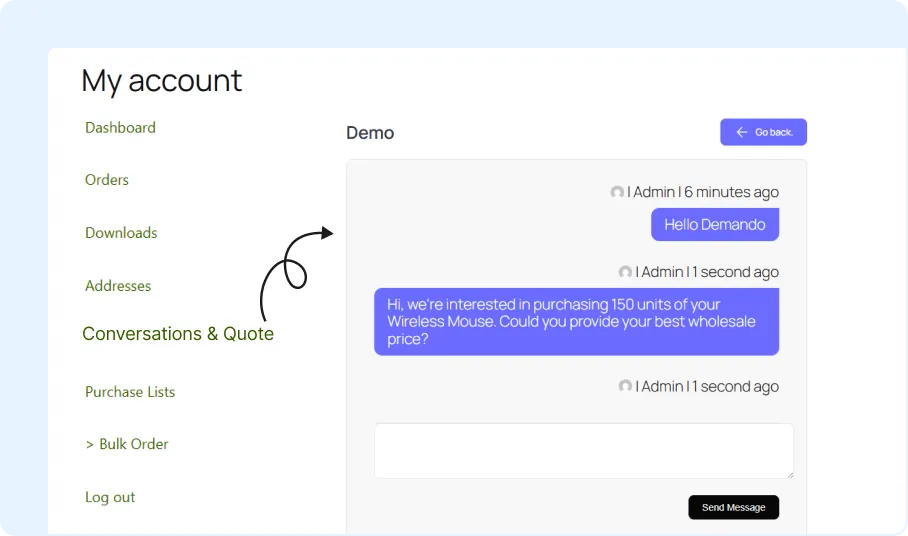
Add Quote Conversation on My Account Page
Let customers view and respond to quote discussions from their My Account dashboard.
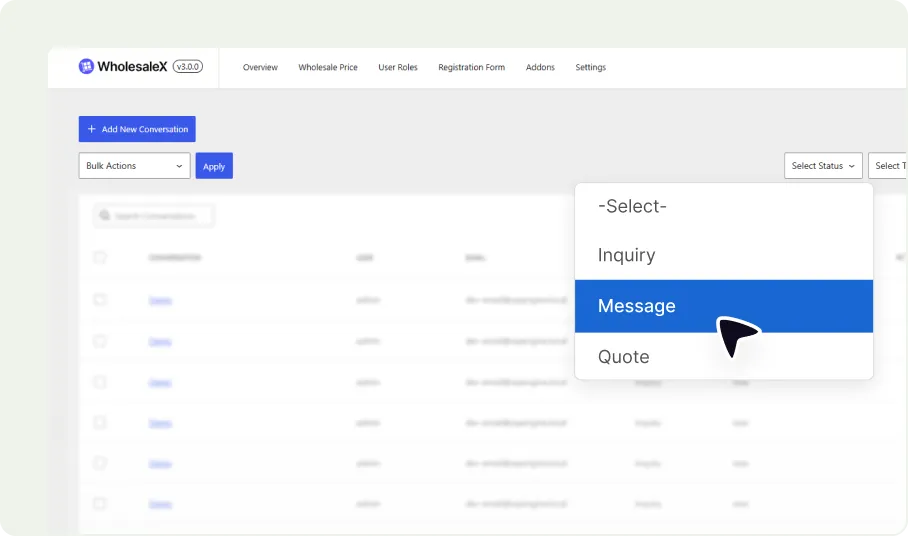
Differentiate Messages and Quotes with Custom Statuses
Use status labels to track quote requests, messages, and offer progress.
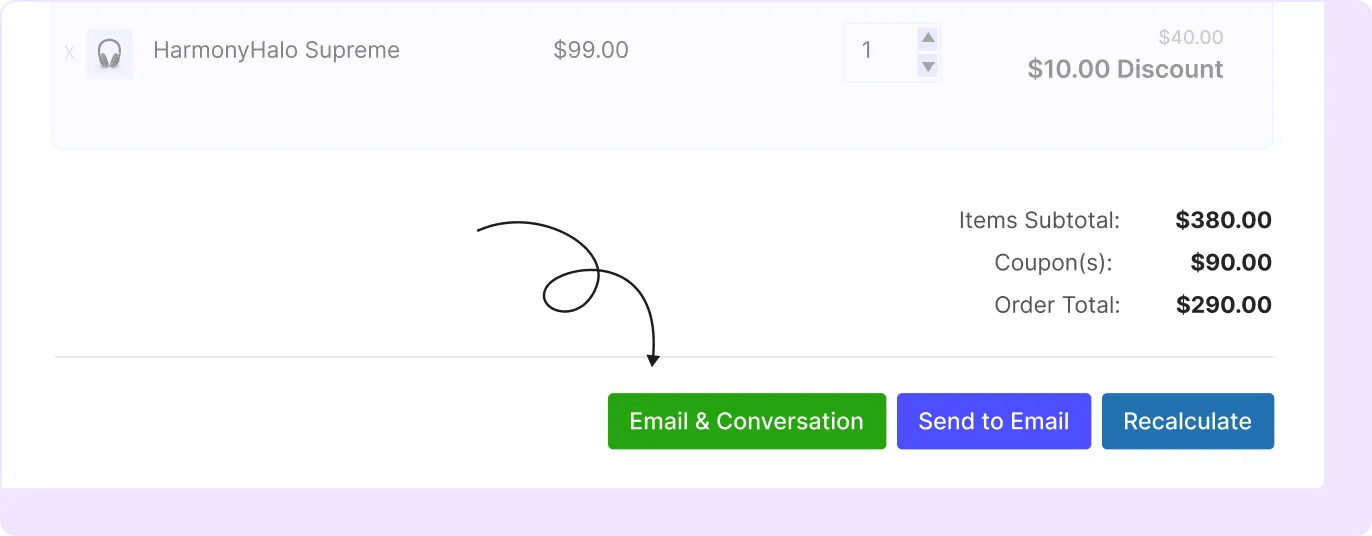
Send Custom Offer Via Conversation and Email
Send custom offers via the conversation system or email after making adjustment based on customer’s request.
Benefits of WooCommerce Request a Quote
A quote system helps store owners manage custom price requests without relying only on email or manual order notes.
Convert More Wholesale Inquiries
Collect quote requests from customers who need custom pricing before placing an order.
Close Deals with Flexible Pricing
Send custom pricing offers based on product selection, order quantity, or customer requirements.
Reduce Manual Quote Management
Manage quote requests, replies and custom offers from a structured quote workflow.
Increase Wholesale Sales
Turn accepted quote offers into order records that can be processed through the store.
Set Up WooCommerce Request a Quote in Minutes
The request a quote feature can be configured in three simple steps: by enabling the addon, setting cart behavior, and customizing the quote button.

Enable Request a Quote Addons
Turn on the Request a Quote addon from the WholesaleX addon settings.

Enable/Disable Cart Status
Choose whether customers can use regular checkout, quote requests, or both depending on your store settings.

Configure Button Text and Publish
Edit the quote button label and save the configuration.
Frequently Asked Questions
Explore these frequently asked questions about request a quote to understand how it works and decide if they’re the right fit for your WooCommerce store.
Feel free to contact our support team if you have any questions, need assistance, or require guidance. We’re always happy to help and ensure you have the best possible experience.
Turn Quote Requests into Wholesale Orders
Allow wholesale customers to create subaccounts and manage team access from one main account.