
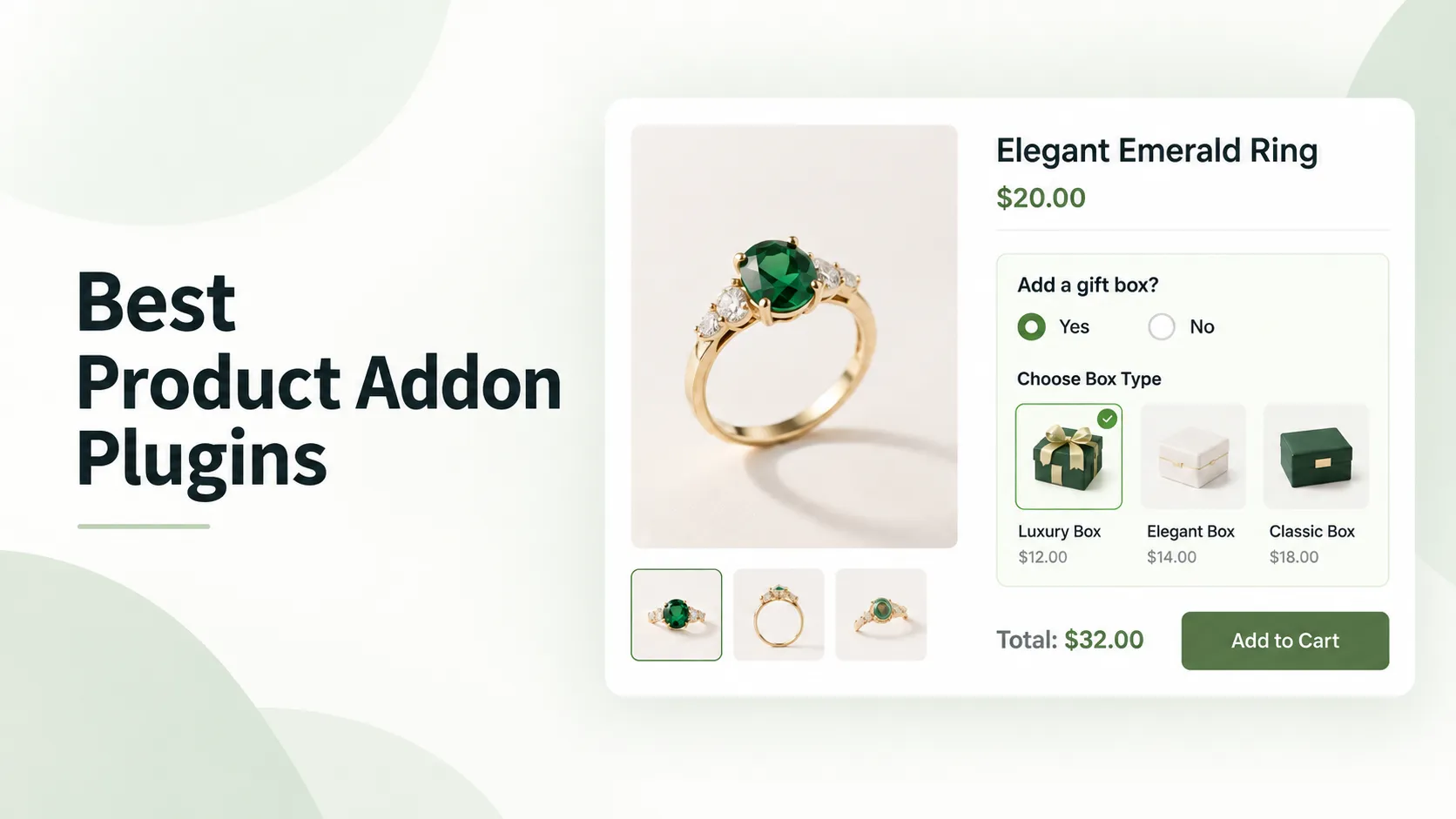
Key Summary: Best WooCommerce Product Addon Plugins
Looking for a WooCommerce product addon plugin? Here are our top three recommendations based on features, flexibility, and user feedback.
1. WowAddons: Best for Overall Product Customization
Features: 25+ addon fields, drag-and-drop builder, conditional logic, real-time pricing, product recommendations, and analytics.
Expert Opinion: A great fit for stores that want advanced features in one plugin to offer personalized products and sell useful extras to increase average order value.
2. Extra Product Options by ThemeHigh: Best for Field Management
Features: 20 standard field types, custom sections, display rules, styling options, and advanced pricing methods.
Expert Opinion: Worth considering if your store has lots of custom options and needs enhanced control over how everything works.
3. Product Addons by Acowebs: Best for Custom Order Forms
Features: Drag-and-drop form builder, custom input fields, conditional logic, file uploads, and flexible pricing.
Expert Opinion: A practical choice for stores that need to collect detailed instructions and customization requests from customers.
WooCommerce is great for selling regular products. But when you start selling personalized items, things get a little tricky.
Let’s say you sell custom T-shirts. You want customers to choose their preferred color, enter custom text, upload their design, and maybe add gift packaging for an extra charge.
The default WooCommerce setup doesn’t give you all those options out of the box.
That’s where product addon plugins come in. They help you add custom fields, collect customer preferences, and charge for extras right from the product page.
But with so many plugins available, which one should you actually choose?
We’ve researched 6 of the best product addon plugins for WooCommerce, looking into their features, user reviews, strengths, and limitations.
Let’s find out which one fits your store best.
Comparing the best product addon plugins for WooCommerce
Before going through each plugin, here’s a quick comparison to help you understand what they offer.
| Plugin | Notable Features | Best For |
| WowAddons | 25+ fields, conditional logic, formula field, product recommendation field, addon templates, analytics | All-in-one product addons solution |
| Extra Product Options by ThemeHigh | Custom sections, display rules, advanced pricing, field styling | Advanced field management |
| Product Addons by Acowebs | Form builder, custom fields, file uploads, pricing options | Custom order forms |
| PPOM by Themeisle | Conditional fields, validation, option pricing, tooltips | Flexible product personalization |
| YITH Product Add-Ons | Reusable option blocks, variation conditions, pricing controls | Organized product configurations |
| WooCommerce Product Add-Ons | Text inputs, image selections, flat fees, global addons | Basic product customization |
All six plugins let you add extra options to WooCommerce products, but they approach customization differently.
Some are better for collecting customer information, while others give you more control over product pricing, appearance, and additional purchases.
What can you do with WooCommerce product addon plugins?
Product add-on plugins let you offer customization options that WooCommerce doesn’t normally provide.
For example, instead of creating separate products for every possible personalization choice, you can let customers configure what they want directly on the product page.
Here are some common ways store owners use them.
Let customers personalize products
This is probably the most common reason to use product addons.
You can add text fields for names, engraving messages, greetings, or special instructions. For example, a jewelry store can let customers enter a name to engrave on a bracelet.
Allow customers to upload custom designs
If you sell printed T-shirts, mugs, photo frames, or other personalized items, you’ll probably need customers to upload files.
A product addon plugin can add an upload field directly to the product page. Customers can submit their artwork or images while placing the order.
Show visual product options
Nobody wants to guess what “Ocean Blue” or “Warm Beige” looks like from a dropdown.
With color and image swatches, you can show actual choices instead. This works particularly well for clothing, accessories, furniture, and other products where appearance matters.
Charge extra for customizations
Not every customization needs to be free.
For example, you may charge $5 for custom text, $10 for premium gift wrapping, or a different amount based on product dimensions.
Many product add-on plugins can update the total price automatically when customers select these options.
Offer additional products and services
Product addons aren’t limited to collecting information. They can also help you offer relevant extras.
Think about a pizza store where customers can add toppings, select a drink, or include extra dipping sauce.
Some plugins can even recommend existing WooCommerce products as optional purchases.
You can check out this helpful guide: WooCommerce Pizza Builder Using Custom Fields
In-depth overview of the top product addon plugins for WooCommerce
Now, let’s go through the six plugins in detail.
For each one, we’ll look at what it offers, where it works best, what users appreciate, and what can be improved.
In-depth overview of the top product addon plugins for WooCommerce
Here are six plugins worth considering, depending on what you sell and how much customization your customers need.
1. WowAddons: Product Addons for WooCommerce
Best for: advanced customization with 25+ fields, dynamic pricing, advanced formula field and modern addon builder.
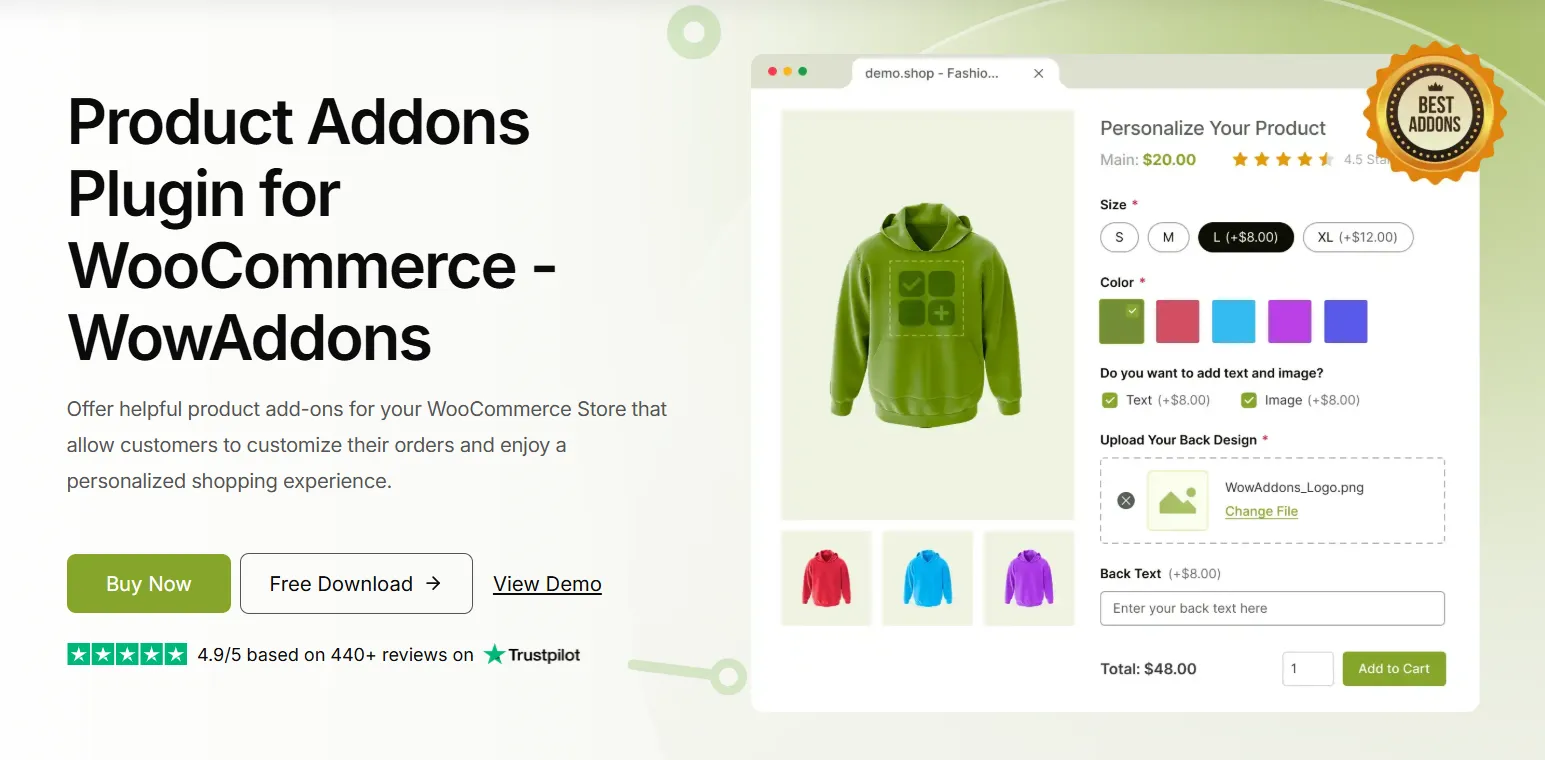
WowAddons is an advanced product addons plugin that helps you turn regular WooCommerce products into customizable ones. It offers a wide range of field types for collecting customer text, files, colors, dates, measurements, and other choices.
You can build and arrange fields visually, control which options appear using conditional logic, and charge extra for customizations. There are also styling controls to match the fields with your store’s design.
What makes WowAddons different is its enhanced set of addon fields, the vast library of premade addon templates and its addon builder. The builder provides a cool addon preview, which is very user-friendly for users.
Also, you can offer existing WooCommerce products as addons and track their performance through a built-in analytics dashboard.
What users like
- Choose from 25+ fields, including swatches, uploads, and range sliders.
- Ready-made templates for faster addon and accurate addon setup.
- Accurately calculate addon prices using advanced custom formulas.
- Create and arrange addon fields using the drag-and-drop builder.
- Conditional logic to show relevant fields based on specific customer selections.
- Recommend complementary WooCommerce products as additional purchase options.
- Customize field colors, typography, widths, and border styles.
- Track analytics for add-on clicks, add-to-cart activity, orders, and sales.
What can be improved
- Setting up complex formulas may require some extra learning.
2. Extra product options by ThemeHigh
Best for: Stores with detailed product configurations and complex pricing requirements.
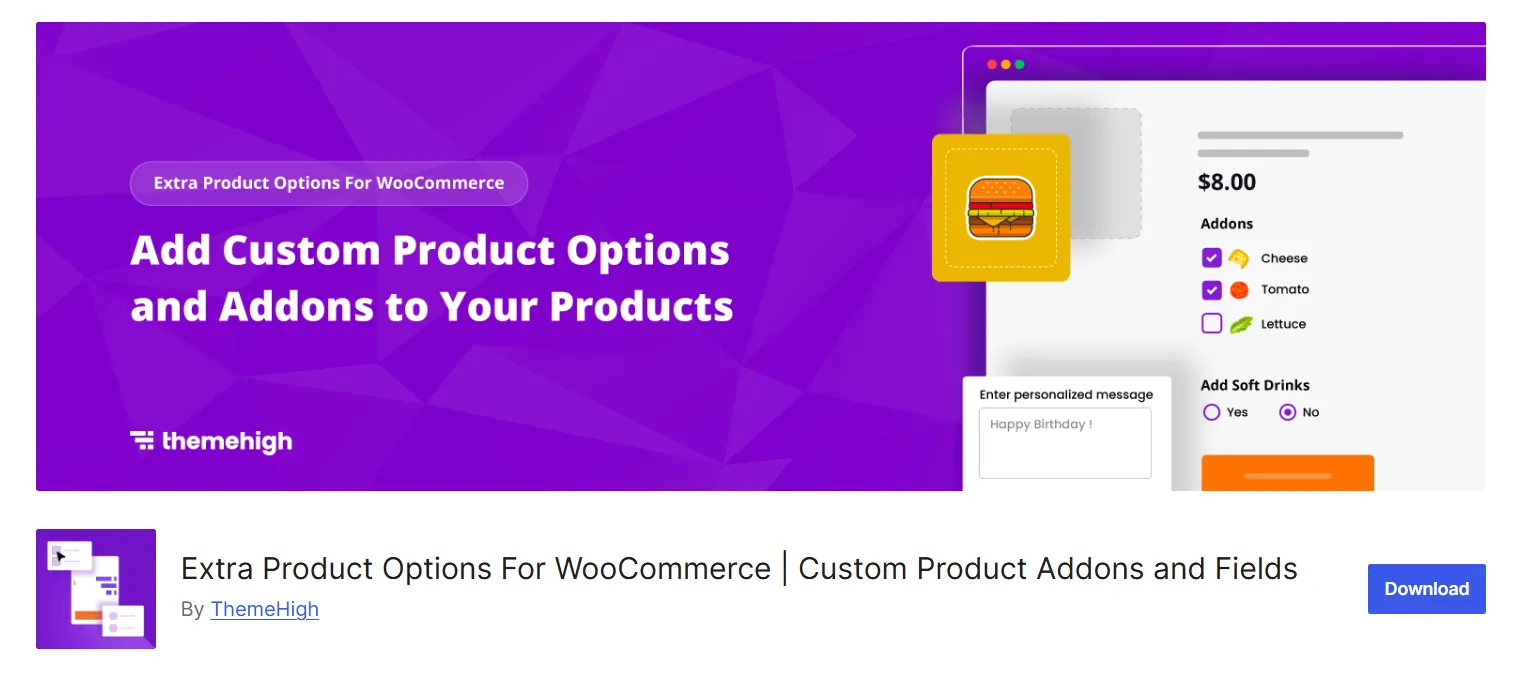
Extra Product Options by ThemeHigh gives you more control over the fields customers see on your WooCommerce product pages.
You get 20 standard field types, along with the ability to group related options into sections, customize their appearance, and set display rules for different products.
For more complex setups, the premium version adds advanced conditional logic, file uploads, image selections, and several pricing methods.
For example, a printing business can let customers choose different materials, enter dimensions, and select finishing options. ThemeHigh can then calculate additional charges based on those choices, without requiring hundreds of product variations.
What users like
- Create custom fields using text, dates, sliders, and selectors.
- Group multiple fields into organized sections for better presentation.
- Display fields before or after the Add to Cart button.
- Control field visibility based on products, categories, and tags.
- Calculate additional prices using character counts or custom formulas.
- Show selected options across cart, checkout, and order pages.
What can be improved
- Custom formulas may take practice, according to customer feedback.
- Free display rules cannot depend on other field values.
3. Product addons by Acowebs
Best for: Made-to-order businesses that collect detailed customer instructions.
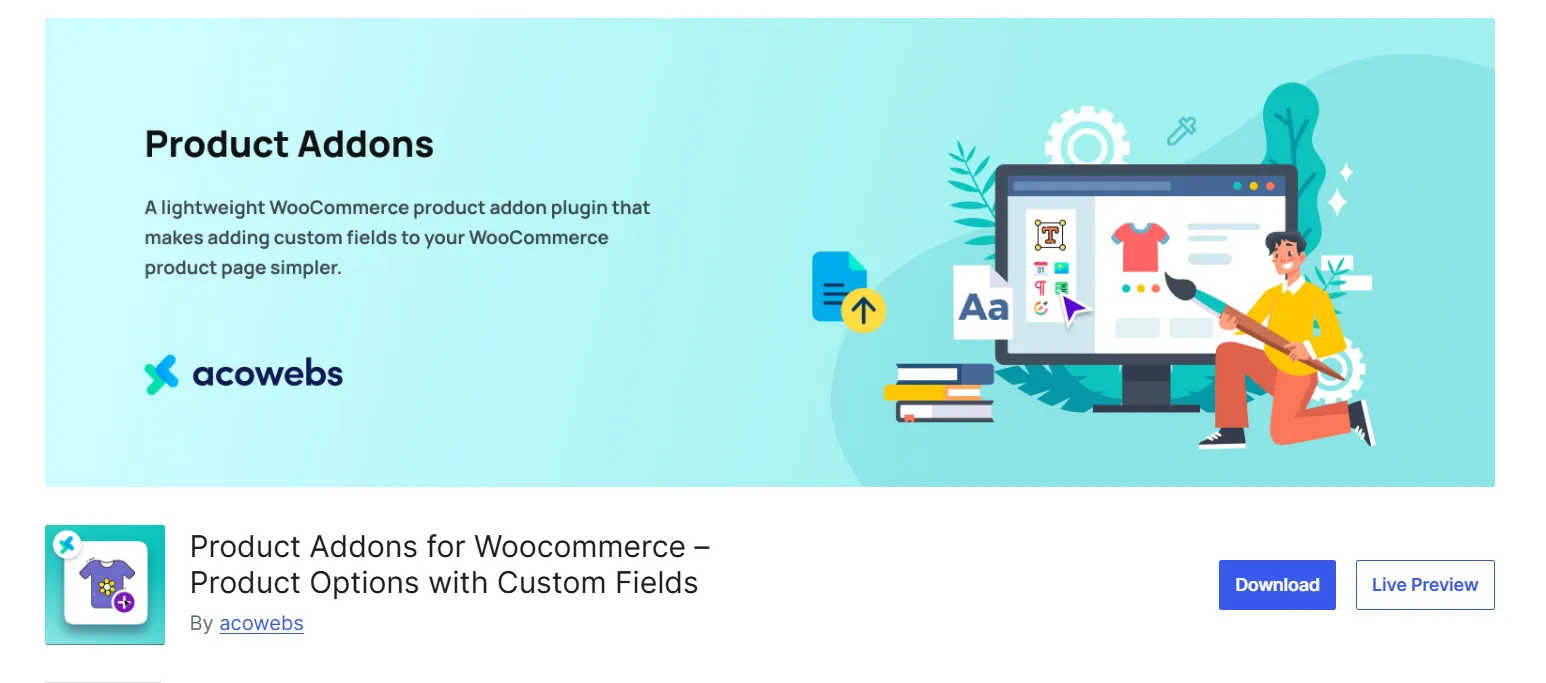
Product Addons by Acowebs helps you create custom order forms directly on WooCommerce product pages.
It comes with a drag-and-drop form builder where you can add text fields, dropdowns, checkboxes, dates, numbers, and other inputs. The information customers provide is saved with their orders, so you can easily access it later.
For advanced customization, the plugin offers conditional logic, file uploads, image selections, and formula-based pricing through its premium version.
This is particularly useful for personalized gift stores or printing businesses where customers need to submit specific instructions and design files before ordering.
What users like
- Create custom product forms without writing any code.
- Collect customer messages, dates, quantities, and contact details.
- Arrange addon fields into clean, two-column product forms.
- Show additional fields depending on previous customer selections.
- Accept images, videos, and documents through premium upload fields.
- Calculate custom prices using product quantities and mathematical formulas.
What can be improved
- More complicated forms may take time to configure properly.
- Older theme templates can sometimes affect field display.
4. PPOM by Themeisle
Best for: Stores needing custom product forms with validation and pricing controls.
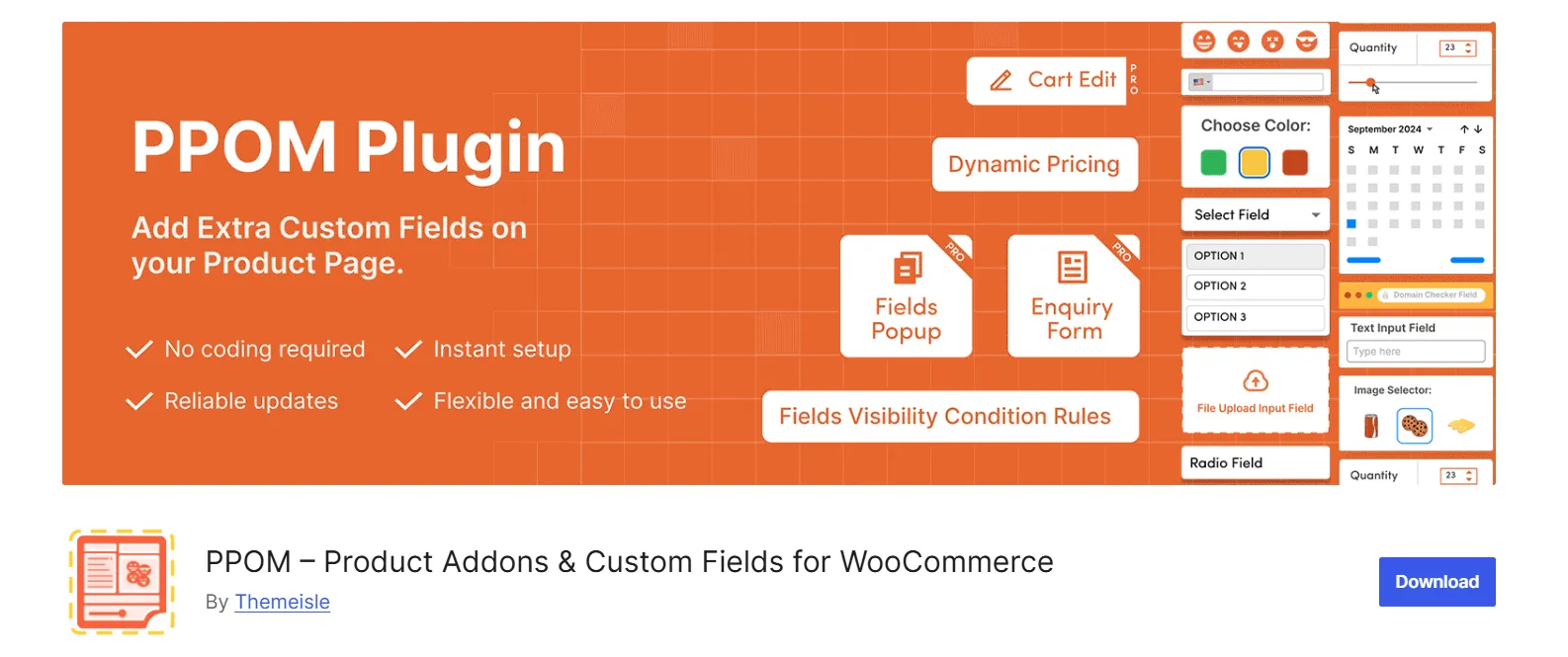
PPOM by Themeisle stands for Personalized Product Option Manager. It lets you add custom fields to WooCommerce products and control how customers interact with them.
You can collect text, dates, numbers, and other selections while using conditional logic to show relevant options. It also supports extra pricing, required fields, input validation, and control over how additional charges appear.
The Pro version offers more specialized options, including file uploads, image cropping, color selection, and bulk quantity pricing.
For example, a bakery can collect cake messages, delivery dates, and flavor choices while charging customers for extra decorations.
What users like
- Add text, date, number, dropdown, and checkbox fields.
- Apply additional prices to specific customer selection options.
- Show or hide fields based on earlier selections.
- Set minimum and maximum character limits for inputs.
- Display add-on fees individually or as updated totals.
- Restrict certain fields to guests or specific user roles.
What can be improved
- File uploads and image cropping require PPOM Pro.
- Large forms may require checking server PHP limits.
5. YITH WooCommerce Product Add-ons
Best for: Stores applying similar customization options across multiple products.
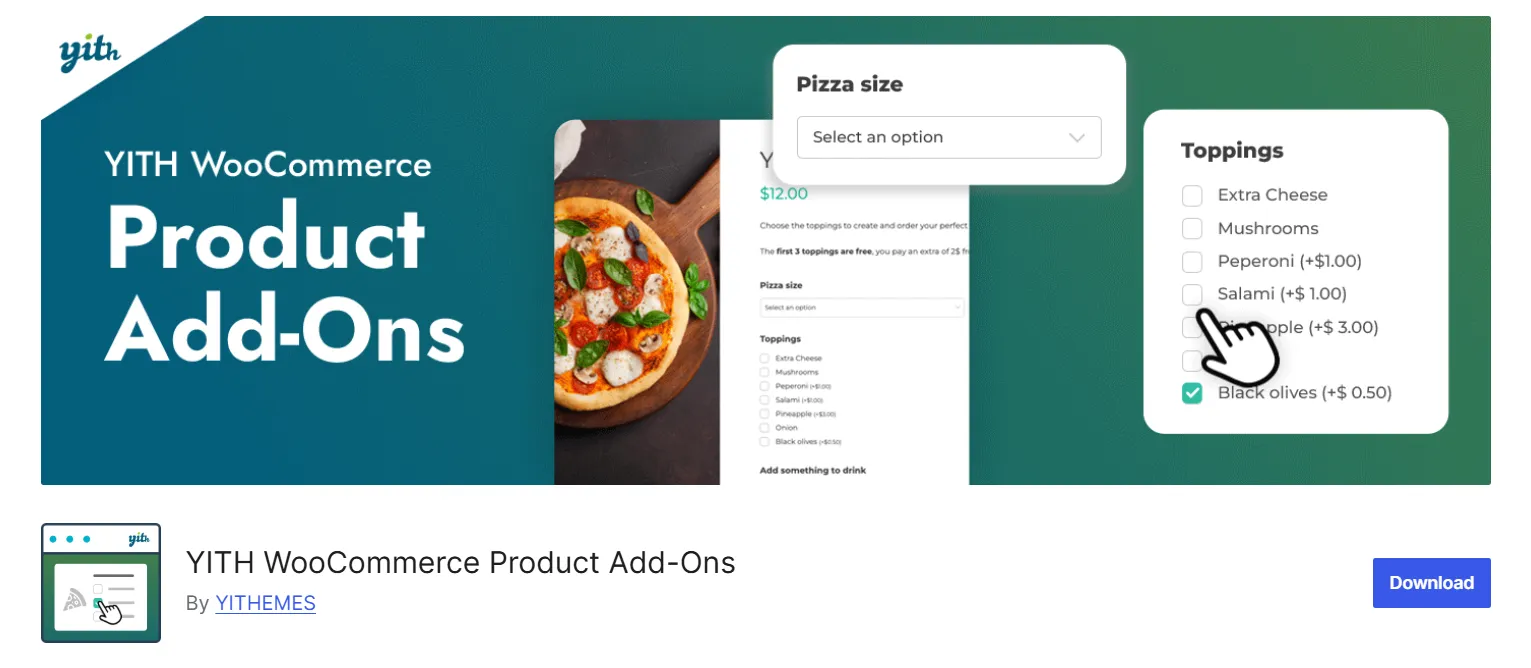
YITH WooCommerce Product Add-Ons makes it easier to manage customization options across different products using reusable blocks.
You can create groups of fields with text inputs, checkboxes, dropdowns, and other selections. These blocks can be assigned to specific products, categories, or your entire store.
The plugin also supports conditional visibility, variation-specific options, additional charges, and discounts. You can even set certain choices as required before customers add products to their carts.
This approach works well for stores selling similar customizable items, like personalized clothing or jewelry, where you want consistent options without rebuilding them for every product.
What users like
- Create reusable addon blocks for multiple products and categories.
- Add text fields, dropdowns, radio buttons, and checkboxes.
- Show dependent options based on previous customer selections.
- Display specific options for selected WooCommerce product variations.
- Charge fixed prices, percentage fees, or offer discounts.
- Set required fields and preselect default customization choices.
What can be improved
- Advanced visual fields and uploads require the premium version.
6. WooCommerce Product Add-ons by Woo
Best for: Stores that prefer straightforward customization through an official WooCommerce extension.
WooCommerce Product Add-Ons is an official extension developed by Woo for adding extra options to products.
It supports text fields, dropdowns, checkboxes, image selections, file uploads, dates, and other inputs. You can configure addons for individual products or apply them globally across your store.
The extension also lets you charge flat fees, percentage-based prices, or amounts entered directly by customers.
For example, a gift shop can offer engraving, gift wrapping, and premium packaging without creating separate products. It’s a practical choice for straightforward customization, although it doesn’t support conditional logic for more advanced configurations.
What users like
- Collect custom messages, file uploads, and customer selections.
- Display available choices using images instead of dropdowns.
- Add flat fees or percentage charges for extra services.
- Let customers enter custom amounts for tips or donations.
- Apply the same addons globally or to individual products.
- Make specific fields required before adding products to carts.
- Add extra options to subscriptions and bookable products.
What can be improved
- No free version available to try.
- Conditional field visibility is not available by default.
- Reviewers requested better controls for upload formats and sizes.
What should you look for in a WooCommerce product addon plugin?
Now that you’ve seen the options, how do you decide which one is worth using?
The easiest way is to start with what your store actually needs, rather than choosing the plugin with the longest feature list.
Here are a few things I’d recommend checking.
Does it have the fields you actually need?
Start by making a list of the customizations you want customers to make.
For example, a jewelry store may need engraving text and color selections, while a printing business may need file uploads and dimension-based pricing.
Check whether the plugin offers those fields and whether they work the way your customers expect.
Can you control when fields appear?
Imagine a product page showing 15 customization fields when a customer only needs three of them.
That’s not a great experience.
Conditional logic helps you keep things simple by showing extra options only when customers make certain choices.
For example, the gift message field can appear only when someone selects gift wrapping.
Does it handle additional pricing properly?
If customers need to pay for certain customizations, make sure the plugin can calculate those charges correctly.
Some stores only need fixed prices, while others need percentage-based or formula-based calculations.
Test a few product combinations and check whether the same total appears on the product page, cart, checkout, and order details.
How does the product page look?
A customization form should feel like a natural part of your store, not something that breaks the visual or look cluttered. This matters more than you may think.
According to Baymard Institute’s product page research, 51% of the ecommerce sites in its benchmark had mediocre or worse product page usability.
That research isn’t specifically about addon plugins, but it shows why the product-page experience deserves attention.
Look for a plugin that gives you enough styling and layout control. And don’t forget to check how everything looks on mobile.
Which product addon plugin should you choose?
All six plugins can help you customize WooCommerce product pages, but the best choice depends on your store.
Choose WowAddons if you want a complete product addons plugin with a wide range of fields, addon templates, advanced formula fields, a visual builder, and analytics in one place.
Choose Extra Product Options by ThemeHigh if you need to manage complex customization fields, detailed pricing rules, and lots of product configurations.
Choose Product Addons by Acowebs if collecting detailed customer information is your main priority. Its form-building approach works well for made-to-order products.
Choose PPOM by Themeisle if you want flexible input fields, validation, conditional display rules, and option-based pricing.
Choose YITH Product Add-Ons if you prefer creating reusable groups of custom fields for multiple products.
Choose WooCommerce Product Add-Ons if your requirements are simple and you prefer working with an official WooCommerce extension.
One final suggestion: Don’t install a plugin across your entire store right away.
Start with one product, configure the options you need, and place a few test orders. It’s much easier to spot pricing or field problems before customers start using them.
Frequently asked questions about WooCommerce product addon plugins
Can I add custom product options in WooCommerce without coding?
Yes. Product addon plugins let you add extra fields through visual builders or settings panels.
Depending on the plugin, you can add text fields, image swatches, dropdowns, upload options, and other customizations without writing code.
Can WooCommerce product addons have extra prices?
Yes. Many add-on plugins let you charge customers for additional options.
For example, you can charge $5 for engraving, $10 for gift packaging, or calculate pricing based on measurements. Available pricing methods depend on the plugin.
What’s the difference between WooCommerce product variations and addons?
WooCommerce variations are best for predefined product combinations, such as different shirt sizes and colors.
Product addons are better for optional customizations, extra services, or customer-provided information.
For example, a shirt size can be a variation, while custom printed text can be an addon.
Can customers upload files on WooCommerce product pages?
Yes. Several product addon plugins support file uploads.
This is useful for businesses selling personalized T-shirts, printed products, photo gifts, and other made-to-order items.
Check the plugin’s available file controls and plan requirements before using this feature.
Do product addon plugins work with variable products?
Yes, many product addon plugins support WooCommerce variable products.
Some also let you display different addon fields based on the variation a customer selects.
However, variation-specific behavior differs between plugins, so test your setup before using it on a live store.
Will product addon plugins slow down my WooCommerce store?
Not necessarily. Performance depends on the plugin, the number of fields, your theme, other extensions, and your hosting setup.
A simple form with a few fields is different from a complex configurator with conditional rules and uploads.
Summing Up
Product addon plugins make it much easier to sell personalized products without creating endless variations or collecting order details through emails.
Whether you want customers to upload designs, choose custom options, or pay for additional services, there’s a plugin that can handle the job.
For stores looking for a combination of customization and extra selling opportunities, WowAddons is our featured recommendation. It offers a wide variety of fields, visual customization, conditional logic, product recommendations, and analytics.
The other plugins are worth considering too, especially if your store has more specific requirements.
The best thing you can do is try your preferred plugin with a real product and see how it fits your workflow.
