
WowOptin leads this selection of WordPress popup plugins for marketers who want flexible popup design, advanced audience targeting, and campaign testing. Its Canva-like editor and display rules are particularly relevant when different visitors need different offers.
For built-in A/B testing with a dedicated opt-in workflow, consider Convert Pro. Poptin suits hosted lead-generation campaigns, Popup Maker works with existing WordPress forms, and Elementor Pro Popup Builder fits Elementor-based websites.
The right plugin depends on more than its popup designs. You need suitable triggers, audience conditions, lead integrations, and a way to measure whether visitors complete your intended action.
Quick Comparison of the Best WordPress Popup Plugins
Compare these five plugins by editing workflow, targeting capabilities, integrations, measurement tools, and relevant paid-plan pricing.
| Position | Plugin | Best For | Editor Type | Exit Intent | Advanced Targeting | Email Integrations | Testing & Analytics | Starting Price |
|---|---|---|---|---|---|---|---|---|
| 1st | WowOptin | Popup design and advanced audience targeting | Canva-like drag-and-drop | Yes | Pages, devices, countries, visitor types | MailPoet, FluentCRM | A/B testing, campaign analytics | $41 first year |
| 2nd | Convert Pro | Advanced targeting and A/B testing | Drag-and-drop opt-in editor | Yes | Pages, referrers, devices | 30+ advertised integrations | A/B testing, Google Analytics | $89 first year |
| 3rd | Poptin | Exit-intent popups and lead generation | Hosted drag-and-drop | Yes | URLs, devices, countries, traffic sources | Mailchimp, HubSpot, Klaviyo | A/B testing, conversion tracking | $240/year, Basic |
| 4 | Popup Maker | Targeted popups and custom triggers | WordPress editor, themes, builder integrations | Yes | Pages, roles, referrers | Existing forms, FluentCRM | Advanced analytics | $59.40 first year |
| 5 | Elementor Pro Popup Builder | Custom-designed conversion popups | Elementor visual editor | Yes | Pages, sessions, referrers, devices | Elementor forms and integrations | Form submission records | $84/year, Advanced Solo |
What to Look for in a WordPress Popup Plugin
Choose a popup plugin that can show an appropriate offer to the intended audience and measure the response. Before purchasing, check these practical requirements:
- Editing workflow: Can you create, modify, and maintain the required design? Compare dedicated drag-and-drop editors with WordPress content editors and existing page builders.
- Triggers and frequency: Look for the opening conditions your campaign needs, such as clicks, scrolling, elapsed time, or exit intent. Also check controls for repeat displays.
- Audience targeting: Confirm whether campaigns can be restricted by relevant pages, devices, visitor status, or traffic sources. Check whether the necessary conditions require a paid plan.
- Forms and email connections: Identify where submissions are stored and which mailing service receives them. Hosted platforms and WordPress-managed tools use different workflows.
- Testing and reporting: Determine whether you need native A/B experiments, campaign engagement statistics, or completed form records. These are different capabilities.
- Plan requirements: Check the eligible tier, site count, visitor allowance, billing period, and renewal terms. A cheaper plan may not support your intended campaign.
1. WowOptin – Best for Conversion-Focused Popup Design and Advanced Audience Targeting
WowOptin combines a Canva-like drag-and-drop editor with detailed audience conditions, campaign triggers, and A/B testing. It’s a strong fit for WordPress marketers who want to design offers around particular products, pages, and visitor groups rather than show one identical popup everywhere.
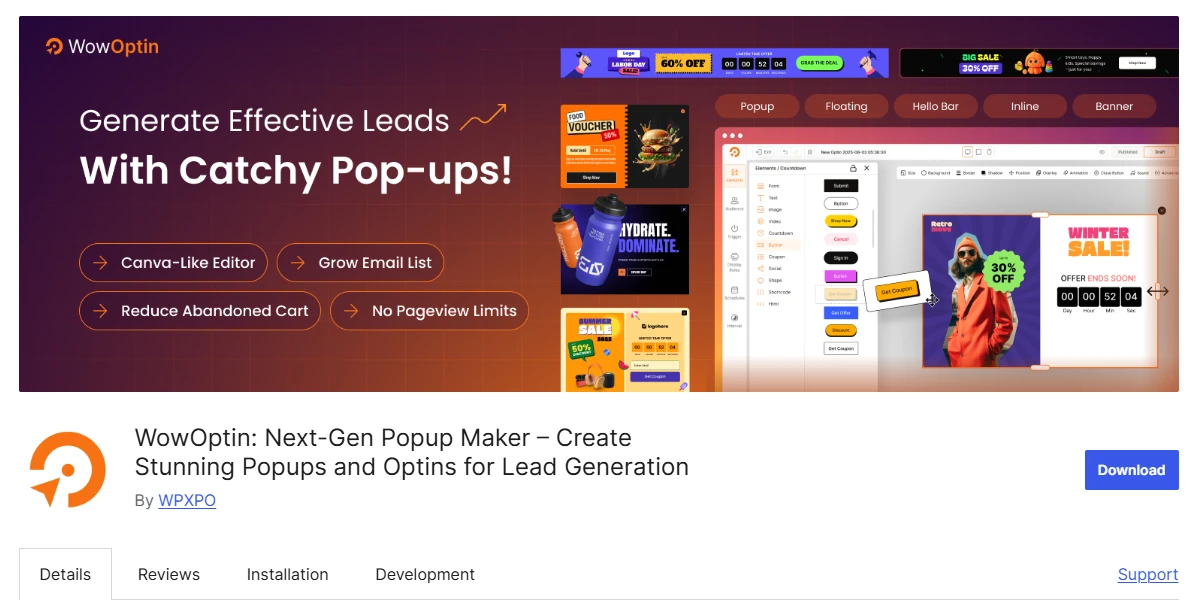
Its library includes 700+ premade designs across several campaign formats, including popups, banners, and inline opt-ins. The full library should not be mistaken for a popup-only or free-template count.
The research snapshot recorded a temporary closure of the WowOptin directory listing on October 10, 2026, pending review. A separately retrieved directory page shows a download link. Confirm its current status before installation.
Key Features of WowOptin
- Canva-like drag-and-drop editor with freely arranged design elements.
- 700+ vendor-advertised templates across different opt-in formats.
- AI-assisted copywriting using ChatGPT, Gemini, and Grok.
- Page-level targeting for WordPress, WooCommerce, and Easy Digital Downloads.
- Audience targeting by country, device, visitor type, and traffic source.
- Click, scroll, time, inactivity, and exit-intent triggers.
- A/B testing, campaign analytics, MailPoet, and FluentCRM connections.
Where WowOptin Works Best
WowOptin is particularly useful when popup content needs to change according to the page or visitor. Its combination of visual editing and audience conditions lets marketers build distinct offers without making separate popup plugins responsible for each campaign.
Consider a specialist retailer selling photography equipment. It could present a relevant accessory offer on selected camera product pages, limit display by visitor conditions, and use a click or time-based trigger.
The next step is measuring whether visitors take the intended action. The retailer could compare campaign variations using the available testing and analytics tools, while keeping actual purchases separate from popup impressions and clicks.
Its layout controls also suit businesses that want promotions, signup forms, and announcement banners to follow consistent branding. The design remains adjustable without requiring a completely new template for every campaign.
WowOptin Pricing
The WowOptin one-site annual plan includes premium features, yearly updates, and priority support. Numeric pricing and renewal charges require confirmation of the applicable currency and checkout terms before publication.
Who Should Use WowOptin?
Choose WowOptin if custom popup design, page-level targeting, and visitor-specific campaigns are priorities. Confirm WordPress.org distribution status, supported integrations, and the relevant plan before adopting it for a live website.
2. Convert Pro – Best for Advanced Targeting and A/B Testing
Convert Pro is a dedicated WordPress opt-in builder for marketers who want visual popup creation alongside audience targeting and native split testing. It supports multiple campaign formats without requiring users to purchase a broader website-design platform.
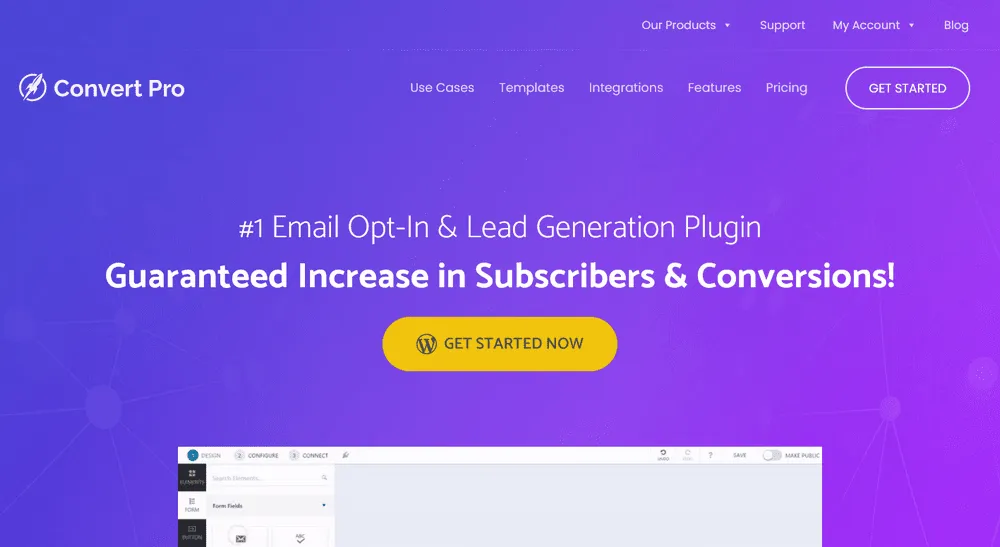
Its drag-and-drop editor includes ready-made templates and mobile editing. Combined with page, referrer, and device targeting, these capabilities make it suitable for campaigns that need separate versions for different visitor contexts.
Key Features of Convert Pro
- Drag-and-drop opt-in editor with customizable premade templates.
- Popup, information bar, slide-in, inline, and fullscreen formats.
- Click and exit-intent triggers for campaign activation.
- Page and content-level display targeting.
- Device and referring-source detection for audience selection.
- Native split testing for comparing campaign variations.
- Google Analytics integration and 30+ advertised mailer connections.
Where Convert Pro Works Best
Convert Pro fits marketing teams that already have a website-building workflow but want dedicated control over lead-generation campaigns. Its opt-in editor allows them to develop and test popup offers without changing the underlying page builder.
Consider a trade publication seeking paid subscribers. It could create two versions of a subscription invitation for the same article audience, maintaining the offer and targeting while adjusting the headline or layout.
The publication can use A/B testing to compare the versions. The meaningful outcome would be completed subscriptions, not merely which invitation attracted more clicks. Whether a test provides useful evidence depends on traffic and measurement quality.
Convert Pro also suits teams working with established email platforms. Its advertised integrations can route collected contacts to mailing services, although the available connection and subsequent email workflow should be checked separately.
Convert Pro Pricing
Convert Pro pricing starts at $89 for the first year, renewing at $99 annually. The license supports unlimited websites and includes one year of updates and premium support. Confirm renewal terms at checkout.
Who Should Use Convert Pro?
Convert Pro fits WordPress marketers who need native A/B testing, detailed targeting, and a dedicated opt-in editor. It makes more sense when those capabilities are missing from their existing website and email-marketing tools.
3. Poptin – Best for Exit-Intent Popups and Lead Generation
Poptin provides a hosted popup-building platform connected to WordPress through a plugin. It combines visual campaign creation, exit-intent triggers, visitor targeting, A/B testing, and lead-generation integrations.
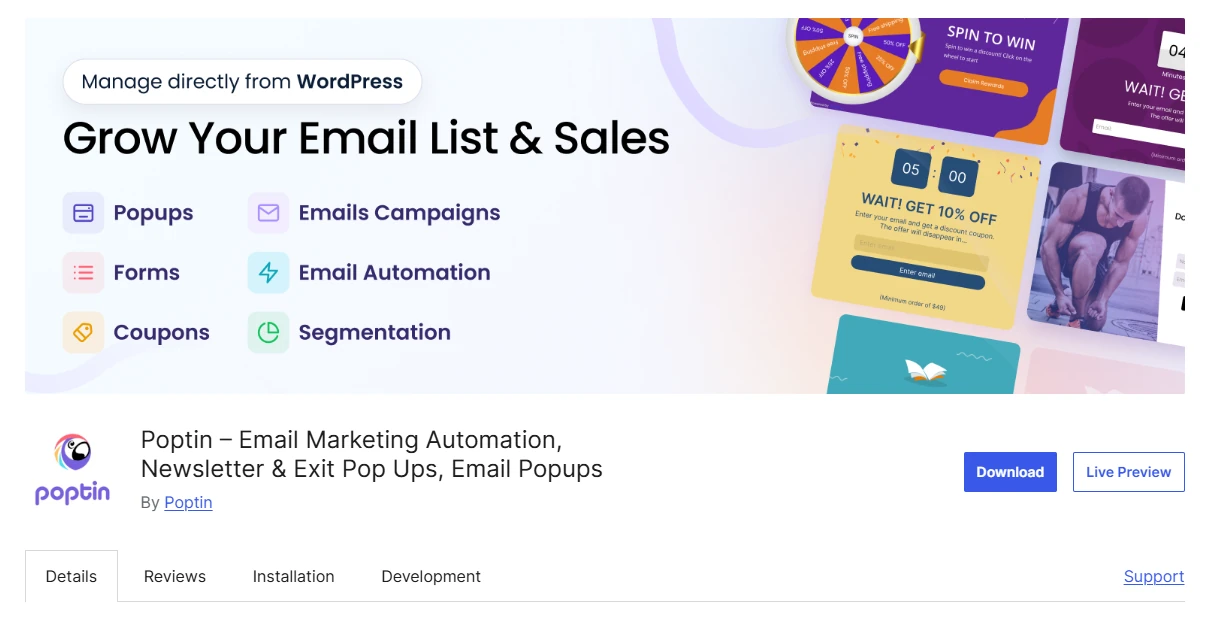
Unlike tools managed primarily inside WordPress, Poptin requires an external account. Its popup products and broader email-marketing offering have different packages, making traffic and contact allowances relevant to the purchase decision.
Key Features of Poptin
- Hosted drag-and-drop editor for popups and embedded forms.
- Exit-intent, scroll, inactivity, and click-based triggers.
- URL, device, country, and traffic-source targeting.
- A/B testing with conversion tracking for campaign comparison.
- Mailchimp, HubSpot, ActiveCampaign, and Klaviyo integrations.
- Spin-the-wheel, scratch-card, and gift-style popup formats.
- Separate email-marketing options for campaigns and automated follow-up.
Where Poptin Works Best
Poptin works well when lead capture is managed through an external marketing platform. Teams can create popup campaigns, apply visitor conditions, and connect submissions to supported services without relying exclusively on the WordPress interface.
For example, a software-training provider could offer a relevant course checklist when a visitor prepares to leave a training page. The popup would target an interested audience with a specific download rather than an unrelated promotion.
The provider could compare popup variations, monitor submitted leads, and send the contacts to its chosen email service. It should verify that the selected package covers the required visitor volume and integration workflow.
Poptin’s interactive formats provide alternatives to standard signup forms. A retailer considering a prize-based campaign could use those designs, but should evaluate whether the extra interaction helps visitors complete the intended action.
Poptin Pricing
Poptin pricing lists the Basic popup package at $240 billed annually for one domain and 10,000 monthly visitors. Popup-plus-email packages are separate, with contact-based conditions. Verify the package before subscribing.
Who Should Use Poptin?
Poptin fits teams that prefer hosted popup management, exit-intent campaigns, and established email integrations. Check the account requirements, visitor allowance, and separate email-service costs if ongoing follow-up is central to your workflow.
4. Popup Maker – Best for Targeted Popups and Custom Triggers
Popup Maker works with WordPress content, popup themes, and existing form builders. Its main advantage is controlling where and when established content or forms appear, without requiring businesses to rebuild their lead-collection workflow.
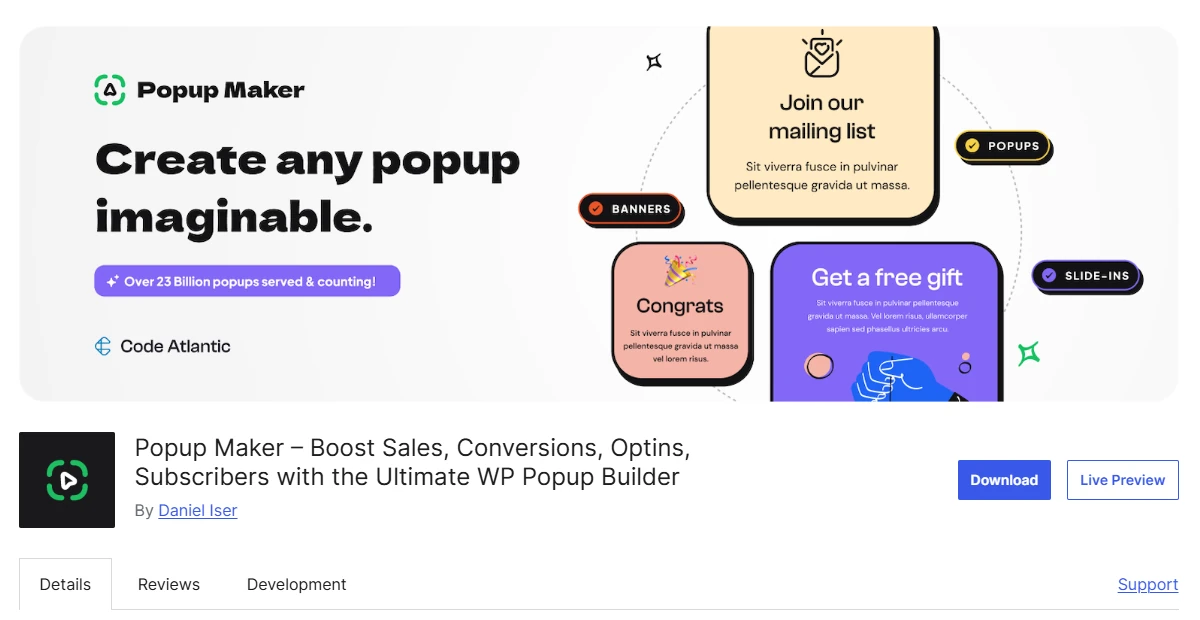
It supports integrations with popular WordPress builders and forms, alongside page conditions, interaction triggers, and repeat-display controls. Advanced targeting and analytics are available through relevant paid features.
Key Features of Popup Maker
- WordPress content editor, popup themes, and builder integrations.
- Compatible workflows with Elementor, Bricks, Brizy, and Divi.
- Supports WPForms, Gravity Forms, Contact Form 7, and Forminator.
- Time-delay, click, and form-submission triggers.
- Exit-intent and scroll-based popup behavior.
- Page, taxonomy, role, and referrer targeting conditions.
- Cookies, closing controls, advanced analytics, and FluentCRM workflows.
Where Popup Maker Works Best
Popup Maker is especially useful when a website already has functioning WordPress forms. Instead of recreating those forms in a separate popup service, teams can focus on the conditions that determine how visitors encounter them.
A professional association could place a consultation form behind a button on its membership-services page. Clicking the button would open the relevant popup, while the existing form continues handling fields and submission processing.
The same site might apply page targeting to make sure its invitation appears only where the service is relevant. Cookies and closing behavior can help manage repeated displays rather than interrupting visitors every time they navigate.
This approach also suits publishers and businesses that manage content through different WordPress builders. The precise editing experience depends on the connected tools, so assess the existing form and design setup before selecting extensions.
Popup Maker Pricing
Popup Maker pricing starts with Pro at $59.40 for the first year and $99 annually upon renewal for one site. Pro+ adds advanced ecommerce and revenue-attribution capabilities. Check feature eligibility before purchasing.
Who Should Use Popup Maker?
Popup Maker suits websites with existing WordPress forms, builder workflows, and specific popup-trigger requirements. It is particularly appropriate when preserving established submission handling matters more than introducing another hosted lead-generation platform.
5. Elementor Pro Popup Builder – Best for Custom-Designed Conversion Popups
Elementor Pro Popup Builder is built into eligible Elementor Pro plans, allowing website owners to design popups with familiar widgets, typography, containers, and responsive controls. It is not a separately purchased popup-only plugin.

Its display conditions, activation triggers, and advanced rules help determine the pages, moments, and visitor circumstances for each popup. Teams can combine popup design with Elementor forms and eligible submission-management features.
Key Features of Elementor Pro Popup Builder
- Visual popup editing with Elementor widgets and containers.
- Responsive styling for desktop, tablet, and mobile layouts.
- Page-specific inclusion and exclusion conditions.
- Scroll, click, inactivity, time, and exit-intent triggers.
- Session, page-view, referrer, device, and frequency rules.
- Elementor forms with supported actions after submission.
- Form submission records on eligible Elementor Pro plans.
Where Elementor Pro Popup Builder Works Best
Elementor Pro Popup Builder suits businesses already producing their websites with Elementor. Designers can maintain consistent colors, typography, and components between pages and popups without learning an unrelated campaign editor.
Consider a product designer promoting a custom consultation service. A relevant Elementor service page could contain a button opening a matching inquiry popup, using the site’s existing styling and Elementor form workflow.
The designer should check the popup’s opening method before configuring additional conditions. Elementor documents that custom-selector triggering bypasses automatic triggers and advanced rules, which matters when a campaign depends on specific visitor qualifications.
Submission records can help a team review received inquiries. However, records of form activity are not equivalent to native A/B testing, and they do not establish a measured improvement in conversion performance.
Elementor Pro Popup Builder Pricing
Elementor Pro Popup Builder pricing starts at $84 annually through Advanced Solo for one website. The cheaper Essential plan excludes Popup Builder. Confirm the applicable purchase and renewal amount for your region.
Who Should Use Elementor Pro Popup Builder?
Choose Elementor Pro Popup Builder if your website already relies on Elementor and you want consistent popup and page design. Confirm plan eligibility and required targeting rules before replacing a dedicated opt-in tool.
Community Reviews: Campaign Design and Usability
Selected WordPress.org reviews offer practical observations about setup, design flexibility, and everyday use. These are individual accounts, not representative surveys or independent evidence of conversion improvements.
WowOptin: What the Reviewer Reported
WordPress.org reviewer mikefury described an uncomplicated setup process and professional-looking popup designs in a review of WowOptin setup and design published August 31, 2026.
The reviewer was positive about its ease of use. Their experience provides useful design and setup feedback, but does not establish a repeatable subscriber-growth or website-speed result.
Popup Maker: What the Reviewer Reported
In a review of Popup Maker in WordPress from October 1, 2026, ropr reported that the popup fulfilled the required purpose and worked within their WordPress setup.
This is a useful indication of satisfaction with a specific implementation, not verification of every targeting option or advanced feature.
Poptin: What the Reviewer Reported
WordPress.org reviewer lysberth highlighted flexible element arrangement, image insertion, embedded forms, and helpful customer-service guidance in a review of Poptin design and support dated July 21, 2026.
That experience is relevant to users evaluating design control and setup assistance. It does not guarantee identical service or campaign outcomes elsewhere.
How We Reviewed WordPress Popup Plugins
We reviewed official product documentation, pricing pages, WordPress.org listings, relevant update information, and selected user reviews. The comparison focuses on documented capabilities and their suitability for specific conversion campaigns.
- Compared editors, templates, triggers, and audience targeting.
- Checked form connections, email integrations, and hosted management.
- Distinguished native A/B testing from analytics and submission records.
- Reviewed paid-plan eligibility, site allowances, and usage limits.
- Used individual reviews as feedback, not independent performance evidence.
We did not install, benchmark, or conduct security audits of these plugins. Their positions reflect the selected use cases rather than an independently scored market-wide ranking.
FAQs About WordPress Popup Plugins
These answers address performance, contact handling, compliance, licensing, and whether an additional popup builder is necessary.
Q: Can WordPress Popup Plugins Affect Website Loading Speed?
Yes. Popup scripts, styles, and external requests can affect page performance. Use PageSpeed Insights documentation to assess performance before and after deployment rather than assuming a plugin introduces no measurable overhead.
Q: Does Capturing Email Addresses Mean I Can Send Newsletters?
No. Collecting addresses, storing submissions, and delivering newsletters are different functions. Confirm the storage destination and mailing-service integration. Hosted platforms such as Poptin also require checking their external account and contact-management arrangements.
Q: Will a Popup Plugin Automatically Make My Forms GDPR Compliant?
No. Compliance depends on how personal information is collected and processed. Review your purpose, disclosures, data destinations, and applicable legal grounds for personal-data processing. Installing a popup plugin alone does not establish compliance.
Q: Can I Install One Popup Plugin Across Multiple WordPress Sites?
That depends on the product and purchased license. Some plans cover one site, while others allow multiple or unlimited installations. Check activation allowances, usage restrictions, and renewal terms before using a license across client websites.
Q: Should I Use My Theme’s Popup Feature Instead?
Use your existing theme’s popup functionality if it meets your design, targeting, integration, and reporting requirements. Consider a dedicated plugin when the existing tool lacks a specific capability your campaign needs.
Q: Is Elementor Pro Enough for Conversion-Focused Popups?
It can be, provided your plan includes Popup Builder and its conditions, triggers, and forms meet your requirements. Confirm whether you need additional experimentation or analytics capabilities before assuming Elementor replaces every dedicated opt-in plugin.
Q: What Should I Measure After Launching a Popup Campaign?
Measure the action the popup was intended to produce, such as completed signups or submitted inquiries. Compare that outcome with popup views where appropriate. Keep clicks and impressions separate from actual leads or purchases.
Choose a Popup Plugin for Your Conversion Goal
Choose your WordPress popup plugin according to how the campaign needs to operate, not simply how many templates or features the product advertises.
Start with the audience you want to reach, the trigger that makes the offer relevant, and the action you expect visitors to complete. Then compare the editor, targeting controls, integrations, and measurement options of the suitable plugins.
Check the plan that actually includes those requirements. Introductory prices, visitor allowances, hosted accounts, and renewal conditions can change the practical cost of a campaign.
Before rolling out multiple offers, launch one targeted popup on an appropriate page. Confirm its mobile presentation, verify that its display rules work, and measure completed actions against campaign views. Use those observations to decide whether the next campaign needs a different design, audience, or trigger.
