
You’ve set up your WooCommerce store, sorted your product catalog, and traffic is coming in. But the sales don’t reflect those numbers.
Sound familiar?
Most e-commerce stores don’t lose customers because of bad products. They lose them because of small, fixable problems scattered across the shopping experience. Shoppers can’t see the product clearly. They can’t find the spec sheet. Shipping costs surprise them at checkout. There’s no compelling reason to add a second item to the cart.
Each of these moments is a conversion leak.
The good news is that WordPress has plugins that fix exactly these problems. In this post, we’ve put together the best plugins for conversion-focused eCommerce stores in 2026, each one chosen for the specific job it does in turning visitors into paying customers.
Let’s get into it.
What Makes an eCommerce Store Conversion-Focused?
Before we look at the plugins, it helps to understand what “conversion-focused” actually means in practice.
A conversion-focused store doesn’t just look good. It actively removes reasons for shoppers not to buy.
Here’s what that usually looks like:
Strong product presentation: Shoppers can’t touch or try your products. Video, 3D viewing, and rich media replace that in-store experience and give buyers the confidence to click “Add to Cart.”
Complete product information: Unanswered questions kill conversions. When shoppers can’t find sizing details, technical specs, or usage instructions, they leave. Stores that put this information right on the product page keep shoppers informed and moving forward.
Frictionless checkout: Every unexpected cost or confusing shipping option gives a shopper a reason to abandon their cart. A smooth path from product page to order confirmation is non-negotiable.
Smart revenue strategies: Getting a customer to buy once is great. Getting them to add one more item, or spend just a little more, is even better. Upsells, bundles, and discount campaigns do this without feeling pushy.
Professional post-purchase experience: The sale doesn’t end at checkout. A branded invoice, a smooth fulfillment process, and a way to collect real feedback all contribute to repeat purchases and long-term trust.
Now let’s look at the plugins that deliver each of these.
Quick Look: Best eCommerce Conversion Plugins for 2026
| Plugin | What It Does for Conversions | Free Version |
|---|---|---|
| HTML5 Video Player | Shows products in action through embedded video | Yes |
| 3D Viewer | Lets shoppers explore products in 360 degrees | Yes |
| AffiliatePress | Create and manage affiliate programs | Yes |
| WowRevenue | Upsells, bundles, and AOV-boosting campaigns | Yes |
| WowStore | Product discovery, store layout, and browsing experience | Yes |
| Document Embedder | Embeds spec sheets, size guides, and manuals on product pages | Yes |
| WowShipping | Transparent shipping rates that reduce checkout drop-offs | Yes |
| Voice Feedback | Authentic voice testimonials as on-page social proof | Yes |
| WowInvoice | Branded PDF invoices that build post-purchase trust | Yes |
The Best WordPress Plugins for eCommerce Conversions in 2026
Each plugin below solves a specific problem in the buyer journey. We’ve ordered them starting from the product page experience, then working through checkout and post-purchase.
1. HTML5 Video Player – Show Your Product in Action
Best for: Embedding product demo videos directly on WooCommerce product pages
Product images tell part of the story. The video tells the rest.
When a shopper watches your product being used, assembled, or worn, their questions get answered in real time. That’s fewer reasons to hesitate and more reasons to buy.
HTML5 Video Player makes it easy to embed videos anywhere on your WordPress site, including right on your product pages. You can use self-hosted videos, YouTube links, Vimeo, or HLS streams. The player is lightweight, responsive, and works on mobile without any extra setup.
Where it helps on product pages:
- Product demo videos showing the item in real use
- Unboxing or “what’s in the box” videos for physical products
- Tutorial videos that answer common pre-purchase questions
- Video testimonials placed near the buy button
Key features:
- Supports MP4, HLS, YouTube, Vimeo, and self-hosted files
- Autoplay and loop with muted playback, great for background product showcases
- Fully customizable player controls and branding
- Playlist support for stores with multiple videos per product
- Responsive and mobile-optimized out of the box
Who should use it: Any store where seeing the product in action matters. Fashion, electronics, beauty, tools, fitness equipment, food, and handmade goods all benefit from video on the product page.
2. 3D Viewer – Let Shoppers Explore Before They Buy
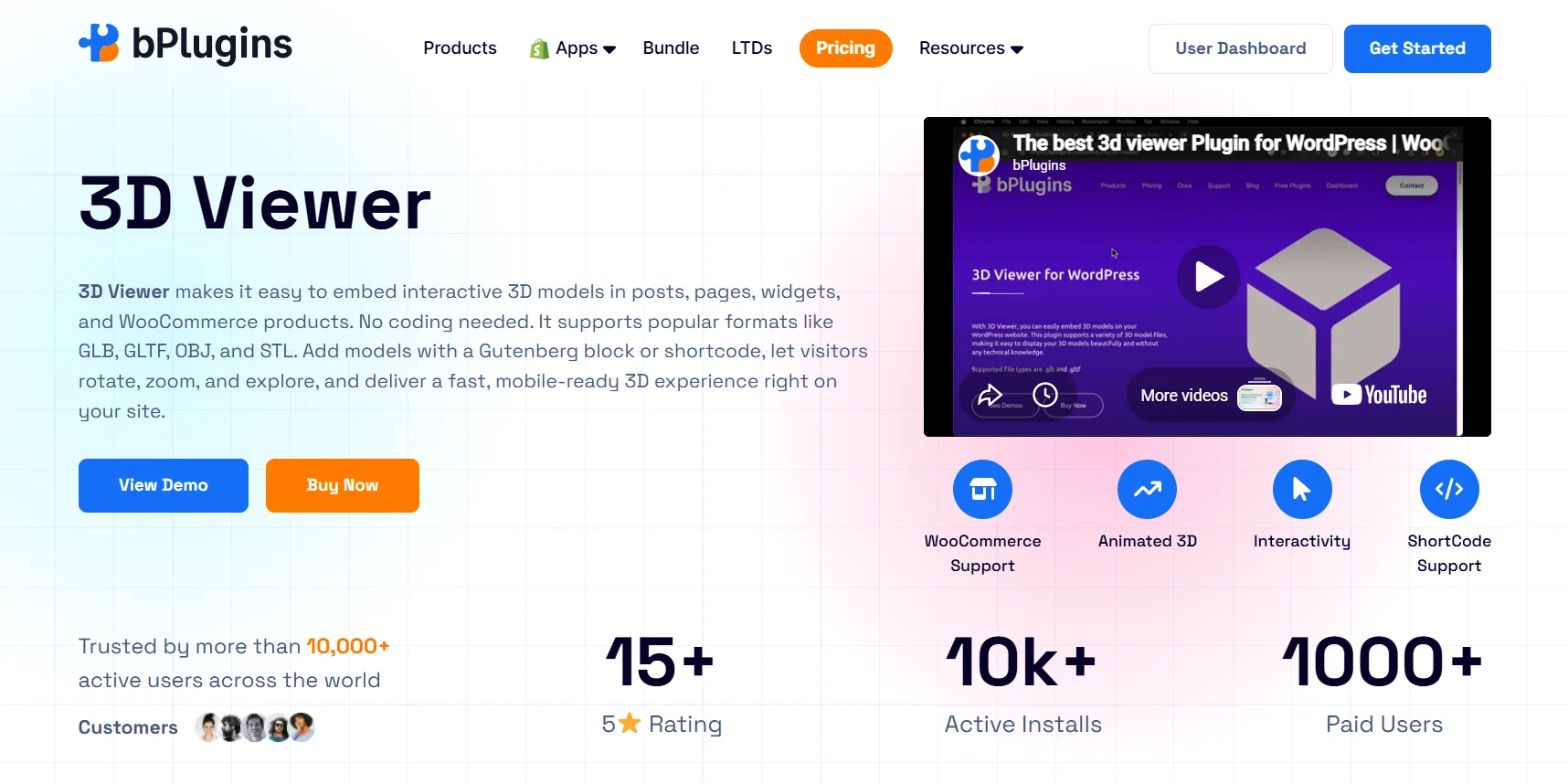
Best for: Adding interactive 360-degree product viewing to WooCommerce product pages
One of the biggest frustrations of online shopping is not being able to pick up a product and look at it properly.
You can’t check the stitching on a jacket. You can’t see how a chair’s legs are shaped. You can’t turn a ring around to see if it looks good from the side. Static images from three angles just don’t cut it for products where detail and dimension matter.
3D Viewer fixes this. It lets you embed interactive 3D models directly on your product pages. Shoppers can rotate the product 360 degrees, zoom in, and inspect it from any angle, all in the browser with no extra software or app required.
Where it helps on product pages:
- Full 360-degree product views for furniture, footwear, and accessories
- Close-up inspection of textures, materials, and finishes
- Interactive display for technical products or custom-built items
- A cleaner alternative to a gallery of static photos that still don’t show everything
Key features:
- Supports GLB and GLTF 3D model formats
- Full rotation, zoom, and pan controls for shoppers
- Lightweight and fast-loading, so it doesn’t slow down product pages
- Works with the Gutenberg block editor and shortcodes
- No viewer app or third-party software needed on the shopper’s end
Who should use it: Stores selling furniture, jewelry, footwear, accessories, electronics, or any product where the shape, material, or physical detail plays a big role in the purchase decision.
3. AffiliatePress– Turn Word of Mouth Into a Scalable Growth Strategy
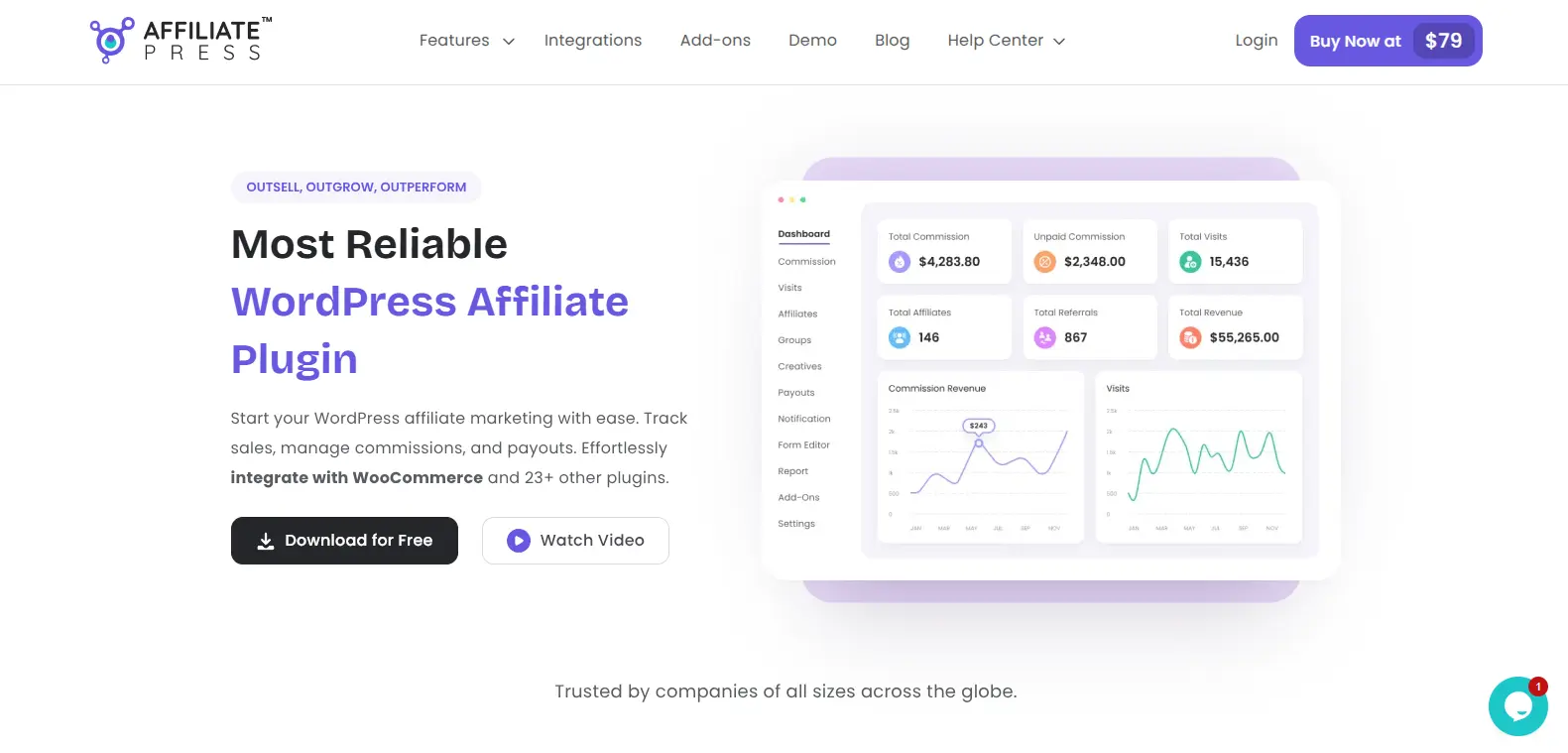
Best for: Creating and managing a high-performing affiliate program directly from your WordPress website
Word-of-mouth marketing has always been one of the most effective ways to get new customers. The challenge is that it’s difficult to track, manage and grow in real time.
AffiliatePress fixes it. This WordPress affiliate plugin for conversion-focused stores turns casual recommendations into a structured affiliate marketing program. No need to rely on one-time referrals when you can build a network of quality affiliates who actively promote your products, services, memberships or courses in exchange for commissions.
Where it helps in the store:
- Launching a referral-based affiliate marketing program with zero coding.
- Recruiting and managing affiliate partners.
- Tracking referrals and commissions accurately.
- Automating affiliate payouts.
Key features:
- Integrates with WooCommerce and 25+ other WordPress plugins
- Supports multiple smart commission structures
- 1-click and automatic payouts via PayPal or Stripe
- Real-time commission and referral tracking with detailed reports
- Smart fraud detection
- Dedicated affiliate panel with unlimited creatives
Who should use it: WooCommerce store owners, membership site admins, course creators, SaaS businesses, agencies and online product sellers who want to grow their sales via affiliate marketing with zero coding.
4. WowRevenue – Increase What Each Customer Spends
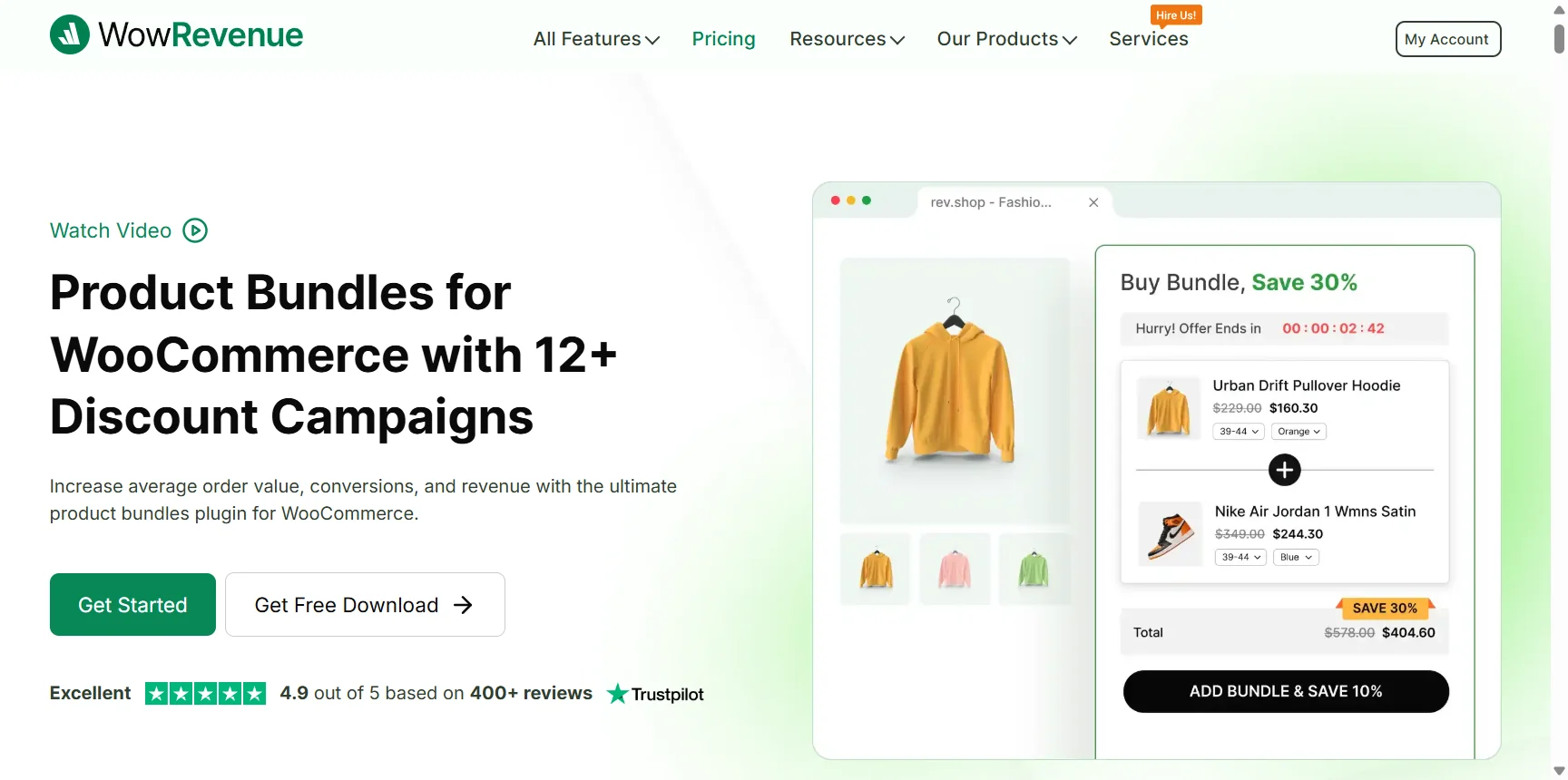
Best for: Upsells, cross-sells, bundles, and discount campaigns that grow average order value
Getting a customer to your store costs money. Getting them to spend more once they’re there costs almost nothing extra.
That’s the idea behind WowRevenue. It’s an all-in-one product bundles plugin that is built around increasing average order value (AOV) through smart, well-timed offers across the entire shopping journey: product pages, the cart, checkout, and even the thank-you page after purchase.
Instead of showing random products, WowRevenue lets you create targeted campaigns. You can set up custom product bundles, mix and match offers, “Frequently Bought Together” recommendations, quantity discounts, Buy X Get Y deals, and post-purchase upsells, all from one dashboard.
Key features:
- Frequently Bought Together product recommendations
- Product bundle discounts and quantity-based pricing
- Buy X Get Y campaigns
- Free shipping progress bar and spending goal nudges
- Checkout upsells and order bumps
- Countdown timers and stock scarcity alerts
- Post-purchase offers on the thank-you page
- Next Order Coupons to encourage repeat purchases
Who should use it: Any WooCommerce store that wants to grow revenue from existing traffic. If you’re not running any upsell or cross-sell strategy right now, this is where to start.
5. WowStore – Build a Store Shoppers Actually Want to Browse
Best for: Store design, product discovery, and the overall WooCommerce browsing experience
Customers can’t buy products they can’t find.
And even when they do find a product, a cluttered layout or confusing navigation sends them back to Google. Poor store design creates drop-offs long before anyone reaches the cart.
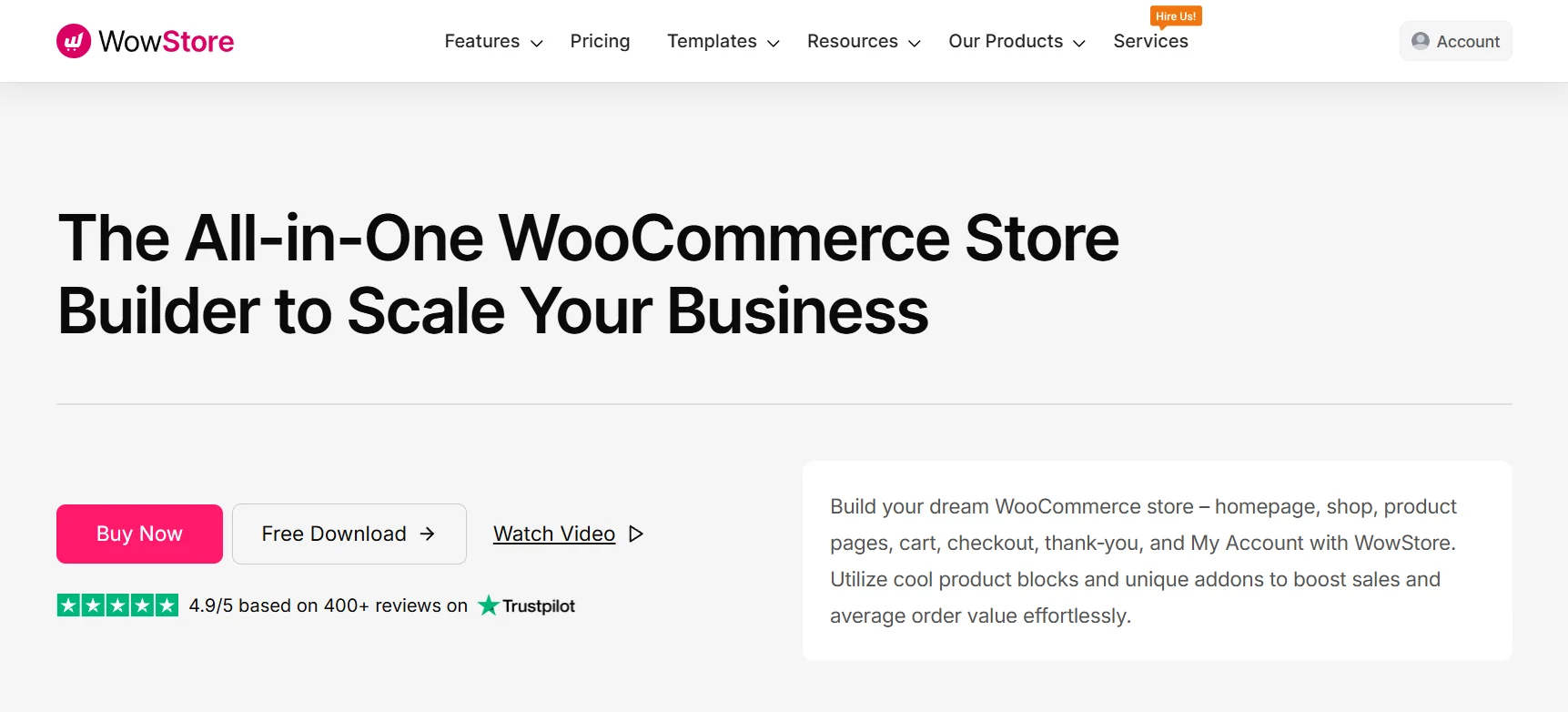
WowStore is a WooCommerce store builder plugin that lets you design and control the full shopping experience, from your shop page and product listings to the cart and checkout. It comes with ready-made templates, advanced filtering, and conversion-friendly features like quick view, wishlist, and sticky add-to-cart buttons.
Key features:
- Custom templates for shop, product, cart, and checkout pages
- Advanced product filtering and category navigation
- Quick view, wishlist, and product comparison features
- Sticky add-to-cart bar and floating cart
- Product badges and sale countdown timers
Who should use it: WooCommerce stores that want full control over their store design and browsing experience without needing a page builder or multiple separate layout plugins.
6. Document Embedder – Keep Shoppers Informed Without Sending Them Elsewhere
Best for: Embedding spec sheets, size guides, manuals, and product documents on product pages
Here’s a common scenario. A shopper is interested in buying but needs one more piece of information. Maybe it’s a size guide, a compatibility chart, or a technical specification. They don’t see it on the page, so they open a new tab to look it up. They don’t come back.
That’s a preventable conversion loss.
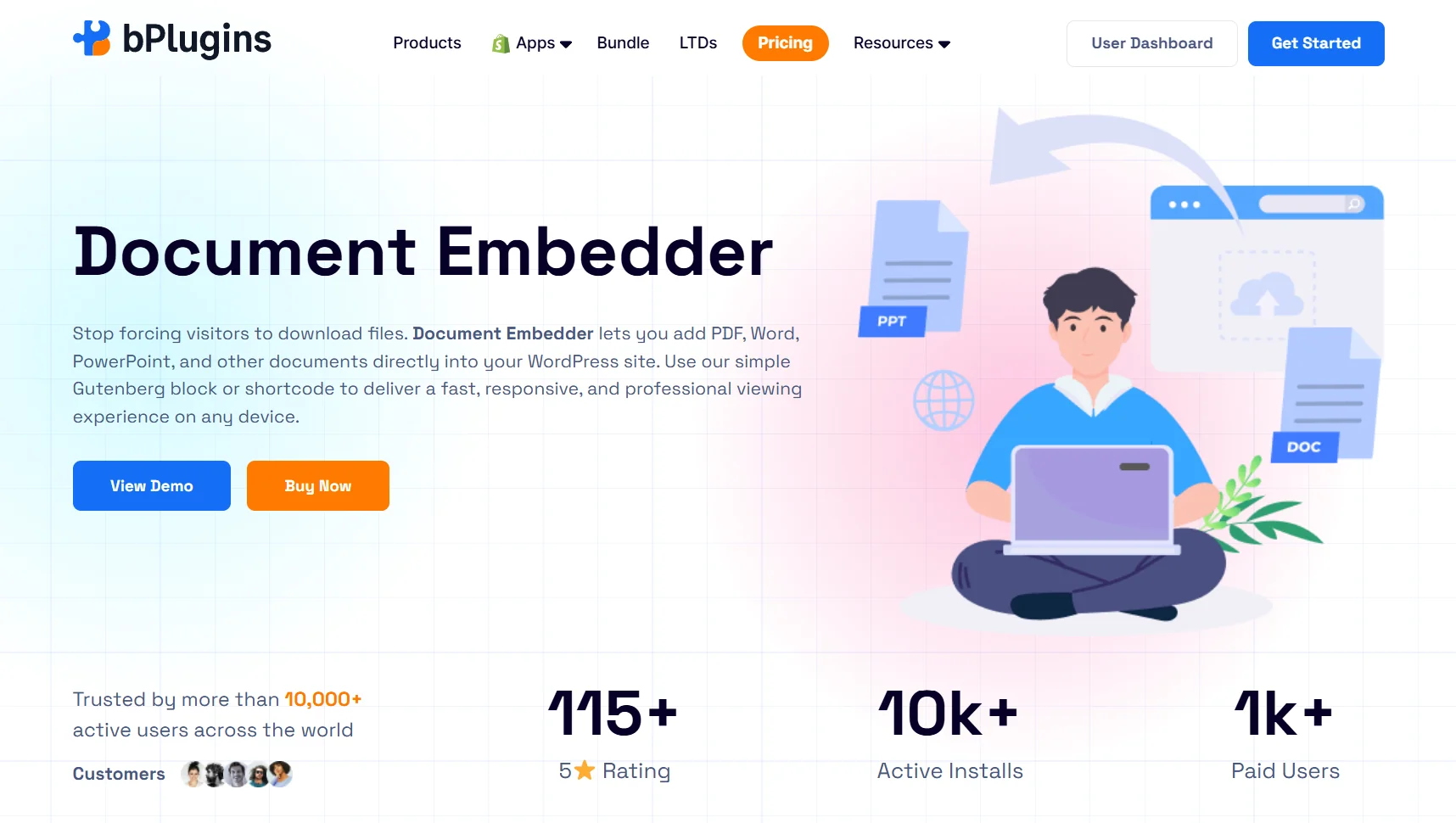
Document Embedder lets you embed PDFs, Word documents, spreadsheets, and other files directly into any page or post. For eCommerce, this means putting all your product documentation exactly where shoppers need it, right there on the product page, in a clean, readable format.
Where it helps on product pages:
- Size and fit guides for clothing and footwear
- Technical specification sheets for electronics and hardware
- Assembly instructions or user manuals for furniture and tools
- Ingredient lists or compliance documents for health and food products
- Product catalogs on category or shop pages for B2B stores
Key features:
- Supports PDF, DOCX, XLSX, PPTX, and more
- Clean, responsive document viewer that works on all screen sizes
- Embed files from Google Docs and OneDrive without uploading them
- Works via Gutenberg block and shortcode
- No additional plugins or viewers needed
Who should use it: Stores selling technical products, apparel, furniture, health products, or anything sold B2B. If your customers regularly ask questions that a document could answer, this plugin belongs on your product pages.
7. WowInvoice – Make the Post-Purchase Experience Count
Best for: Branded PDF invoices and packing slips that build customer trust after every order
Most store owners put all their energy into the pre-purchase experience. But what happens after the order is placed matters just as much for long-term conversions.
A missing or poorly formatted invoice is a small thing that quietly damages trust. It makes your store feel less serious. A clean, branded invoice does the opposite. It reinforces that the customer made a good decision, reduces post-purchase doubt, and sets the tone for repeat business.
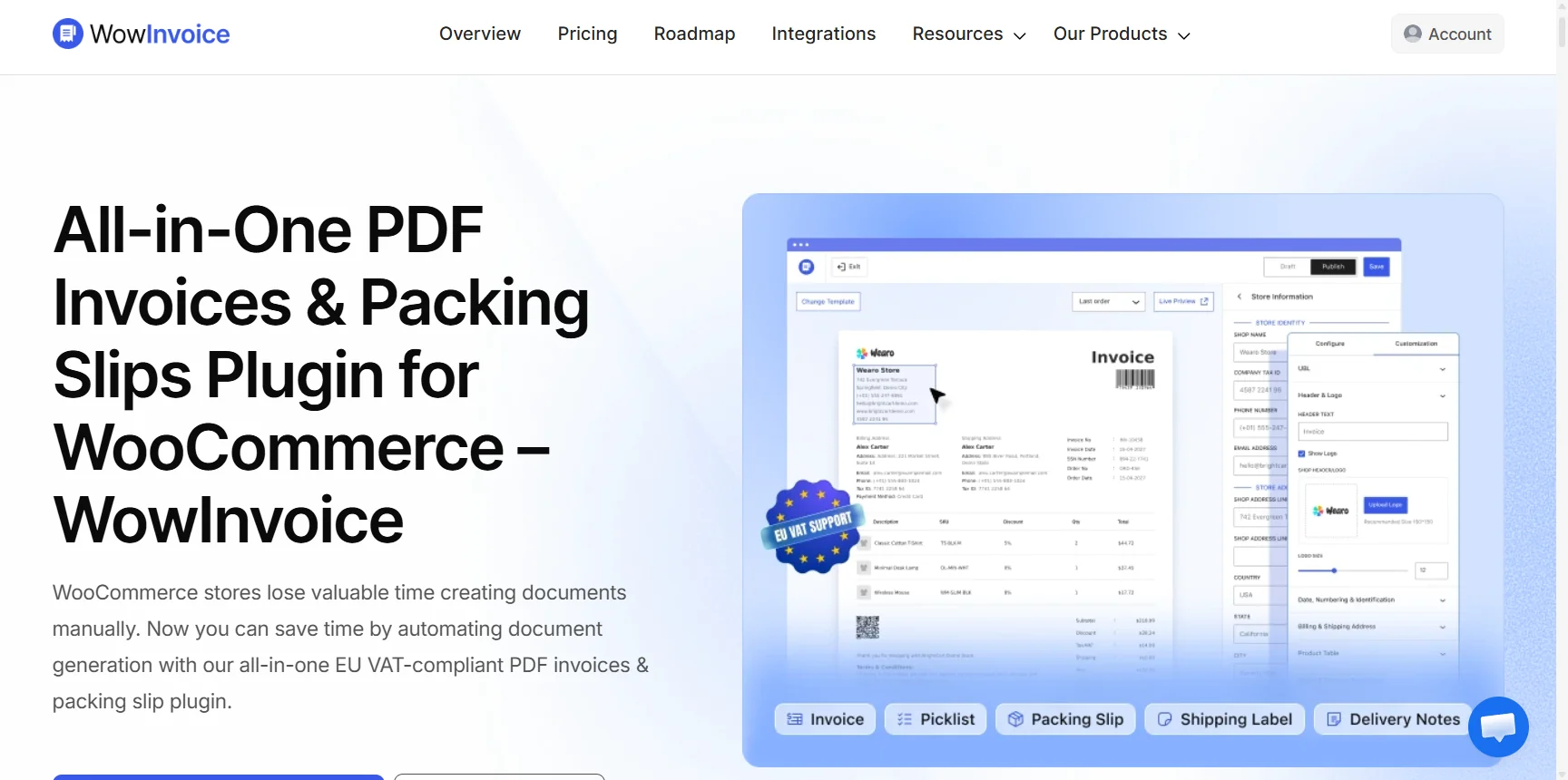
WowInvoice handles this for WooCommerce. It’s an all-in-one PDF invoicing plugin that can generate invoices, packing slips, picklists, credit notes, UBL invoices, and shipping labels effortlessly – and sends them on order status changes.
Key features:
- Branded PDF invoices and packing slips
- Auto-send invoices when order status changes
- Fully customizable templates with logo, colors, and layout
- Tax-ready and compliance-friendly formatting
- Bulk invoice generation for high-order-volume stores
- EU VAT-compliant invoices
Who should use it: Every WooCommerce store. If you’re sending customers a plain text email with their order details and nothing else, WowInvoice is a quick upgrade that pays off in trust and professionalism.
Learn more about the best PDF invoice plugins for WooCommerce.
8. Voice Feedback – Use Real Customer Voices as Social Proof
Best for: Collecting voice-based customer reviews and displaying them on product pages
Most shoppers read reviews before they buy. But text reviews have a trust problem. They’re easy to fake, easy to ignore, and often too brief to be useful.
Voice feedback is different. Hearing a real customer’s voice describing their experience is far more convincing than reading three lines of text. It’s harder to fake, more personal, and more persuasive. Displayed near the buy button, it gives hesitant shoppers the nudge they need.
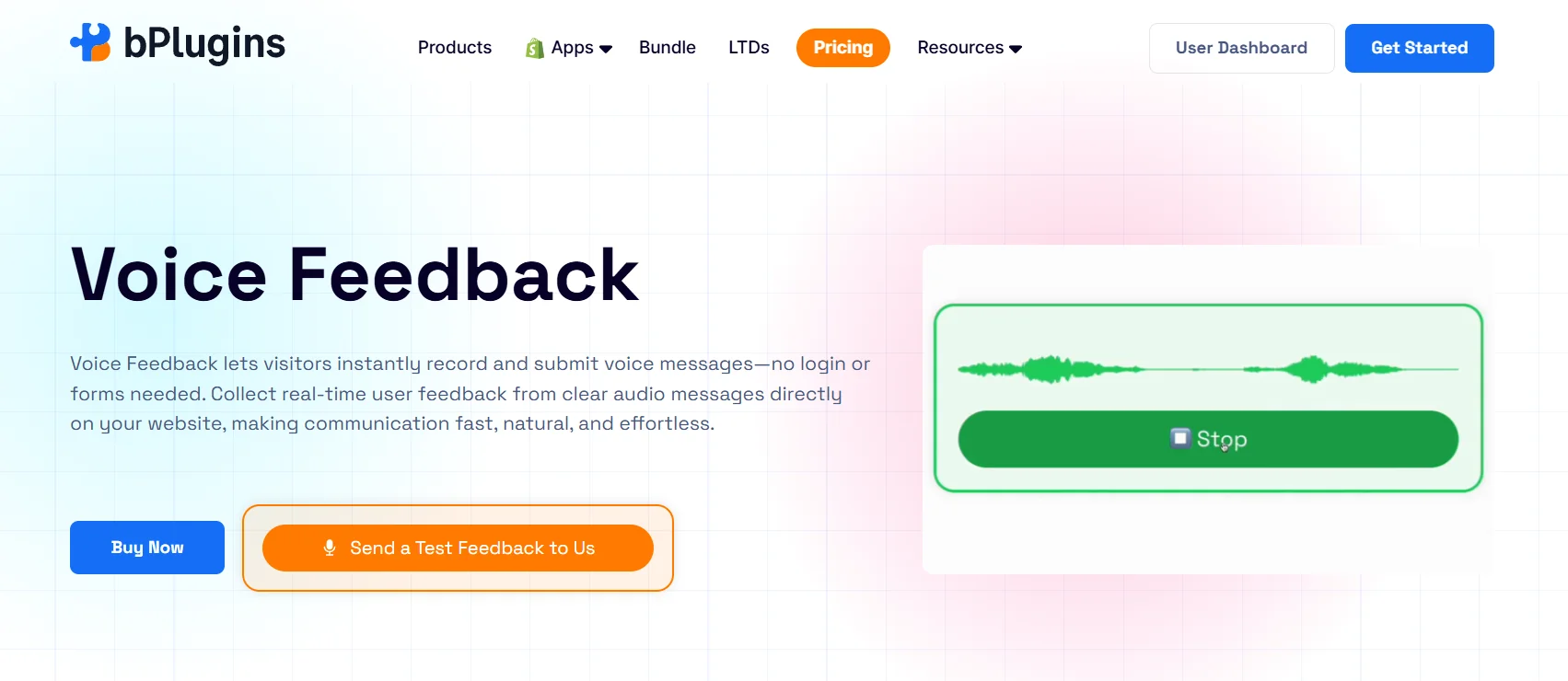
The Voice Feedback plugin makes this simple. Customers can leave a voice review in one click after purchase, with no app or account required. You can then moderate, manage, and embed those recordings anywhere on your WordPress site.
Where it helps in eCommerce:
- Voice reviews displayed directly on product pages
- Audio testimonials on homepage or landing pages
- Post-delivery feedback collection to identify friction points
- Trust-building for newer stores that don’t have many text reviews yet
Key features:
- One-click voice recording for customers, no app or login needed
- Embeddable audio playback widget for any page or post
- Simple moderation and review management dashboard
- Works as both a feedback tool and an on-page trust signal
- Integrates natively with WordPress
Who should use it: Stores in trust-sensitive niches like health, beauty, supplements, education, and services. Also useful for newer stores that are still building their review base and need stronger social proof than a handful of text reviews.
9. WowShipping – Remove Checkout Surprises That Kill Conversions
Best for: Creating transparent, rule-based shipping rates that reduce last-minute cart abandonment
Unexpected shipping costs are one of the most common reasons shoppers abandon their carts at checkout.
They’ve browsed, chosen a product, and committed. Then they see a shipping cost they weren’t expecting and decide it’s not worth it. This is a conversion problem that starts long before checkout, because shoppers don’t know what to expect.
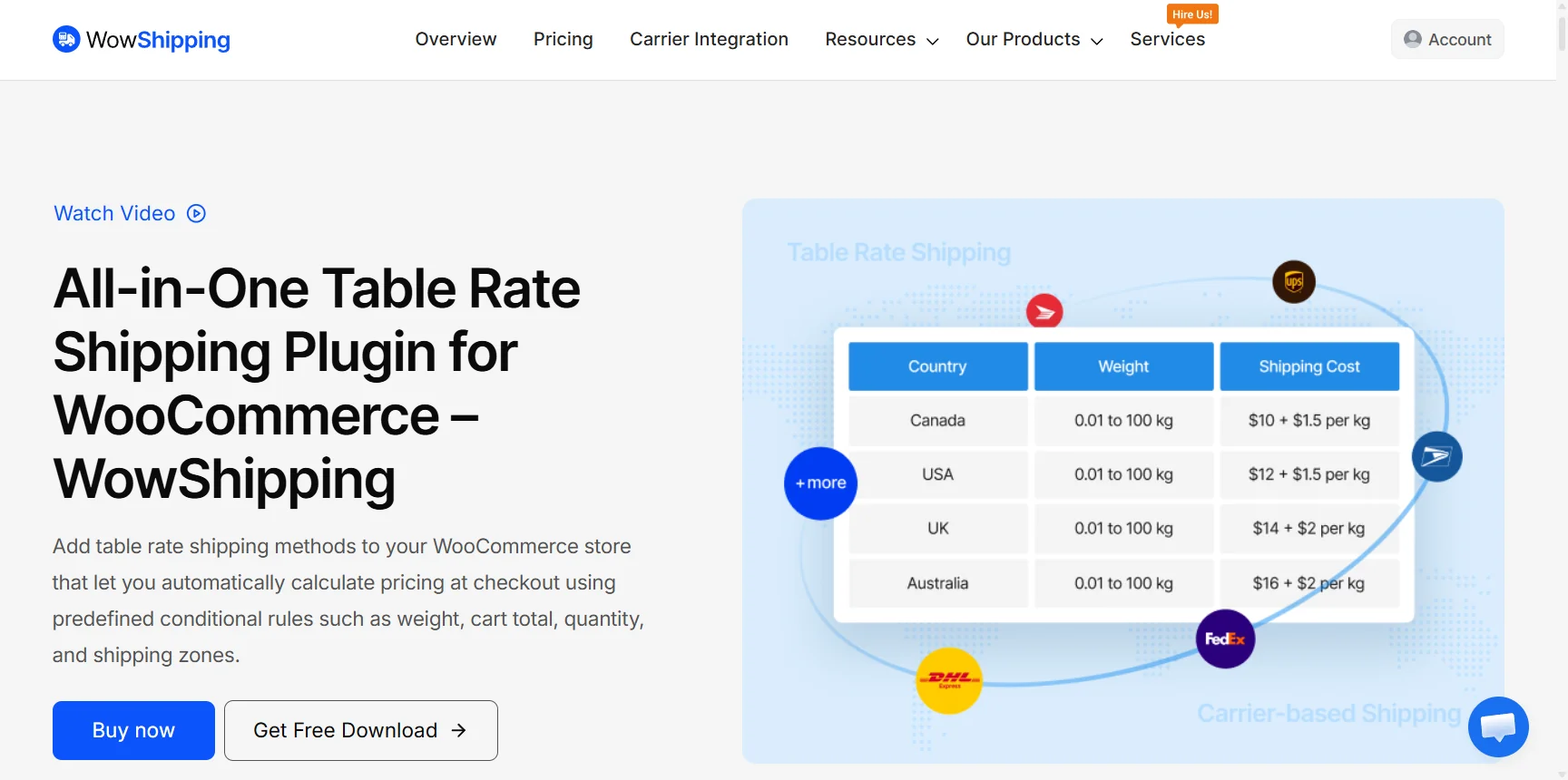
WowShipping lets you set up table rate shipping with full control over how rates are calculated. You can define rates by weight, product quantity, order total, destination, or any combination of these. Shoppers see accurate shipping costs earlier in their journey, which means fewer surprises at checkout.
Key features:
- Table rate shipping based on weight, quantity, price, destination, and more
- Multiple shipping methods per shipping zone
- Conditional rules to show or hide specific shipping options
- Free shipping thresholds to encourage higher order values
- Native WooCommerce integration with no compatibility issues
Who should use it: Stores with varied product weights, multiple shipping destinations, or products that have different shipping needs. Also, a strong fit for any store with a checkout abandonment rate it wants to bring down.
Which Plugin Should You Start With?
You don’t need all eight of these at once. Start by identifying the biggest conversion leak in your store right now.
| If your store struggles with this… | Start here |
| Shoppers do not understand what the product actually does | HTML5 Video Player |
| Customers unsure about dimensions, materials, or product details | 3D Viewer |
| Low average order value despite healthy traffic | WowRevenue |
| Poor product discovery and hard-to-navigate store layout | WowStore |
| Shoppers leaving because they can’t find specs or documentation | Document Embedder |
| High cart abandonment at checkout due to shipping costs | WowShipping |
| Low trust or not enough social proof to convert new visitors | Voice Feedback |
| Weak post-purchase experience and low repeat purchase rate | WowInvoice |
Fix the biggest leak first. Then work your way through the list.
Frequently Asked Questions
Which plugins have the most direct impact on eCommerce conversion rates?
It depends on where your store loses the most customers. If shoppers drop off on product pages, HTML5 Video Player, 3D Viewer, and Document Embedder help them feel confident enough to buy. If they leave at checkout, WowShipping removes shipping surprises. If average order value is the issue, WowRevenue is the place to start.
Do 3D Viewer and HTML5 Video Player slow down product pages?
Both plugins are built to be lightweight. HTML5 Video Player loads the player only when needed, and 3D Viewer renders models client-side without heavy server calls. That said, the size of your 3D model files and video files will have more impact on page speed than the plugins themselves.
Can WowRevenue work alongside WowStore?
Yes. WowRevenue handles upsells, bundles, and discount campaigns, while WowStore handles store design and layout. They tackle different parts of the shopping experience and work well together.
How does Document Embedder help product page conversions specifically?
It keeps shoppers on your page. When a customer needs a size guide, a technical spec, or a user manual and can’t find it, they leave to look for it. Embedding those documents directly on the product page removes that friction and keeps the buying momentum going.
Is WowShipping suitable for stores with simple, flat-rate shipping?
WowShipping supports simple flat-rate setups as well as more complex table rate configurations. If your shipping is already simple and working well, you may not need it. But if you have multiple product types, destinations, or a cart abandonment problem at checkout, it’s worth setting up.
Do any of these plugins have free versions?
Yes, all eight plugins listed here have free versions available. Most of them are on the WordPress plugin repository.
Can these plugins be used together without conflicts?
Yes. These plugins cover different parts of the eCommerce experience: product presentation, store design, shipping, revenue optimization, and post-purchase. They don’t overlap in functionality, which means they’re unlikely to conflict with each other.
Final Thoughts
There’s no single plugin that fixes conversions overnight. But each friction point you remove brings a shopper one step closer to completing their purchase.
The plugins in this list cover the full buyer journey. From product pages that actually show what you’re selling, to checkout experiences that don’t surprise customers, to post-purchase touchpoints that bring people back.
Start with the area where your store loses the most customers. Install one plugin, test it, and move to the next. Small improvements at each stage add up to a meaningfully better conversion rate over time.
