
Subaccounts for WooCommerce
Allow wholesale customers to create and manage secondary user accounts under a main customer account.


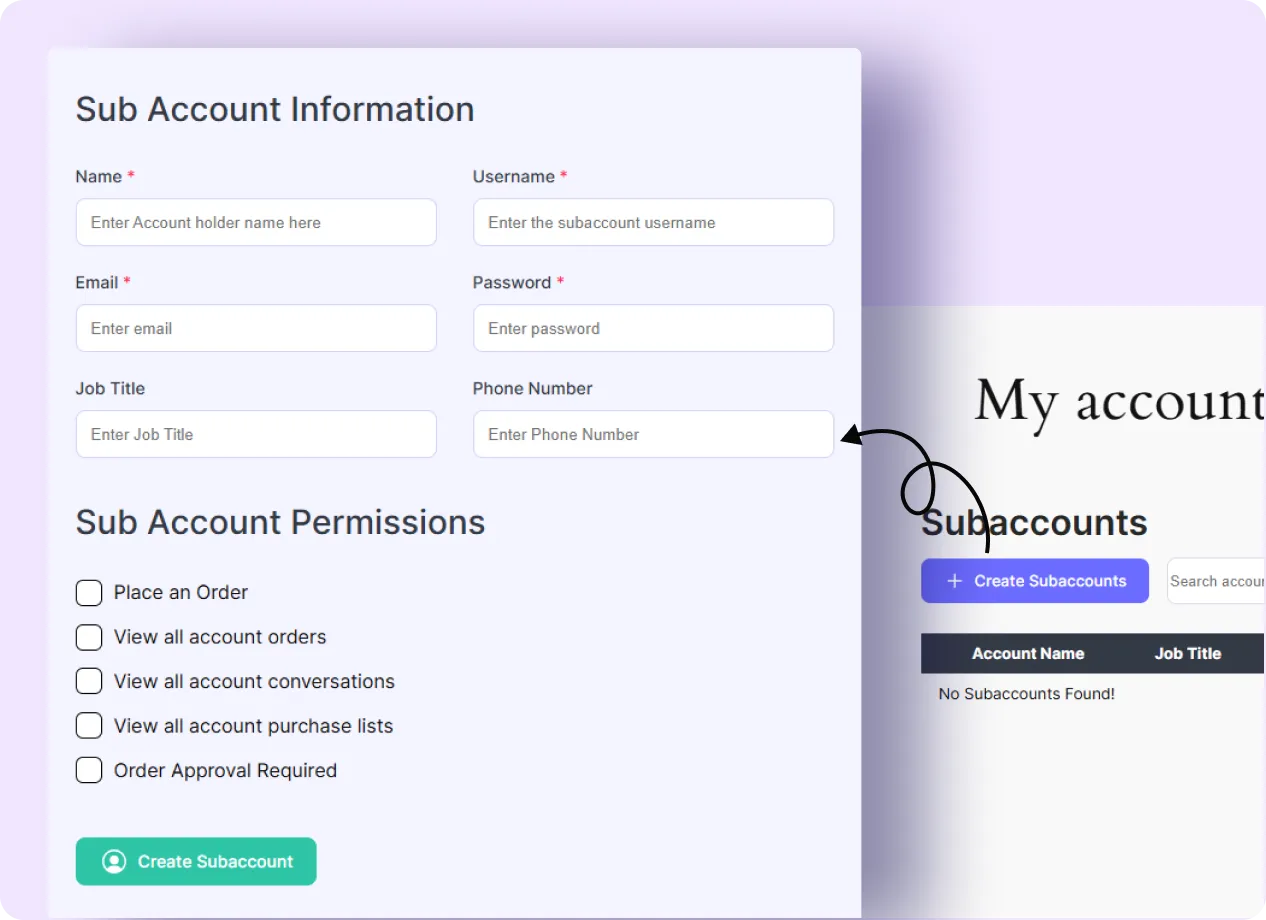
Allow Wholesale Customers to Manage Their Teams with Subaccounts
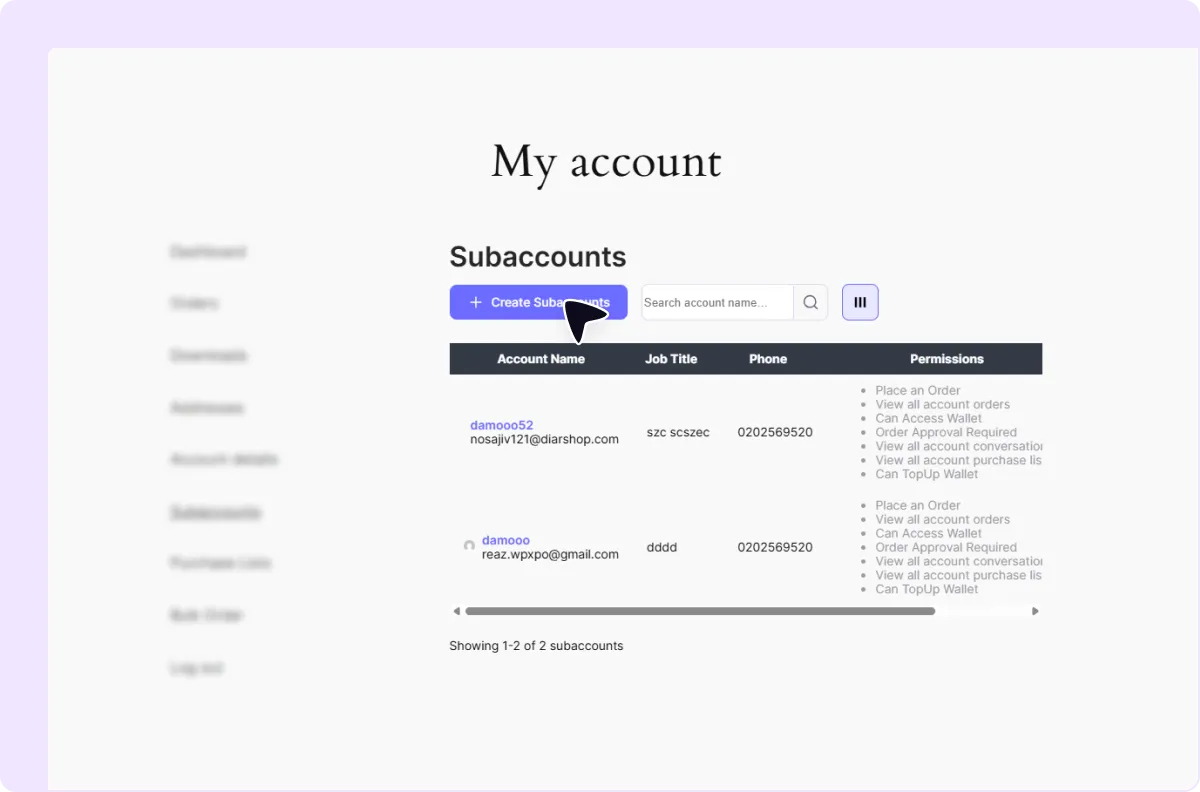
Unlimited Subaccounts Creation
Allow a main customer account to create multiple subaccounts for team members.
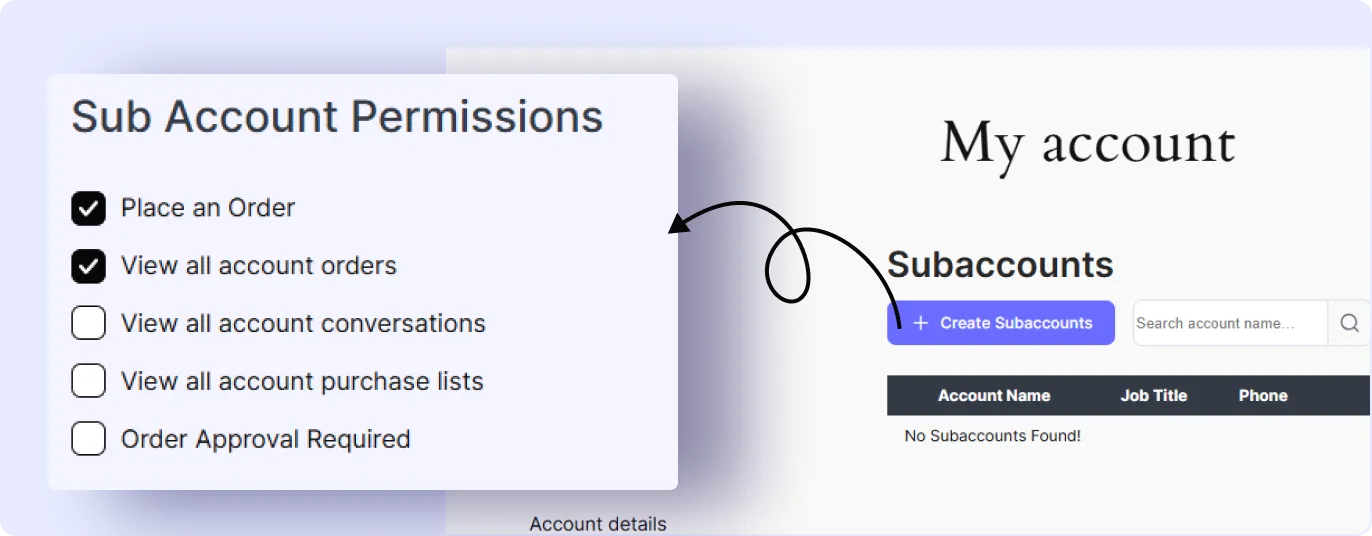
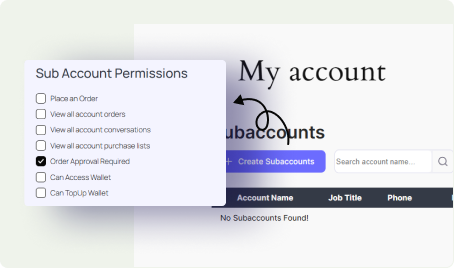
Customizable Permissions for Every Subaccount
Set specific permissions for each subaccount based on what the team member should be able to access or manage.
Order Placement on Behalf of the Main Account
Let subaccount users place orders that remain connected to the main customer account.
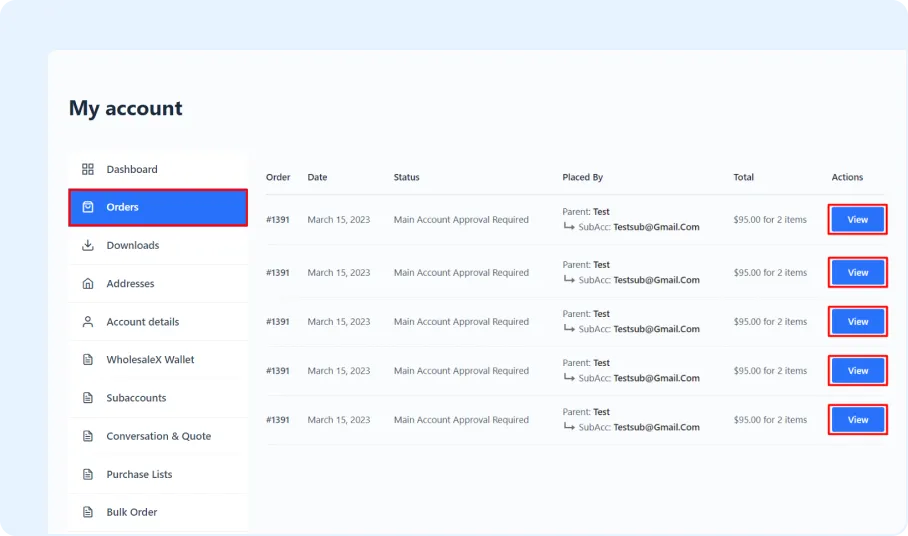
Main Account Order Approval
Allow the main account holder to review and approve orders submitted by subaccount users.
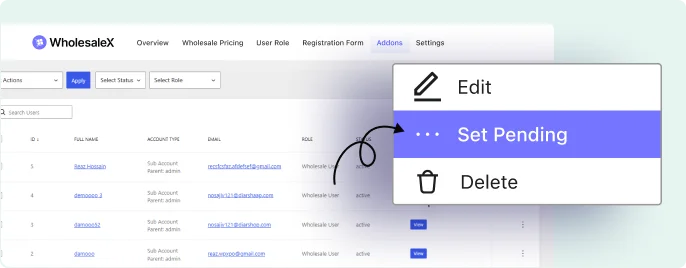
Editing and Removing Flexibility
Let the main account holder update subaccount details or remove existing subaccounts whenever needed.
Subaccount Creation Process for Registered Customers
Subaccounts can be enabled by activating the addon, configuring account endpoint text, and setting order-related instructions.

Enable the Subaccounts Addons
Turn on the subaccounts feature from the WholesaleX addon settings.

Customize Endpoint Text
Edit the account page labels, endpoint text, and dashboard tab names used for subaccounts.

Add Custom Order Text and Save Changes
Add order-related instructions for subaccount users and save the configuration.
Frequently Asked Questions
Explore these frequently asked questions about subaccount to understand how it works and decide if they’re the right fit for your WooCommerce store.
Feel free to contact our support team if you have any questions, need assistance, or require guidance. We’re always happy to help and ensure you have the best possible experience.
Simplify Team Management by creating unlimited subaccounts
Allow wholesale customers to create subaccounts and manage team access from one main account.