
The top WooCommerce PDF invoice plugins include WowInvoice, Challan, and PDF Invoices & Packing Slips for WooCommerce.
- WowInvoice – Best for stores that need an all-in-one solution for invoices, packing slips, shipping labels, credit notes, and other order documents.
- Challan – Ideal for merchants looking for a user-friendly PDF invoicing plugin suitable for dropshipping.
- PDF Invoices & Packing Slips – A lightweight and reliable option for generating professional invoices and packing slips with minimal setup.
In this guide, we’ll review these leading solutions alongside several other popular invoice plugins, comparing their features, pricing, pros and cons, and ideal use cases to help you choose the right one for your WooCommerce store.
Quick Comparison: Top PDF Invoice Plugins at a Glance
Short on time? Here’s the TL;DR version with the key differentiators for each plugin.
| Plugin Name | Key Features | Best For |
PDF Invoice & Packing Slip | Auto-email PDFs, bulk export, 35 languages, UBL/Peppol compliance, HTML/CSS templates | Stores wanting a tested solution |
WowInvoice | 6 document types (invoice, packing slip, picklist, shipping label, credit note, delivery note, UBL), EU VAT Compliance, lifetime unlimited license | Stores needing all-in-one invoice + fulfillment solution in one plugin |
Challan | Supports 15+ languages, bulk ZIP/merged PDF, hide prices for dropshipping | Dropshippers & sellers in India/Saudi Arabia needing compliance |
PDF Builder | Drag-and-drop Gutenberg builder with blocks, barcodes, conditional logic, template gallery | Users who want pixel-perfect custom documents |
Flexible Invoices | Works standalone without WooCommerce, MOSS/OSS support | If you don’t want WooCommerce dependency |
Print Invoices & Delivery Notes | Free option with clean interface, auto-email, bulk print, custom numbering | Minimalists who just need basic invoices |
Why You Actually Need a PDF Invoice Plugin
I know what you’re thinking – “WooCommerce already sends order confirmation emails. Isn’t that enough?” Short answer: no. Long answer: absolutely not, and here’s why.
Legal compliance is non-negotiable: Depending on where you sell, you’re legally required to provide proper invoices with specific details like VAT numbers, sequential numbering, and tax breakdowns. An order confirmation email doesn’t cut it for tax authorities.
Professionalism builds trust: A branded, well-formatted PDF invoice tells your customers “we’re a real business.” A plain text email says, “We’re figuring this out as we go.”
Automation saves your sanity: Manually creating invoices for 50+ orders a week? That’s a part-time job you didn’t sign up for. The right plugin handles it while you sleep.
Customers need them for their records: B2B Wholesale businesses especially need proper invoices for their own accounting. Make it easy for them, and they’ll come back.
What to Look for in a WooCommerce PDF Invoice Plugin
So, are you in the shopping mood for an invoice plugin? Need to come to a decision? These factors should help you find the ideal WooCommerce PDF Invoice plugin.
| Feature | Importance | Why It Matters |
| Auto-generate & email attachment | Critical | The plugin should automatically create a PDF and attach it to order emails – no manual clicking required. |
| Customizable templates | High | Your logo, colors, branding — it should look like YOUR business, not a generic template. |
| Tax compliance (VAT/GST/UBL) | High | Essential if you sell internationally. Look for UBL, Peppol, Factur-X support. |
| Bulk operations | High | Download/print 100 invoices at once. Trust me, you’ll need this. |
| Multiple document types | Medium-High | Invoices, packing slips, credit notes, proforma invoices, shipping labels — the more the better. |
| Multi-language & RTL support | Medium | Critical for global stores. Arabic, Hebrew, Chinese — make sure it handles them. |
| Integration with your stack | Medium | WPML, sequential order numbers, subscription plugins — check compatibility. |
| Easy setup & good support | Critical | If you need a developer to configure it, keep looking. And when things break (they will), you need responsive support. |
If want know about the free solutions for PDF invoice in WooCommerce read our comparison among free PDF invoice plugins.
Best WooCommerce PDF Invoice Plugins You Must Try
After hours of testing and comparing features side by side, these are the plugins that consistently rose to the top. I’ve organized them by what they’re best at, so you can jump straight to what fits your situation.
1. PDF Invoices & Packing Slips by WP Overnight
Many store owners use this plugin as a go-to option for a reason. It handles the basics well – auto-generating PDF invoices and packing slips, attaching them to order emails, and letting customers download from their account page.
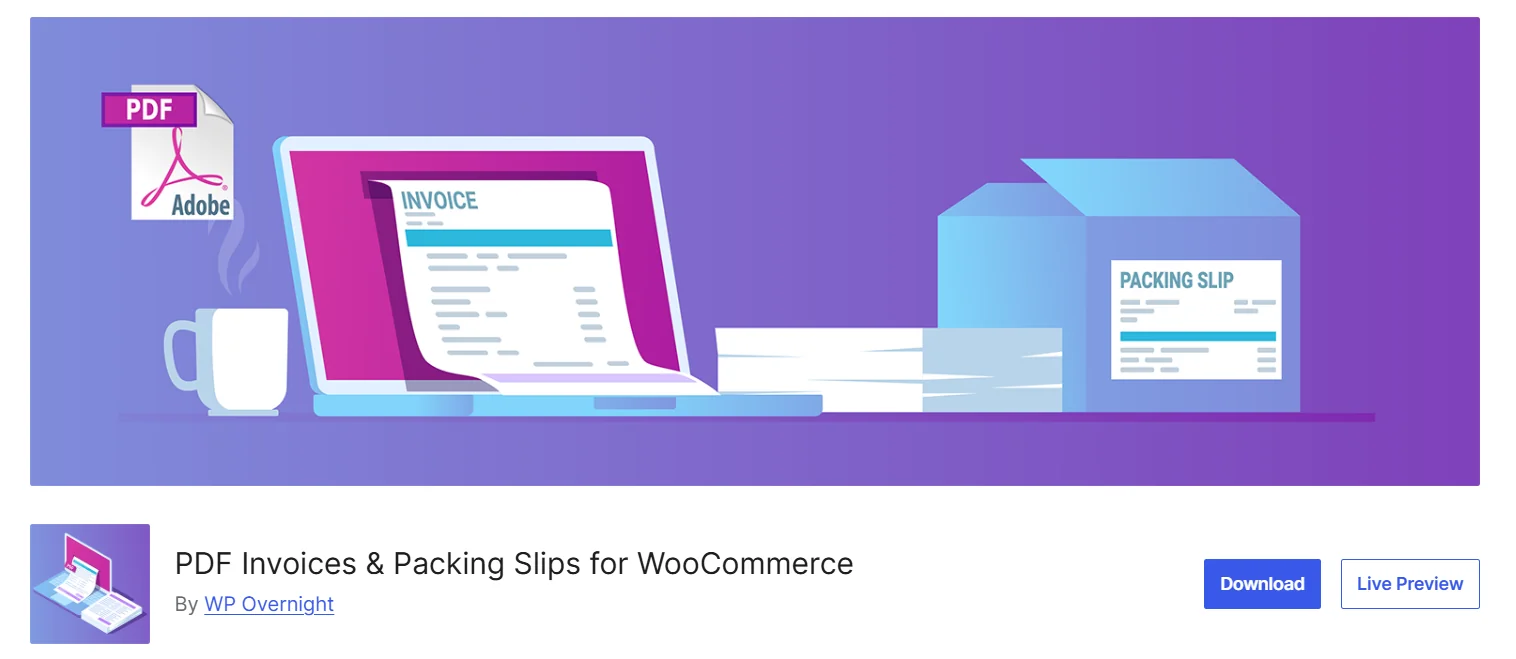
You get a clean “Simple” template out of the box, but you can take it further with HTML/CSS customization. If you know your way around code, you can build invoices that match your brand perfectly. For everyone else, you will have to stick with the default.
The plugin includes bulk generation, sequential numbering with yearly reset, and support for 35 languages. Need RTL languages like Arabic or Hebrew? There’s an mPDF extension for that.
Also, I liked its onboarding setup. It guided me step by step to set up the important things needed to accurately generate the invoice documents.
What Users Like
- Auto-attaches PDF invoices to WooCommerce order emails (configurable by order status)
- Bulk generation and export – filter by date range, order status, or customer etc.
- Sequential invoice numbering with prefix/suffix options and automatic yearly reset
- 35 languages supported out of the box plus free extensions for RTL and CJK fonts
- E-invoicing compliance built-in – UBL 2.1, Peppol BIS 3.0, Factur-X, ZUGFeRD standards
- Several users praised it for its free invoicing option available
What Can Be Improved
- Need extra extensions for several advanced features
- The visual drag-and-drop builder is not available like other modern solutions
2. WowInvoice – PDF Invoice and Packing Slips by WPXPO
If there’s a true all-in-one PDF invoice plugin for WooCommerce, this is it.
From a single plugin, you can create seven document types – invoices, packing slips, picklists, shipping labels, credit notes, delivery notes, and UBL invoices.
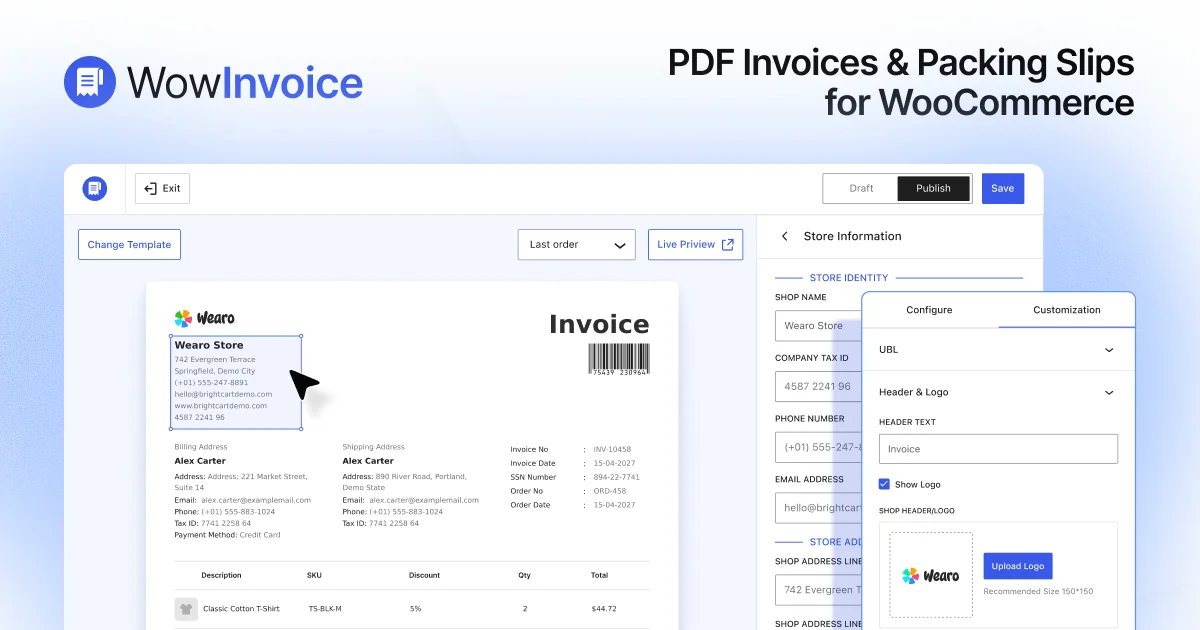
Everything auto-generates based on order status triggers you control – processing, completed, on-hold, whatever works for your flow.
Also, you get full control over numbering (prefix, suffix, minimum length, live preview), branding (logo, business details, tax ID), and what shows in the product table (images, SKU, tax per item, discounts, quantity).
The amazing part of this plugin is a fully interactive invoice builder. You can interact with the document preview and directly customize the details like store information, product information, invoice details like date, number, ID number, and a lot more.
Barcodes and QR codes are built in. And you can attach up to three extra files, such as terms, warranty, or policy to any document.
Even in the free version, users can create and auto-generate invoices, packing slips, and delivery notes, which is not possible in other plugins (requires paid upgrades).
What Users Like
- Auto-generate invoices, packing slips, picklists, shipping labels, credit notes, delivery notes, and UBL invoices
- Fully interactive, easy-to-use invoice builder
- Allow customers to download invoices from their My Account page
- Fully branded documents with logo, business details, and custom styling
- Bulk export multiple PDF invoices at once for high-volume orders
- EU VAT Compliance, barcodes, and QR codes support
- RTL support for right-to-left languages like Arabic and Hebrew
- UBL 2.1, PEPPOL BIS 3.0, and country-specific CIUS formats
- Lifetime license with unlimited sites – no annual renewals required
- Several users praise its prompt and helpful response from the support team
What Can Be Improved
- Some users would prefer more language support
3. Challan – PDF Invoice & Packing Slip by WebAppick
Challan is another great tool to attach invoice PDFs to WooCommerce emails based on order statuses. You get invoices and packing slips with a “hide prices” option for dropshipping, shipping labels, and delivery notes.
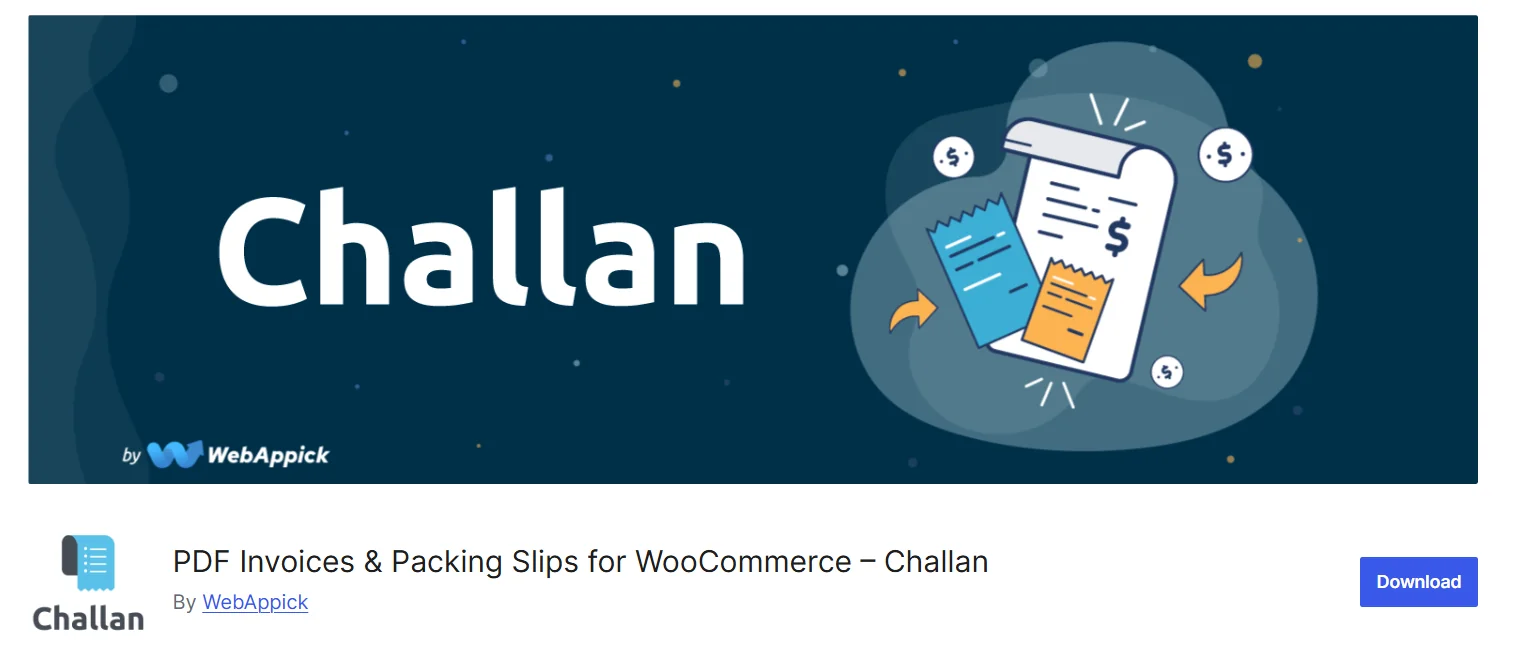
Bulk download works two ways – grab everything as a ZIP or merge into a single PDF, filtered by date range and order status. Perfect for handing off the task to an accountant.
Also, I was playing with its settings – the customization covers the essentials: logo upload, business info, header/footer text, paper sizes (A4, A5, A3, Letter). You can also take it further with custom CSS, which will require the PRO version.
For region-specific compliance, the Pro version adds GST for India and ZATCA e-invoicing for Saudi Arabia, which is a great feature if you sell in those markets.
What Users Like
- Auto-attaches invoices based on WooCommerce order statuses
- Merged single PDF with date range and order status filtering
- Packing slips with “hide prices” option – essential for dropshipping workflows
- 15+ languages supported, customer-order-language detection in Pro
- GST invoice format (CGST/SGST/IGST) and ZATCA e-invoicing in Pro
- Users praise its multilingual support
What Can Be Improved
- No visual drag and drop editor
- No interactive preview for template customization
4. PDF Builder for WooCommerce by EDGARROJAS
This is the plugin for people who want to have Gutenberg-style block editing for designing their PDF invoice. You can add rows, wrappers, tables, QR codes, barcodes, signatures, and other block types to build exactly what you need.
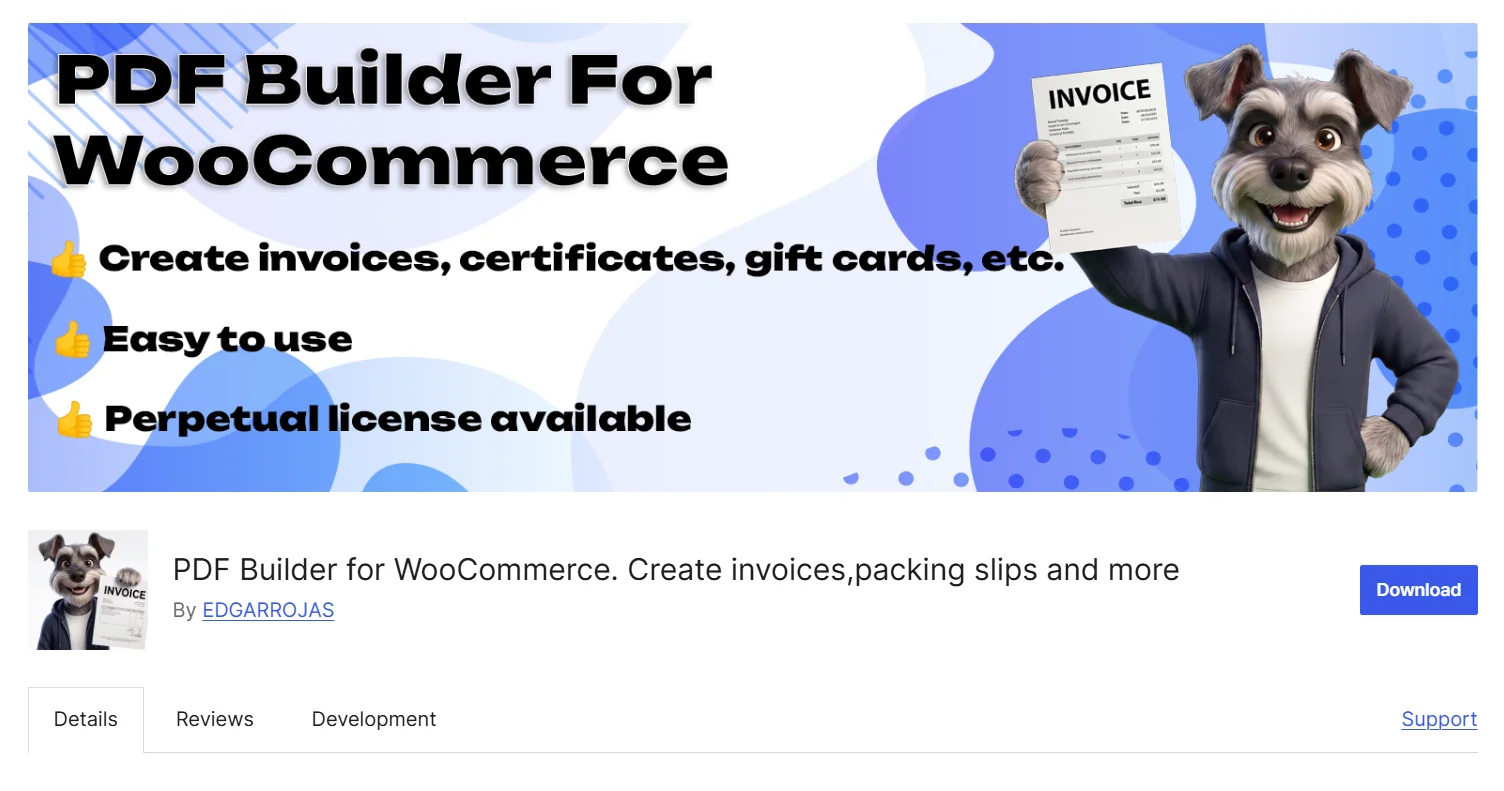
The free version lets you play with the builder and use one template. I had fun testing this– drag a Products Table block, customize columns (thumbnail, VAT, discount, weight), add your logo, drop in a barcode and lots of other cool things.
Do you want to send or generate the PDF only when a particular condition is met? The Pro version unlocks that feature. There’s also a template gallery with pre-built designs you can import and customize.
What Users Like
- Drag-and-drop visual builder with a wide library of block types
- Barcode support included – Code 128, Code 39, EAN-13, EAN-8 for inventory and shipping labels
- Online template gallery with customizable pre-built designs importable in one click
- Conditional logic for PDF generation
What Can Be Improved
- The user may get confused with the UI when interacting with the “Create New Invoice” button
- The UI may seem a bit outdated design-wise
5. Flexible PDF Invoices for WooCommerce by WP Desk
If you need a plugin that works without any dependency on WooCommerce, then you can use this tool to create manual VAT invoices directly in WordPress.
The Gutenberg-based template editor gives you more than enough blocks to construct invoices: Row, Wrapper, Document Number, Price Summary, Tax Table, Notes, Dates, Currency Conversion Table, Recipient, Customer, Company, Products Table, and much more, which I liked while testing this.
The free version handles manual invoice creation, sequential numbering with shortcodes, and WPML support.
When you switch to Pro, it adds automatic invoicing on order status, reverse charge logic, and currency conversion with ECB exchange rates.
What Users Like
- Works standalone without WooCommerce: create manual VAT invoices directly in WordPress
- EU VAT number field on checkout and order data
- MOSS/OSS support, reverse charge, currency conversion with ECB rates (Pro)
- Many users praise their support team
What Can Be Improved
- Free version lacks automatic invoicing, which may be a dealbreaker for many
- Some users found that the plugin required too many add-ons
6. Print Invoices & Delivery Notes by Tyche Softwares
If you need a free plugin to get started with the invoice solution, this plugin is a great option. This plugin auto-generates invoices and delivery notes, attaches them to order emails, and lets customers print from their My Account page.
The template is functional but may feel a bit outdated. You get custom invoice numbering with prefixes, suffixes, and padding options. The bulk printing option is also available from the admin orders page.
There’s no visual builder, no drag-and-drop – customization happens through hooks and filters if you’re comfortable with code. So, you might want to keep that in mind.
What Users Like
- The free version provides the basic invoicing features
- Auto-attaches invoices to order emails and enables customer My Account downloads
- Bulk print from the admin orders page with one-click selection
- Custom invoice numbering with prefix, suffix, and padding options
What Can Be Improved
- Many support issues have not been resolved in recent times
- Limited multi-language/RTL support compared to other plugins
- Users faced serious issues with the latest version of WordPress
How to Choose the Right Plugin for Your Store
Not every WooCommerce store has the same invoicing needs. The best PDF invoice plugin for you depends on your business size, workflow, compliance requirements, and how much customization you need.
Here’s What Each Plugin Does Best:
- Best overall solution: WowInvoice
- Best free option: Print Invoices & Delivery Notes
- Best for compliance and e-invoicing: PDF Invoices & Packing Slips by WP Overnight
- Best for dropshipping: Challan
- Best for invoice design: PDF Builder for WooCommerce
- Best for non-WooCommerce invoicing: Flexible PDF Invoices for WooCommerce
The good news is that all of these plugins can handle basic PDF invoicing. Your decision ultimately comes down to whether you prioritize compliance, customization, fulfillment workflows, or simply getting started with a free solution.
Why EU VAT Compliance Should Decide Your Plugin Choice
If you sell to EU customers, VAT isn’t optional – it’s a legal obligation. The EU requires invoices to show the customer’s VAT number, supplier VAT number, and proper tax line breakdowns. Tax authorities can and do audit records. A PDF invoice plugin that doesn’t support EU VAT compliance can put your store in a risky position.
So, what does “EU VAT Support” actually mean in terms of plugins?
- Collecting the customer’s VAT number during checkout
- Alternatively, integrating with popular EU VAT validation plugins to collect VAT information directly
- Displaying that tax information on invoices and credit notes
- Placing it in the right position: billing, shipping, or both
It’s that easy – but at the same time, it can get messy if you are not using the right tool.
Learn more: How to generate EU VAT-compliant PDF invoices?
How WowInvoice Handles EU VAT Brilliantly
WowInvoice includes dedicated EU VAT support that collects and displays customer VAT numbers on invoices. The plugin offers three flexible sources for VAT data:
- WowInvoice adds a custom field on the checkout page to collect data manually
- Pulls VAT data directly from popular third-party VAT plugins like Germanized, EU VAT Assistant, and EU VAT Guard
- Custom meta keys for unlisted or custom VAT handling
The result? Your customers get fully VAT-compliant invoice documents that look professional.
More Than Invoices: Automate Your Entire Document Workflow
A PDF invoice is only one piece of the fulfillment puzzle. Real stores also need packing slips for warehouse teams, credit notes for refunds, shipping labels for carriers, delivery notes for couriers, and picklists for the team walking aisles.
Installing separate plugins for each document type adds up quickly – in licensing costs, support issues, and integration headaches.
Instead, look for a solution that offers multiple types of document generation under 1 tool.
That’s why we recommend using WowInvoice – out of the box, it supports seven document types: invoices, packing slips, picklists, shipping labels, credit notes, delivery notes, and UBL invoices.
And it has an amazing lifetime unlimited-sites plan, which means you pay once for unlimited usage across all your stores – and get every document type included.
In short: don’t settle for just “another invoice plugin”. Rather, look for a document automation system.
FAQ: Your WooCommerce Invoice Questions Answered
Q: Do I really need a plugin? Can’t I just use WooCommerce’s built-in emails?
A: WooCommerce emails are order confirmations, not legal invoices. They lack sequential numbering, proper tax breakdowns, and the formatting required for compliance. A plugin is essential for any serious store.
Q: What’s the difference between an invoice and a packing slip?
A: An invoice is a financial document — prices, taxes, totals, payment terms. A packing slip is a fulfillment document – products, quantities, SKUs, no prices (usually). You need both if you ship physical products.
Q: Will these slow down my store?
A: Not noticeably. All the plugins I’ve covered are lightweight. WP Overnight and Print Invoices & Delivery Notes are particularly minimal. PDF generation happens asynchronously in most cases.
Q: Is there an all-in-one solution that generates PDF invoices, packing slips, and picklists?
A: Yes, you can use the WowInvoice plugin to create PDF invoices, packing slips, and picklists without requiring multiple plugins or paid upgrades. Also, the plugin offers one-time pricing for a lifetime deal, saving you hundreds of dollars every year.
