
Private Store for WooCommerce
Restrict access to products, prices, or the full storefront based on login status and user roles.
 4.9 out of 5 based on 450+ reviews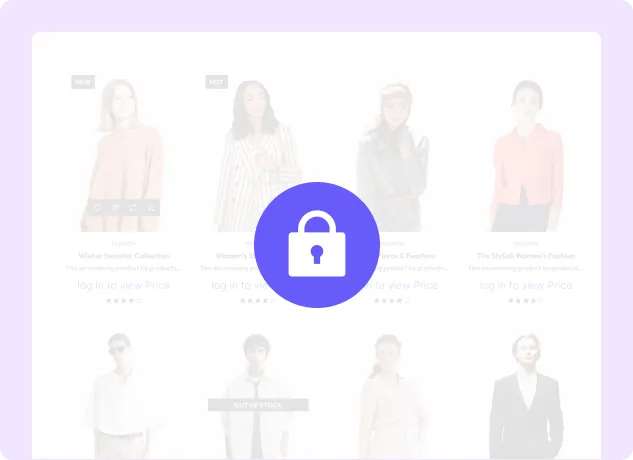
Everything You Need to Build a Private WooCommerce Store
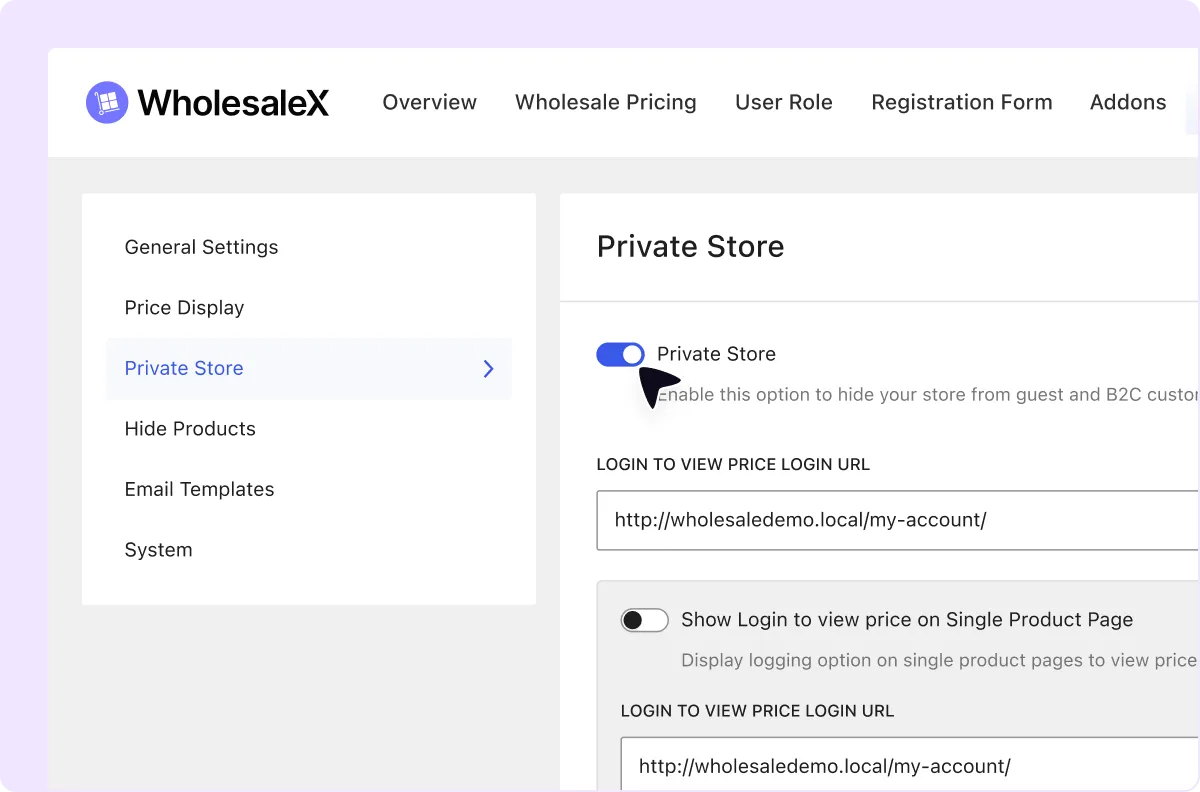
Create a Private Store with One Click
Restrict access to the store so only approved or logged-in users can view selected content.
Require Login to View Product Prices
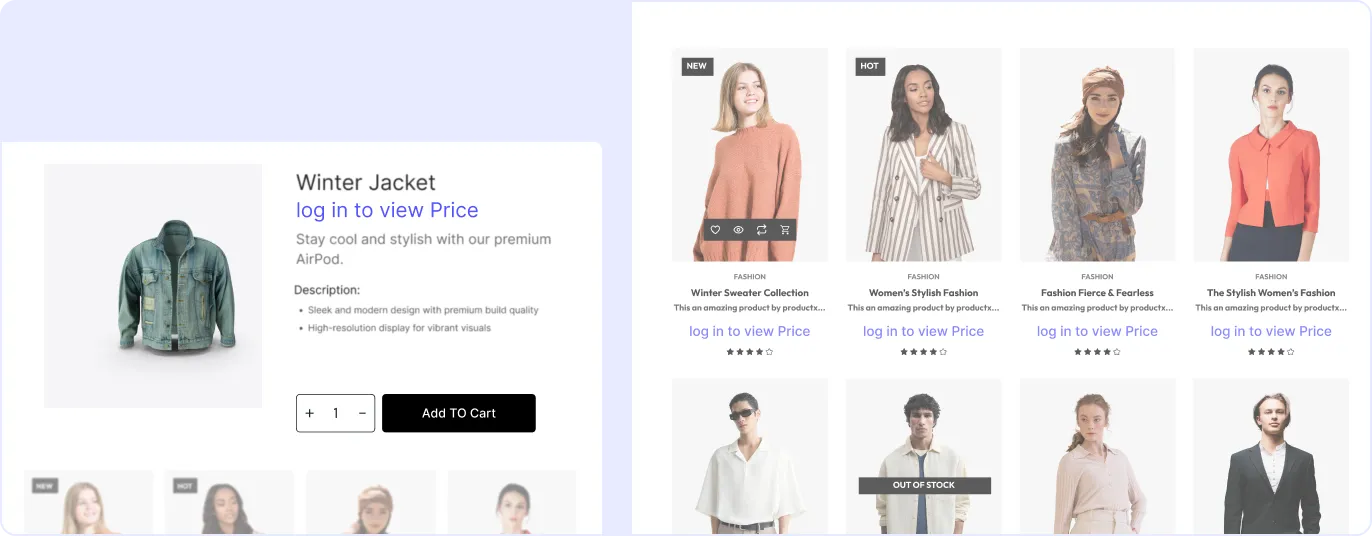
Hide product prices from visitors and require them to log in with an authorized customer account before viewing them.
Control Product Visibility by User Role
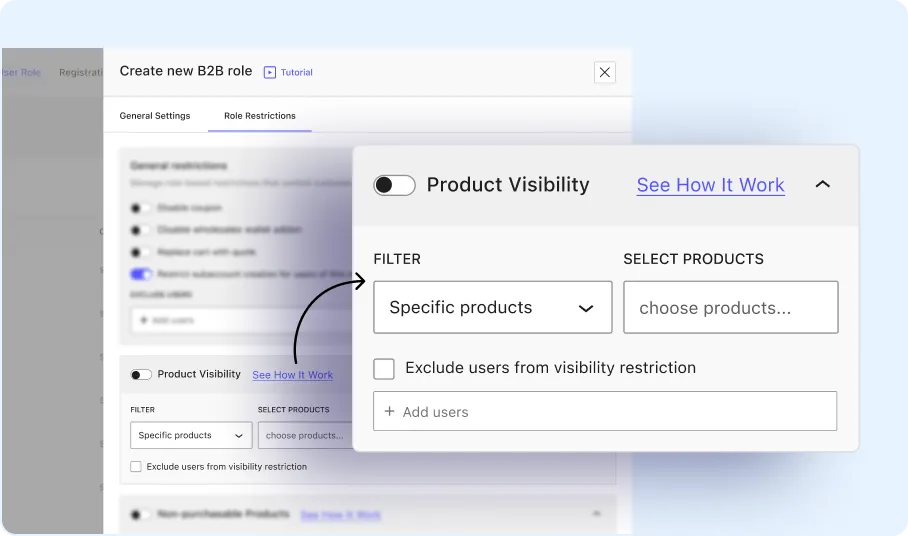
Restrict selected products from appearing for specific users or customer roles.
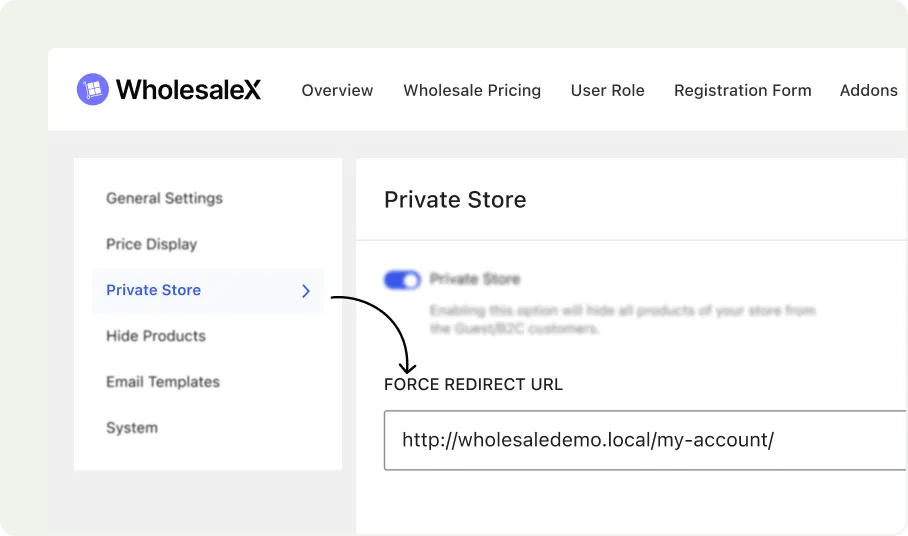
Redirect to Reg and Login Page
Forcefully redirect users to the registration page or any other page.
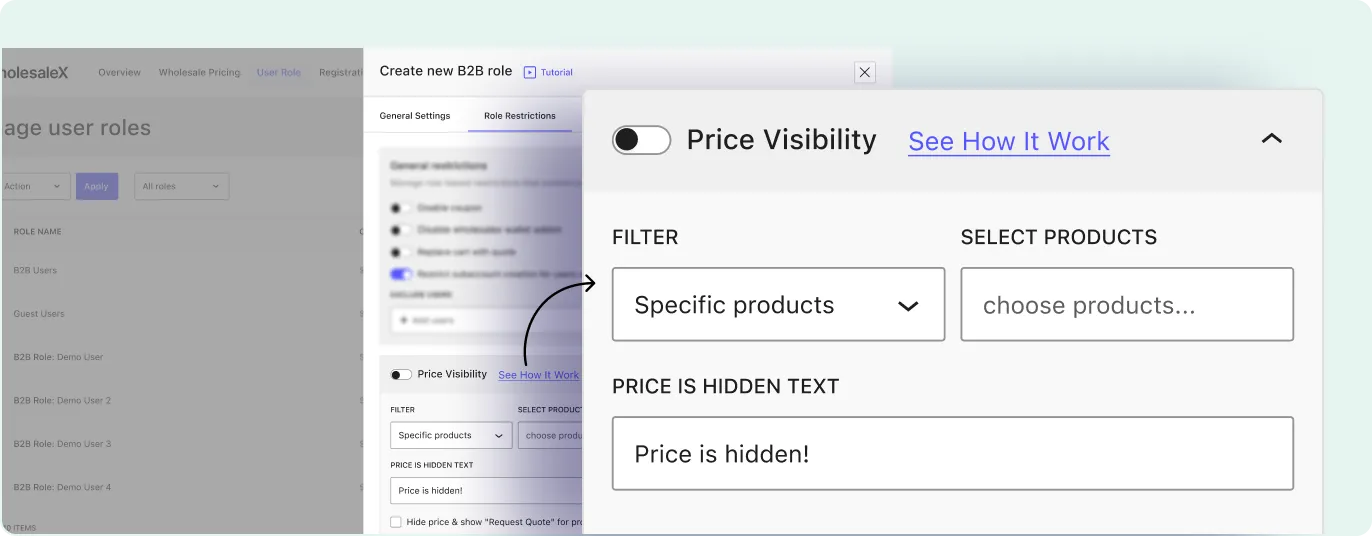
Hide Product Prices
Keep product prices hidden from visitors and display them only after they log in to an authorized customer account.
Types of Private Store You Can Create
Private store settings can be used to create different access models based on who can view products, prices, and checkout options.
Wholesale-Only Store
Create a store where only approved wholesale users can view products, prices, or purchasing options.
Members-Only Store
Limit store access to registered and approved members.
Login-to-View Store
Allow visitors to browse the store structure while requiring login to view prices or purchase products.
Private Product Catalog
Keep selected products or categories hidden from public visitors or specific customer groups.
Role-Based Private Store
Display different products, prices, or store sections based on the customer’s assigned role.
Hidden Pricing Store
Show product details while hiding prices from selected visitors or customer groups.
Frequently Asked Questions
Explore these frequently asked questions about private store that you might be curious about.
Feel free to contact our support team if you have any questions, need assistance, or require guidance. We’re always happy to help and ensure you have the best possible experience.
Turn Your WooCommerce Store into a Private Store
Control who can view products, prices, and store sections based on login status and user roles.