
WholesaleX Digital Wallet for WooCommerce
Add a store wallet system that lets customers add funds, use wallet balance at checkout, and receive refunds as store credit.


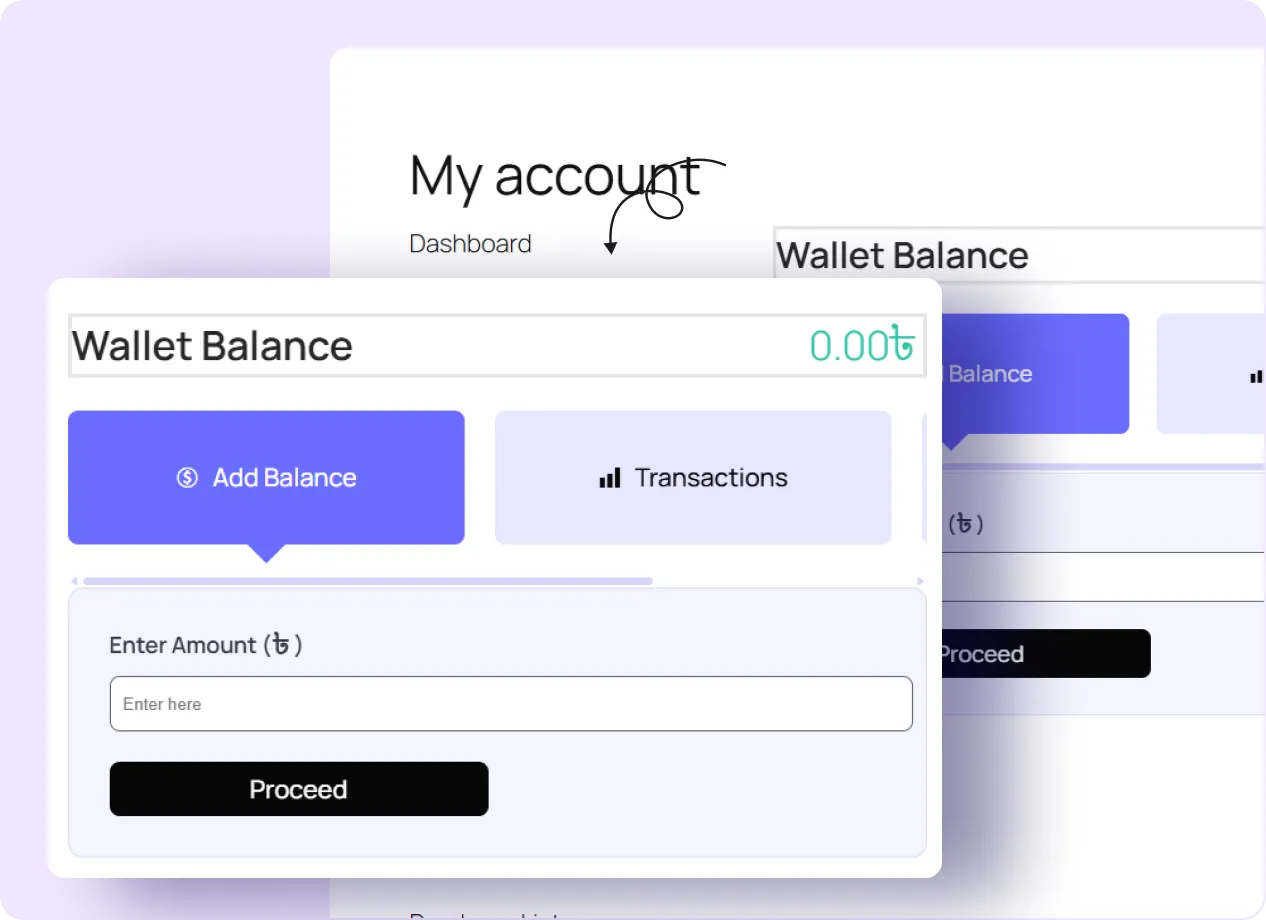
Manage Wholesale Wallets in your wholesale business
Display Wallet on My Account
Show wallet balance, transaction history, and other wallet options inside the customer’s My Account area.
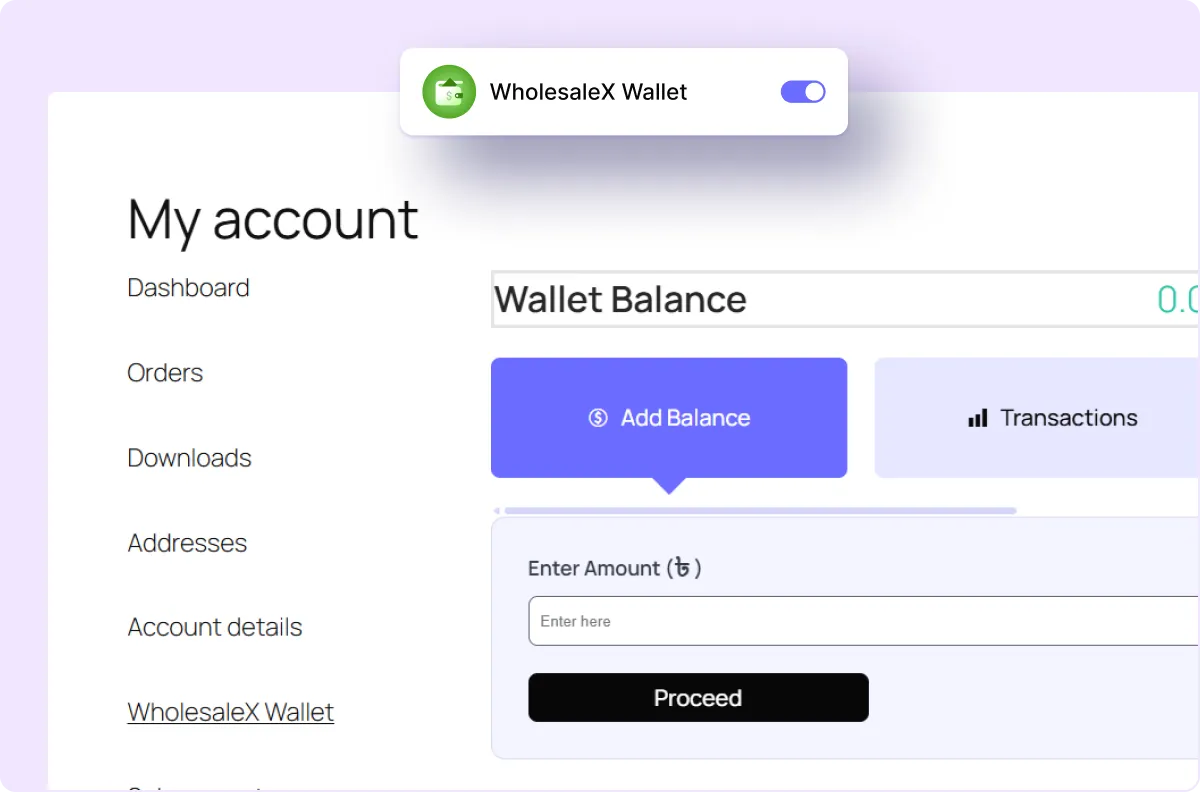
Let Shoppers Add Funds
Let customers add money to their wallet through the payment methods available in your store.
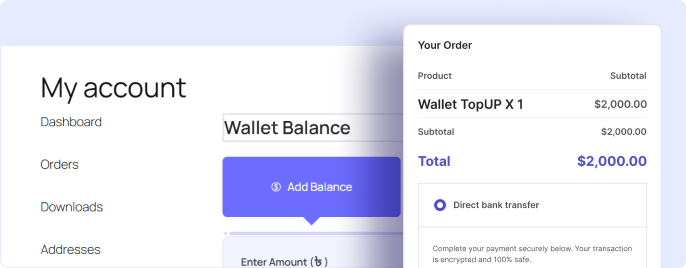
Use as a Payment Method
Let customers use their wallet balance as a payment option during checkout.
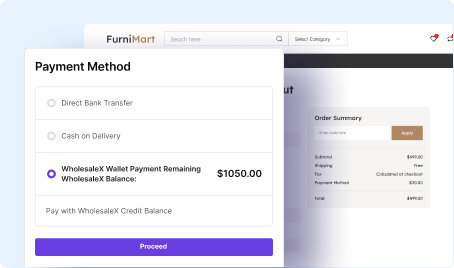
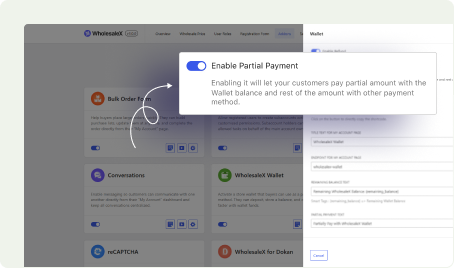
Enable Partial Payments
Let customers pay partly with wallet funds and cover the remaining balance another way.
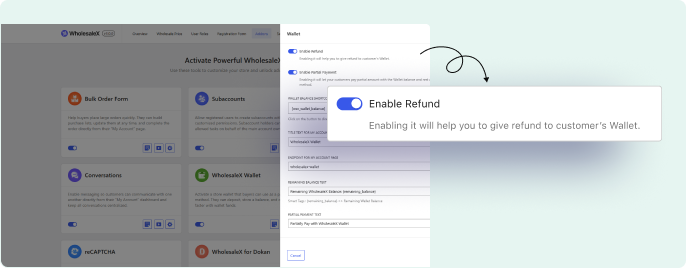
Refund Orders to the Wallet
Send refunded order amounts to the customer’s wallet balance for use as store credit on future purchases.
Benefits of WooCommerce Wallet
A wallet system gives customers a store credit balance that can be used for repeat purchases, partial payments, and refunds.
Simplify Wholesale Payments
Let customers pay from their available wallet balance instead of entering payment details for every order.
Speed Up Repeat Purchases
Let repeat customers use stored wallet funds to check out faster without entering payment details again.
Reduce Payment Processing Time
Process purchases through existing wallet balance when enough funds are available.
Improve Customer Cash Flow
Let customers add funds in advance and use the balance for future wholesale orders.
Process of Setting Up WooCommerce Wallet in Minutes
The wallet feature can be configured in three simple steps: by enabling the addon, adjusting wallet settings, and activating wallet payment at checkout.

Enable the Wallet Addons
Turn on the wallet feature from the WholesaleX addon settings.

Configure Wallet Settings
Set wallet rules such as partial payment options, refund behavior, and edit texts.

Enable Wallet as Payment Method
Enable wallet payments in WooCommerce so customers can use their balance at checkout.
Frequently Asked Questions
Explore these frequently asked questions about WholesaleX Wallet that you might be curious about. So, you can make a quick decision about whether you want to buy it.
Feel free to contact our support team if you have any questions, need assistance, or require guidance. We’re always happy to help and ensure you have the best possible experience.
Start Managing Wholesale Wallets with WholesaleX
Let wholesale customers add funds, pay with wallet balance, and receive refunds as store credit.